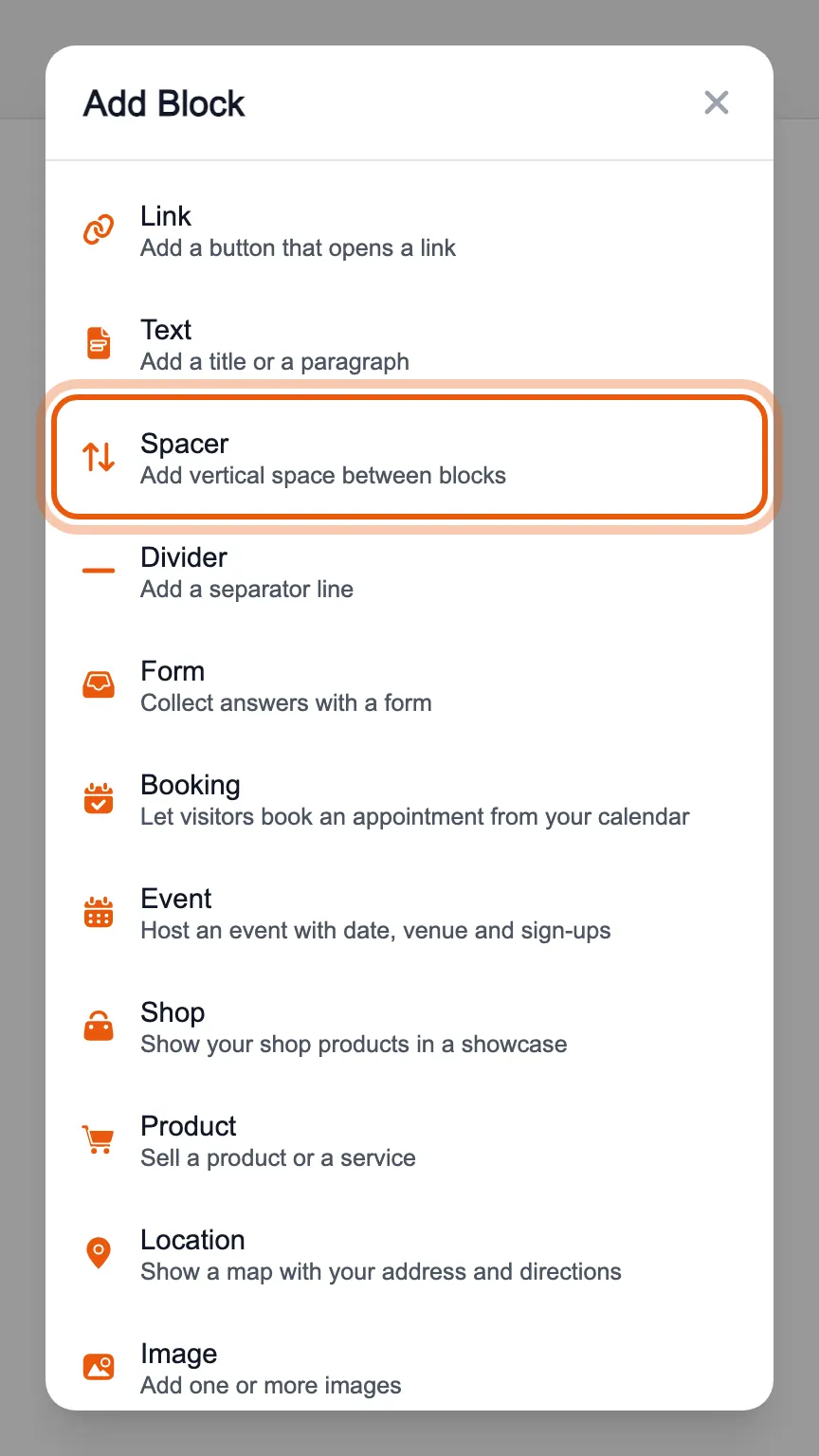
In the editor's «Blocks» tab, press «Add Block» and choose «Spacer».
A spacer has no text: you only choose how much empty space to leave between the block above and the one below, to separate two parts of the page.
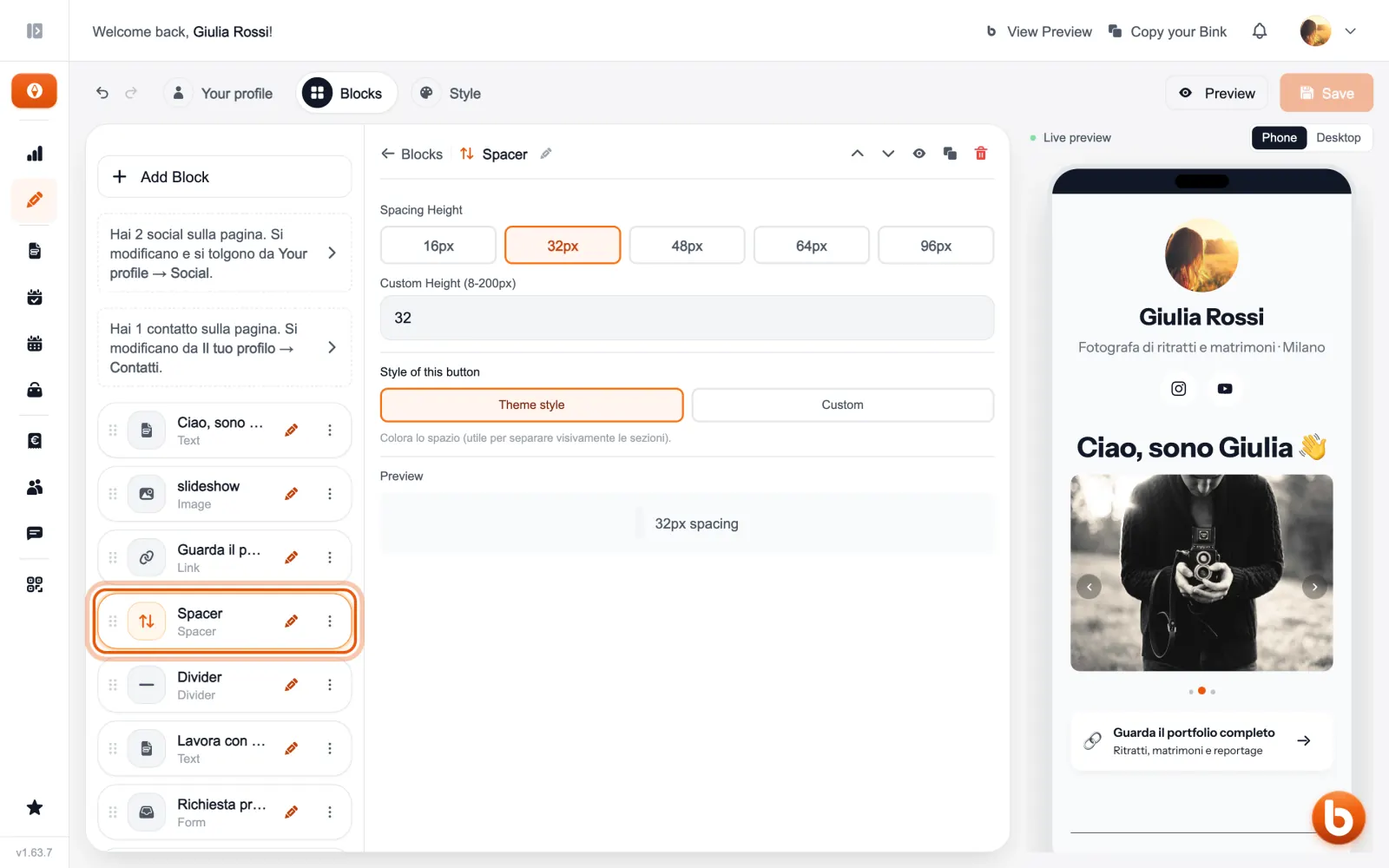
The preview on the right changes as you type. When you are done press «Save»: until you save, visitors see the previous version.
Still stuck?
Terms and definitions live in the glossary; for anything else there’s support.