«Preview», at the top, opens your public page in a new tab, the way visitors see it. It shows the saved version.
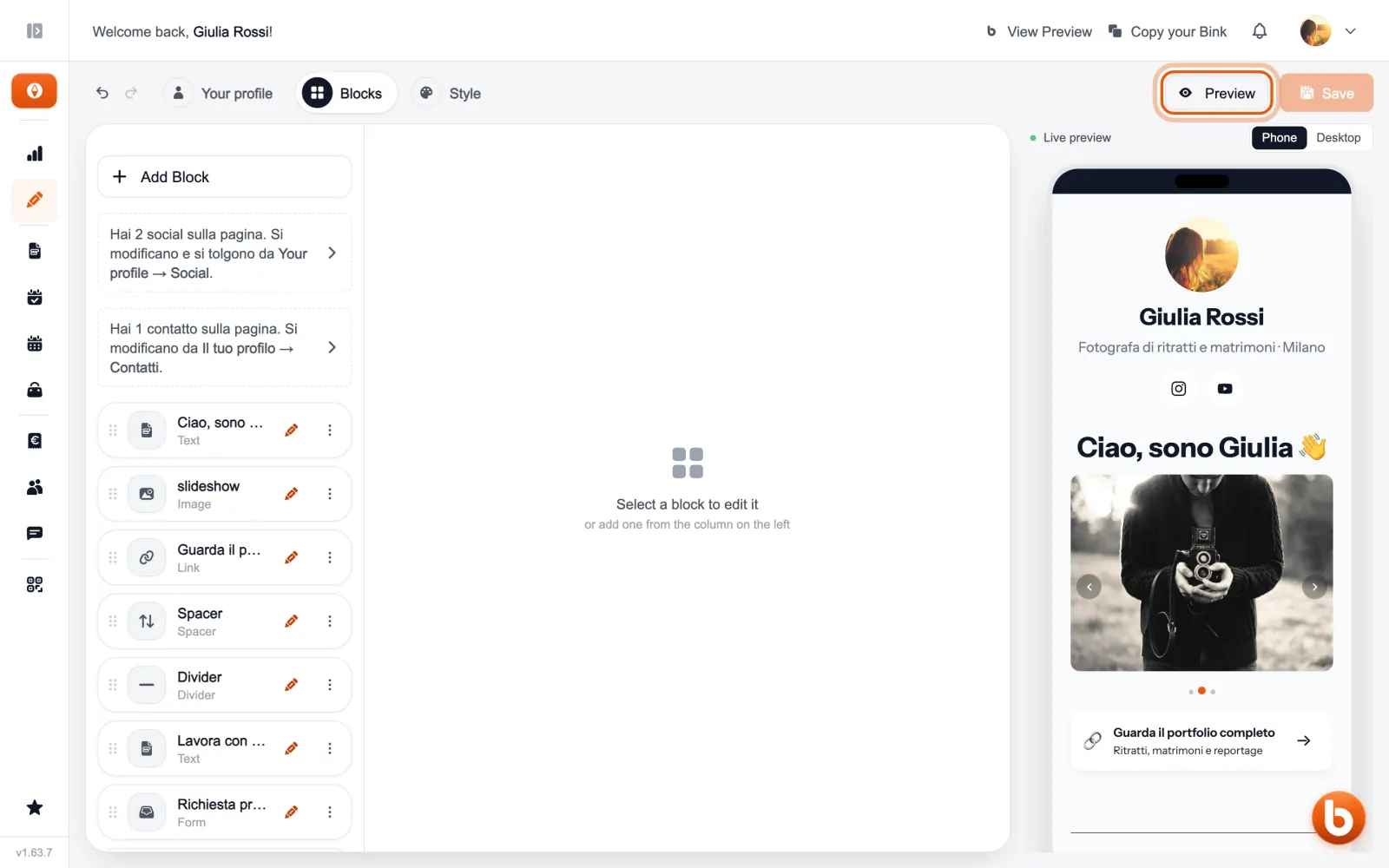
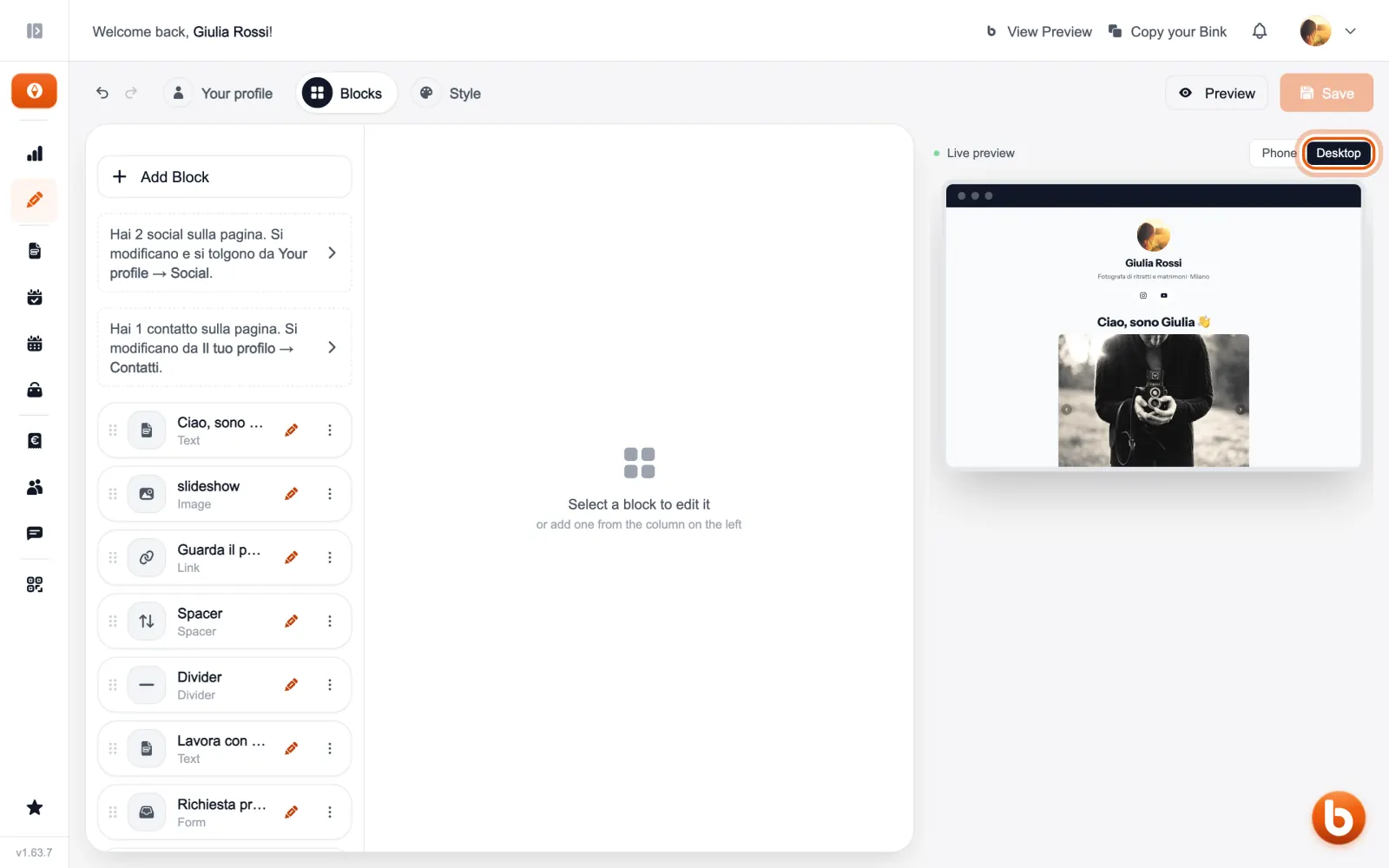
The live preview next to the editor changes as you work, before you even save: with «Phone» and «Desktop» you see it in both sizes.
Still stuck?
Terms and definitions live in the glossary; for anything else there’s support.