Featured block
Shows a booking, a form, an event, a product or your shop in full, inside your page, without leaving it.
In the editor's «Blocks» tab, press «Add Block» and choose «Featured».
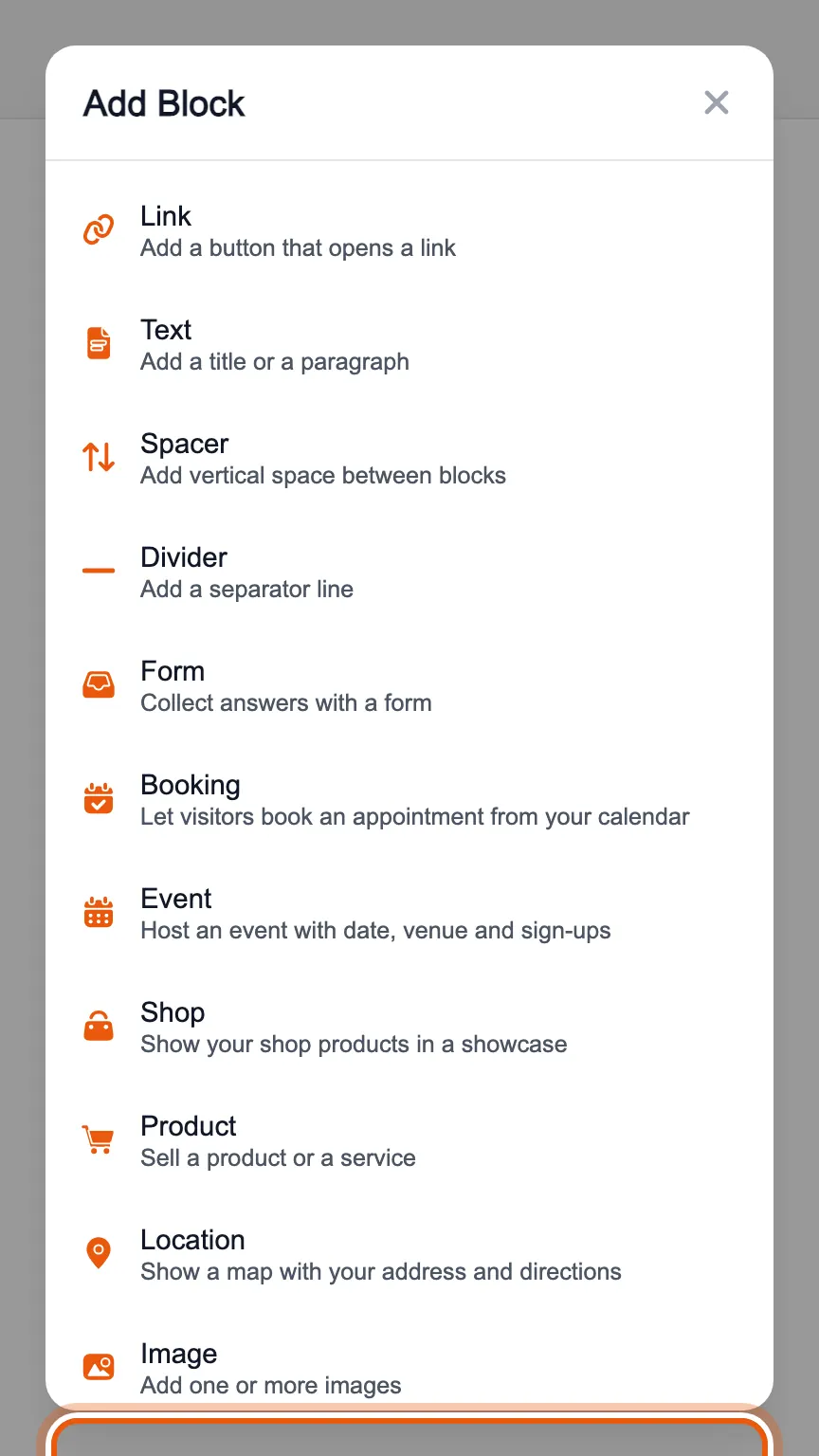
Choose what to feature among the bookings, forms, events, products and shop you have already created. Your page shows it in full, for example the calendar of a booking instead of just its button.
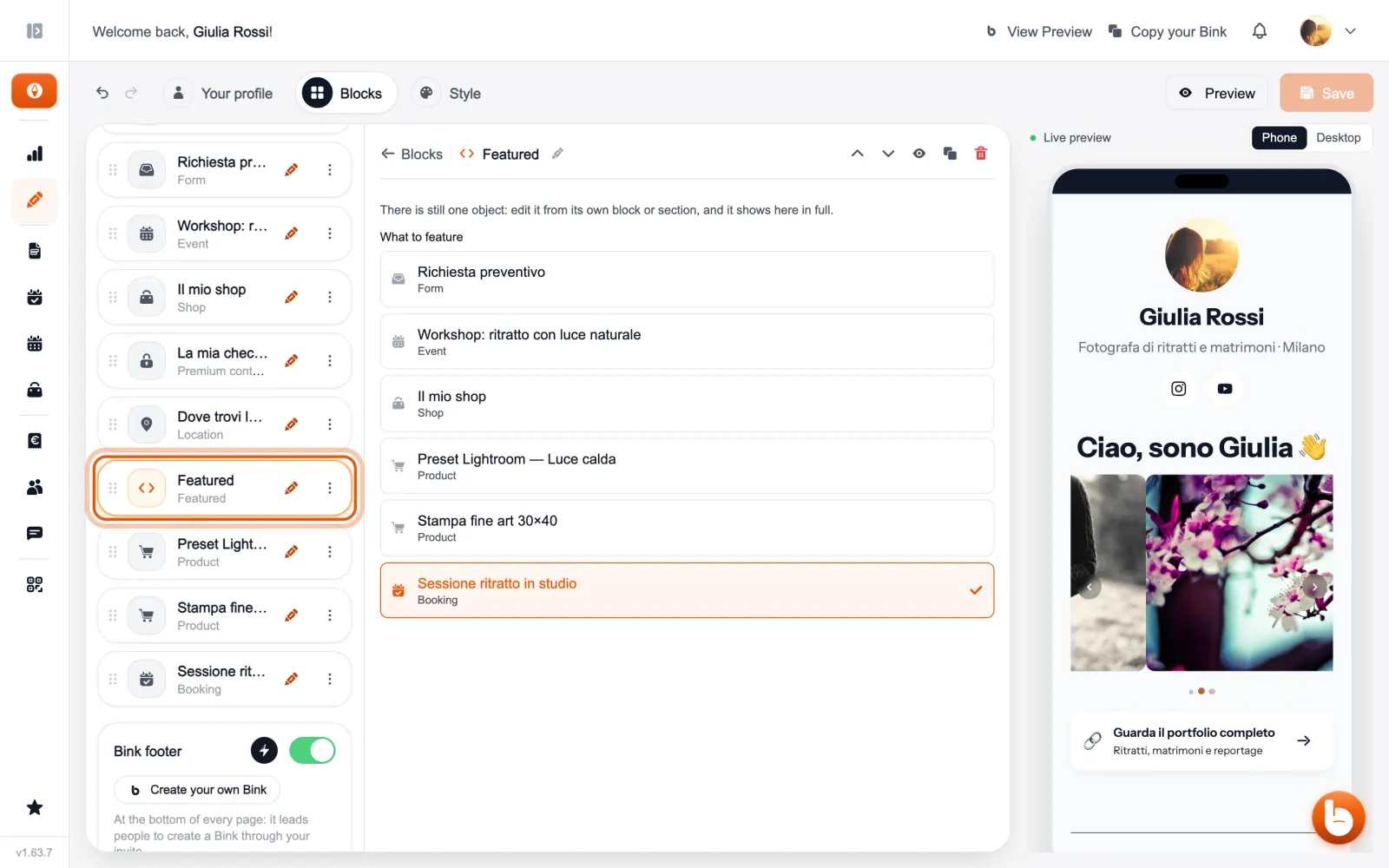
There is still only one object: you edit it from its own block or section, and it updates here by itself. If you remove «Featured», the object and its bookings or sales stay where they are.
The preview on the right changes as you type. When you are done press «Save»: until you save, visitors see the previous version.
Still stuck?
Terms and definitions live in the glossary; for anything else there’s support.