All guidesBlocks
Location block
Shows a map with your address and a button that gets people directions to you.
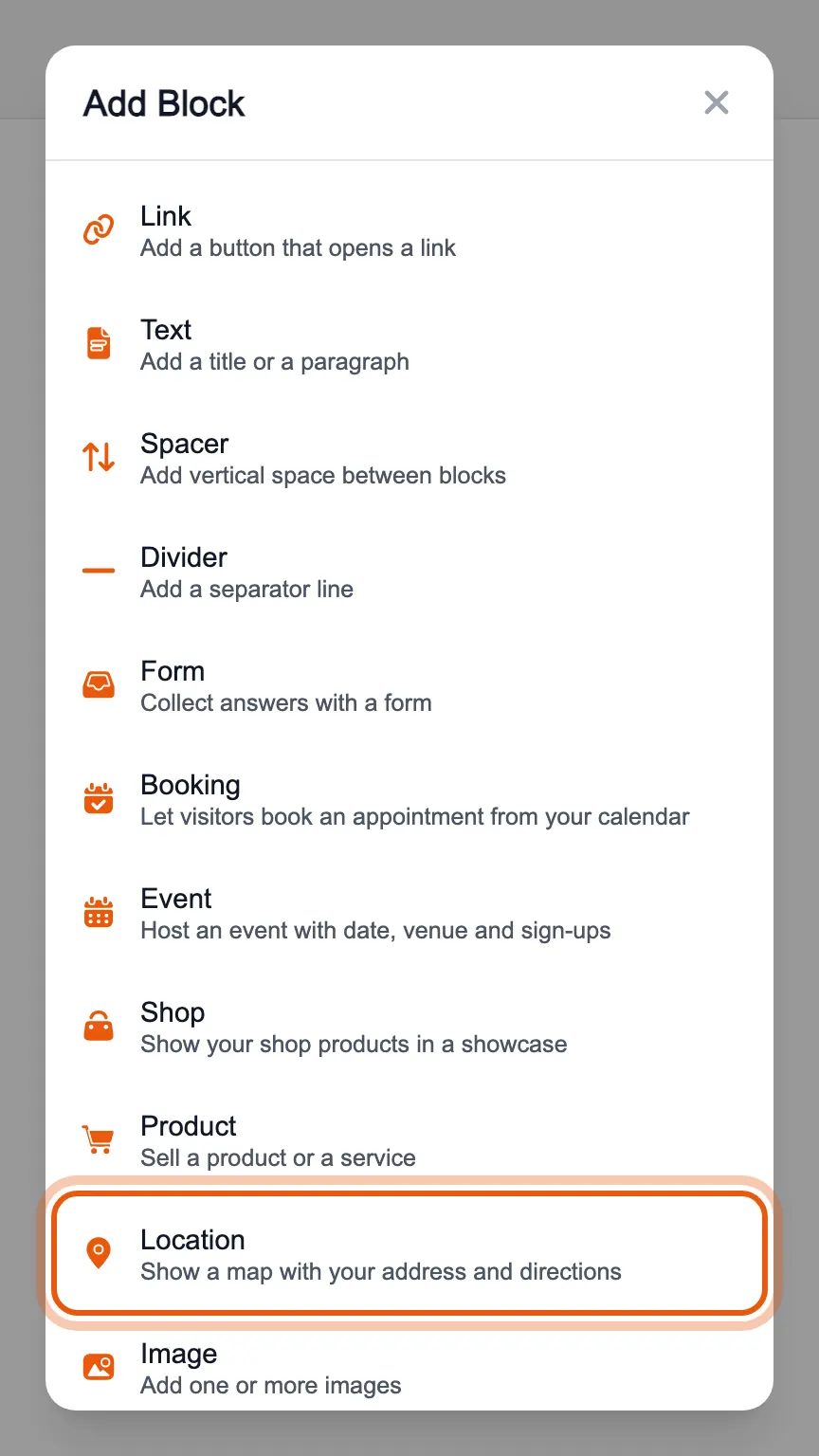
In the editor's «Blocks» tab, press «Add Block» and choose «Location».
Write the address and, if you like, a title and the name of the place. Your page shows the map and a «Get directions» button that takes whoever taps it to you.
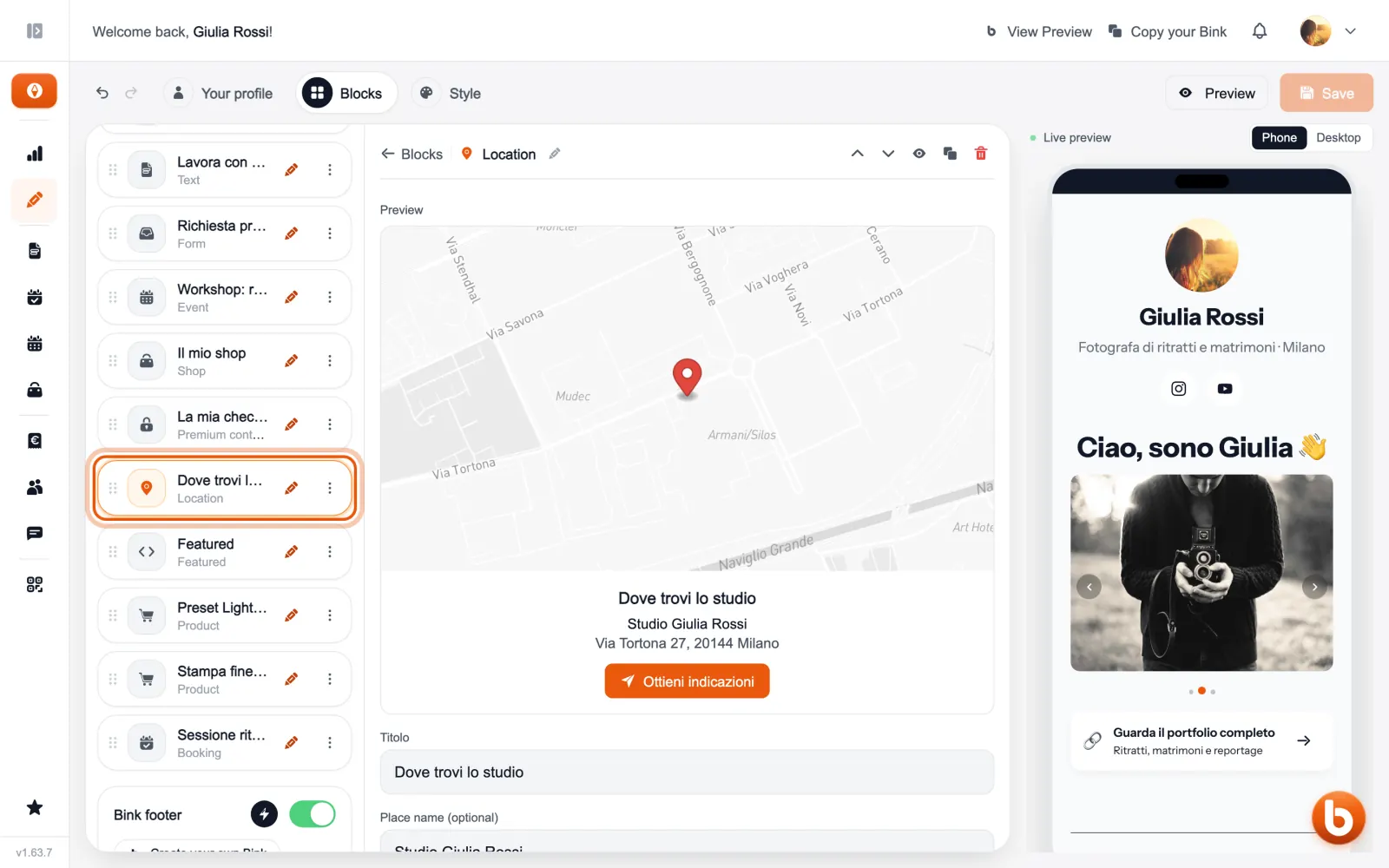
The preview on the right changes as you type. When you are done press «Save»: until you save, visitors see the previous version.
Still stuck?
Terms and definitions live in the glossary; for anything else there’s support.