All guidesBlocks
Shop block
Show several products together in a storefront, with built-in order management.
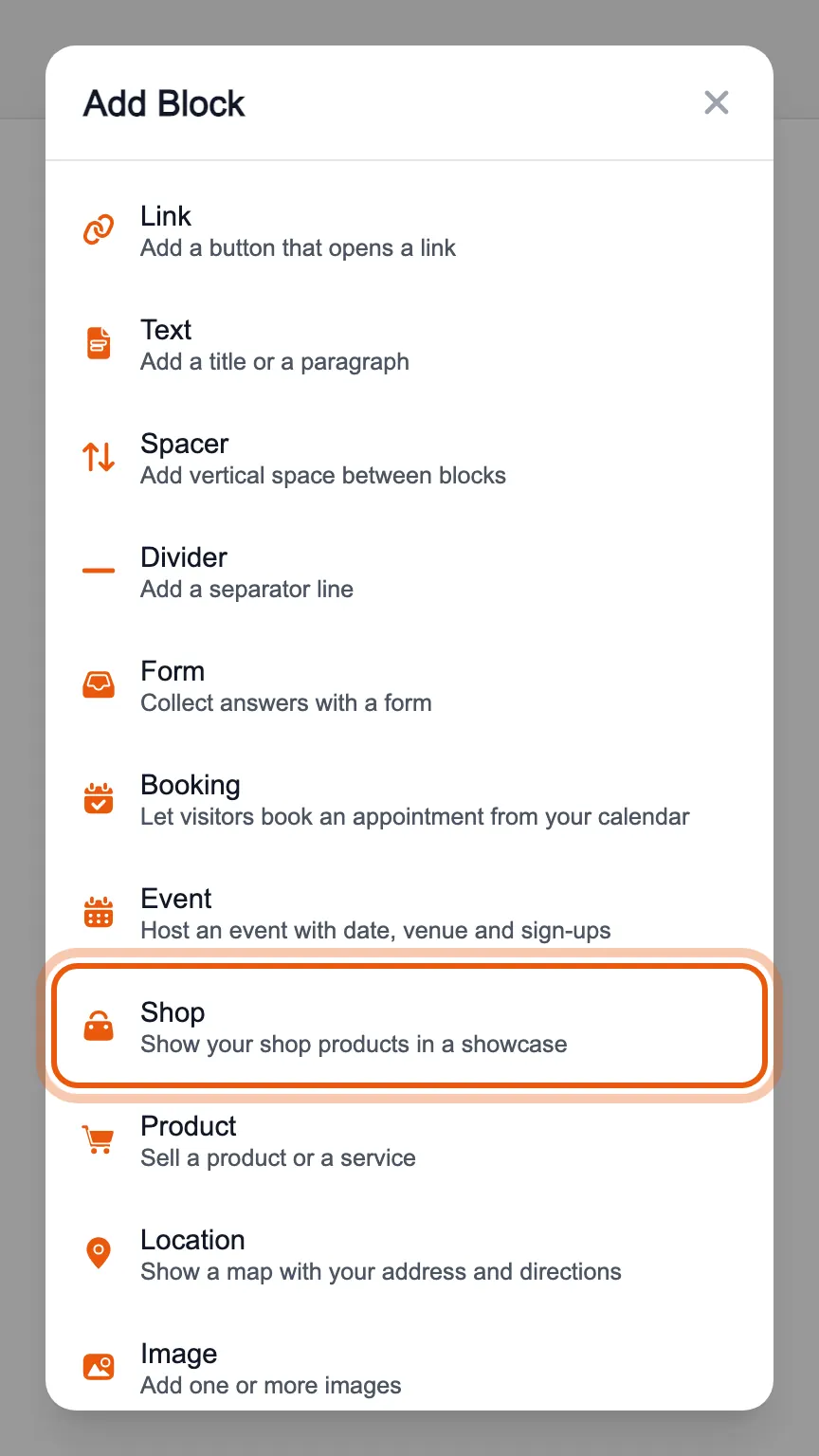
In the editor's «Blocks» tab, press «Add Block» and choose «Shop».
Give the shop a title and choose whether to show the products as a grid («Griglia») or a list («Lista»). Under «Prodotti da mostrare» (products to show) you tick the ones to display; with «Nuovo» (new) you create one on the spot.
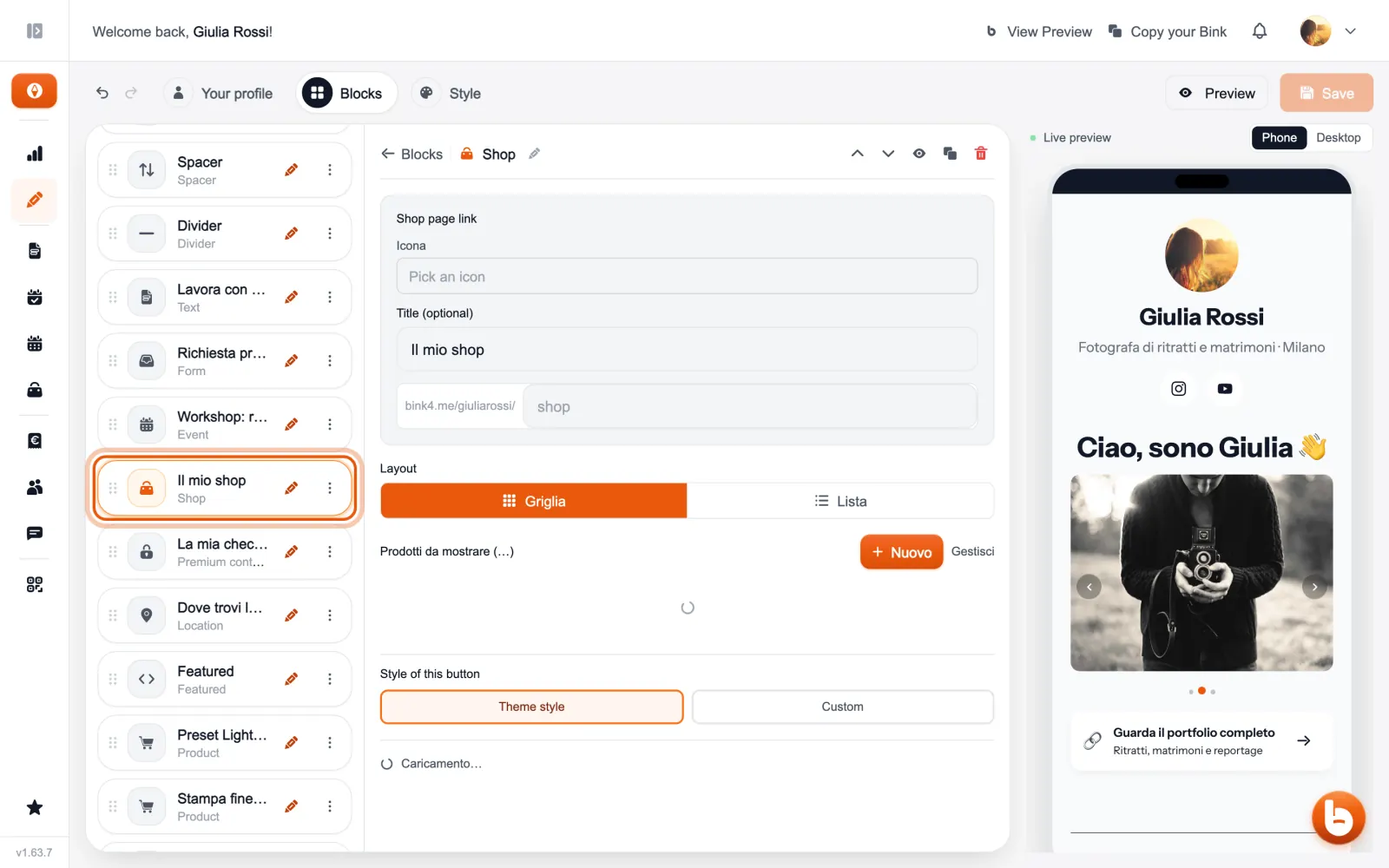
The shop also has its own page, at the address under the title: there visitors can put several products in the cart and pay for them together.
The preview on the right changes as you type. When you are done press «Save»: until you save, visitors see the previous version.
Still stuck?
Terms and definitions live in the glossary; for anything else there’s support.