All guidesBlocks
Social block
Adds your social icons. They're grouped at the top (or bottom) of the page.
Social profiles are not among the blocks: open the «Your profile» tab and choose «Social». With «In alto» and «In basso» you decide whether the icons sit under your name or at the bottom of the page.
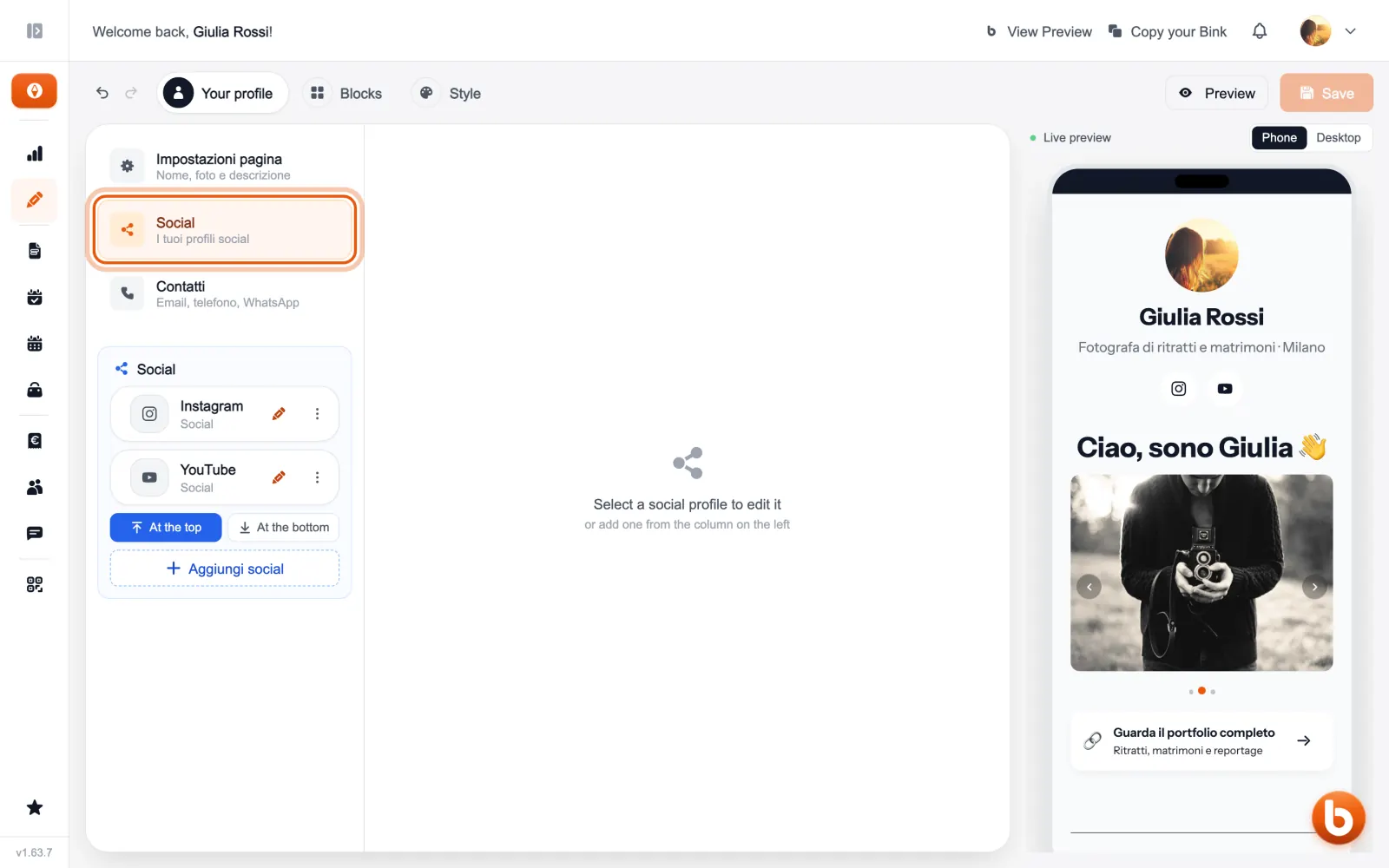
Tap a profile to edit it: choose the platform and paste the address of your profile. The display name comes from the address, and you can change it.
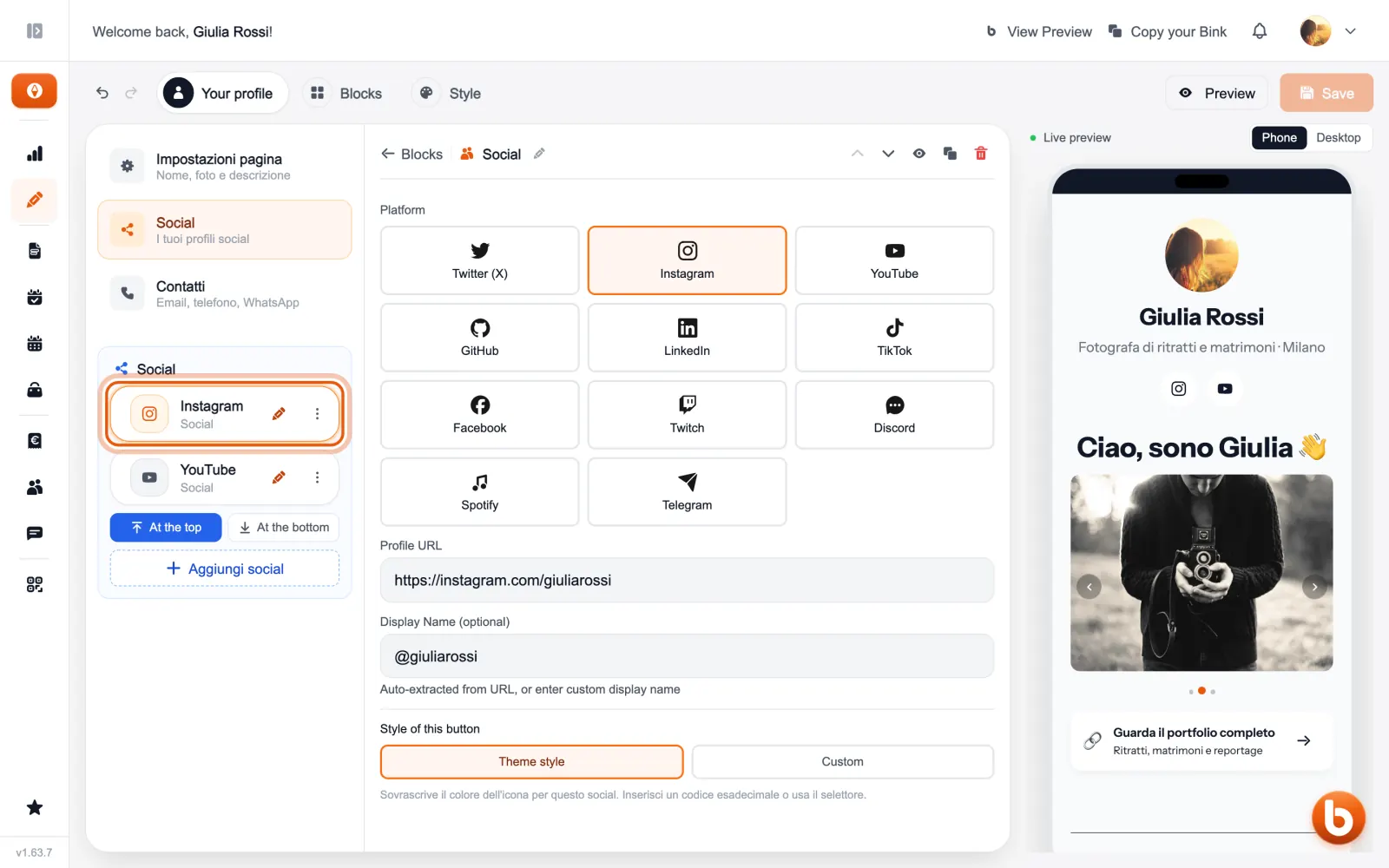
To add another one press «Aggiungi social», below the list.
The preview on the right changes as you type. When you are done press «Save»: until you save, visitors see the previous version.
Still stuck?
Terms and definitions live in the glossary; for anything else there’s support.