All guidesBlocks
Contact block
Collects your contact details (email, phone, WhatsApp, Telegram, vCard) in a single block.
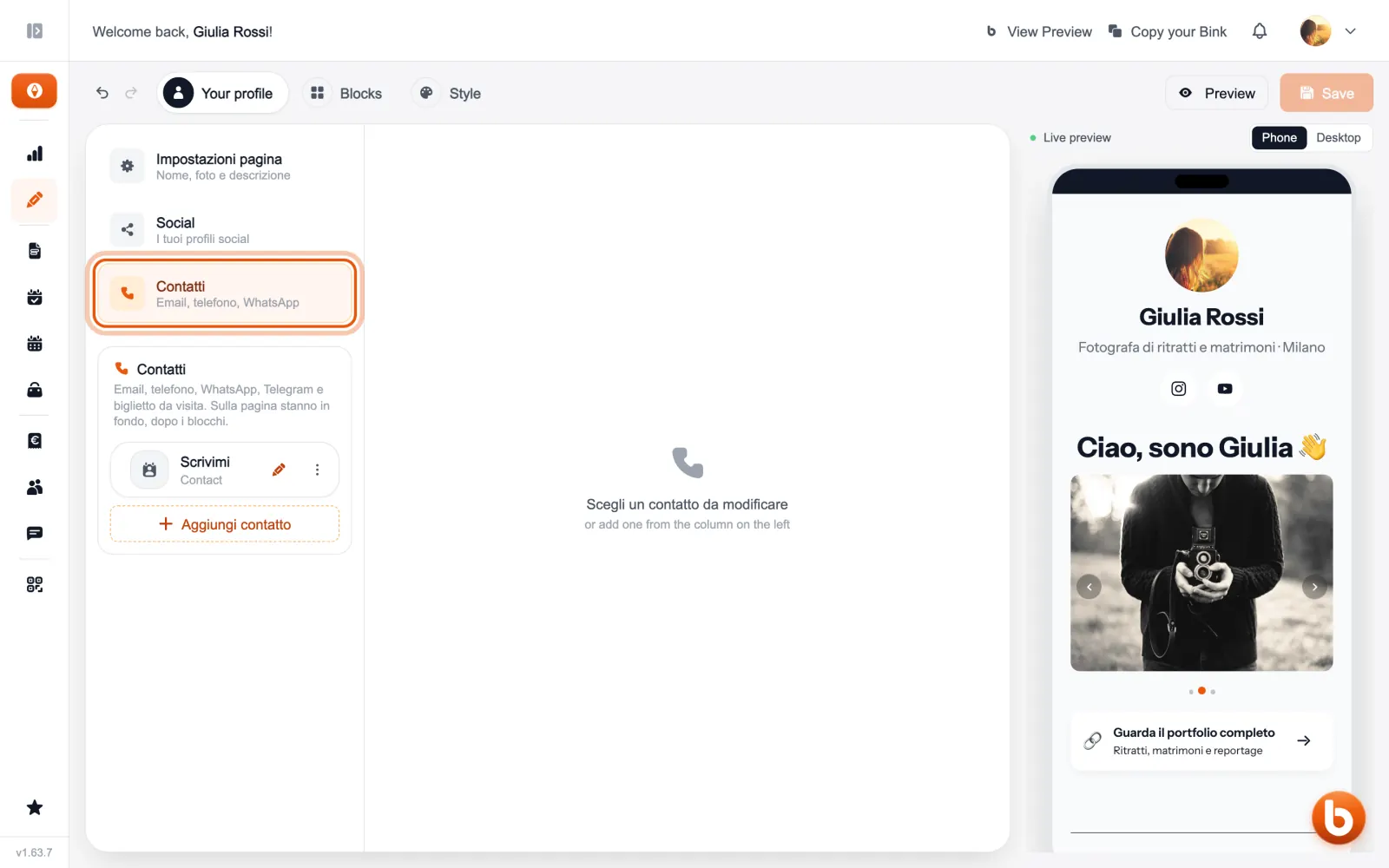
Contacts also live in the profile: open «Your profile» and choose «Contatti». On your page they appear at the bottom, after the blocks.
Switch on the channels you want to show (email, phone, WhatsApp, Telegram and the contact card people can save) and write your details.
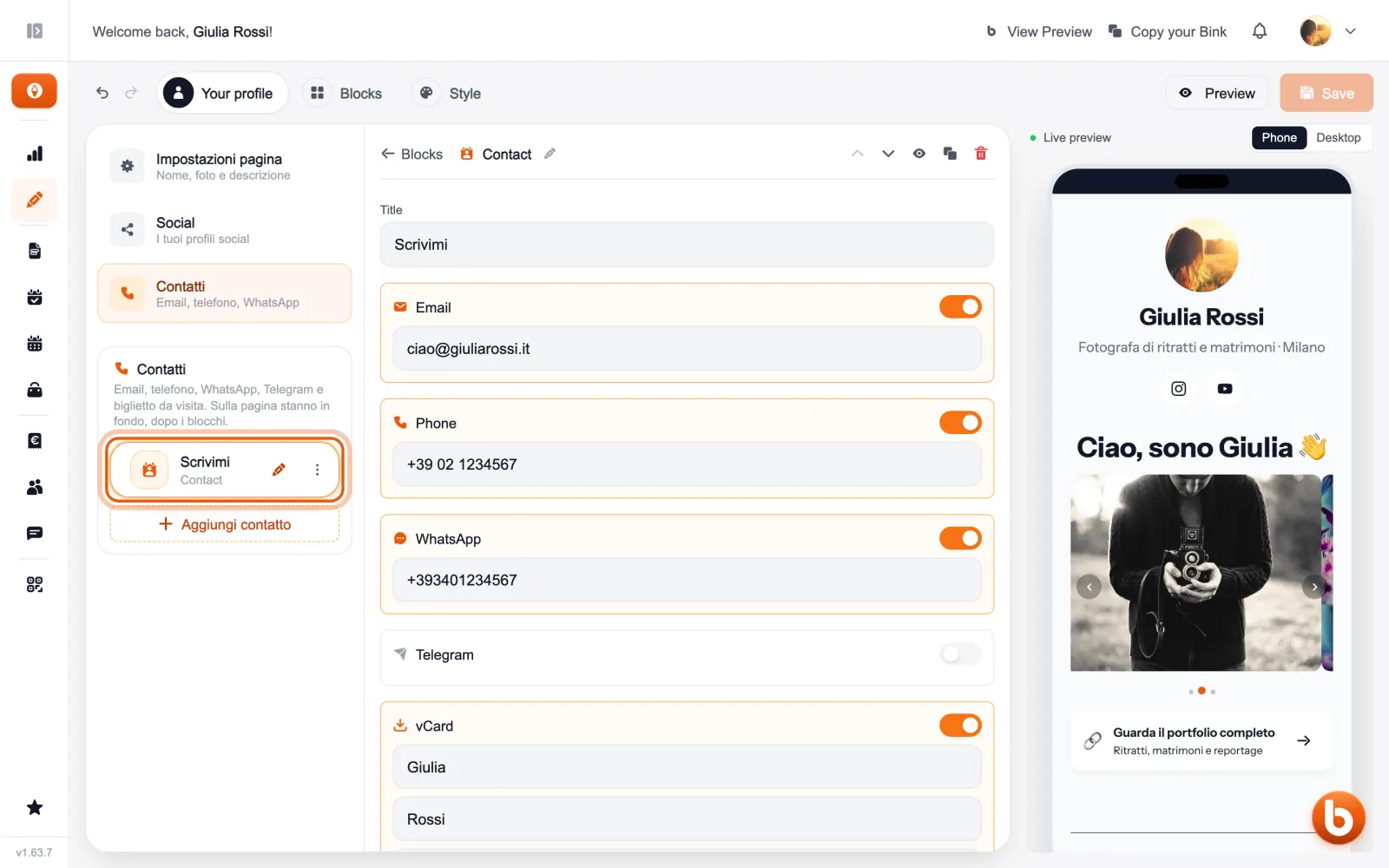
The preview on the right changes as you type. When you are done press «Save»: until you save, visitors see the previous version.
Still stuck?
Terms and definitions live in the glossary; for anything else there’s support.