Booking block
Let visitors book an appointment based on your availability, with optional payment.
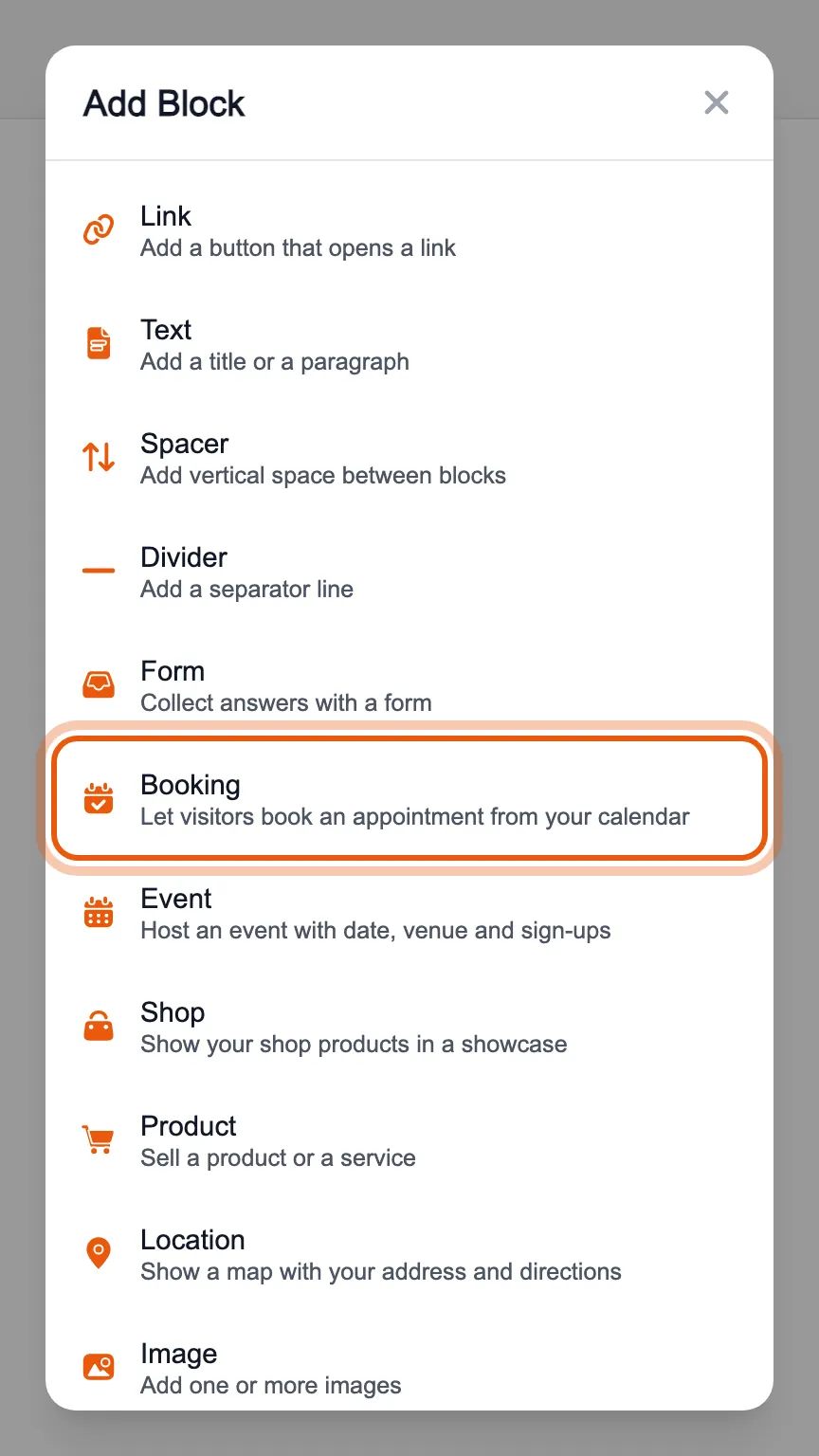
In the editor's «Blocks» tab, press «Add Block» and choose «Booking».
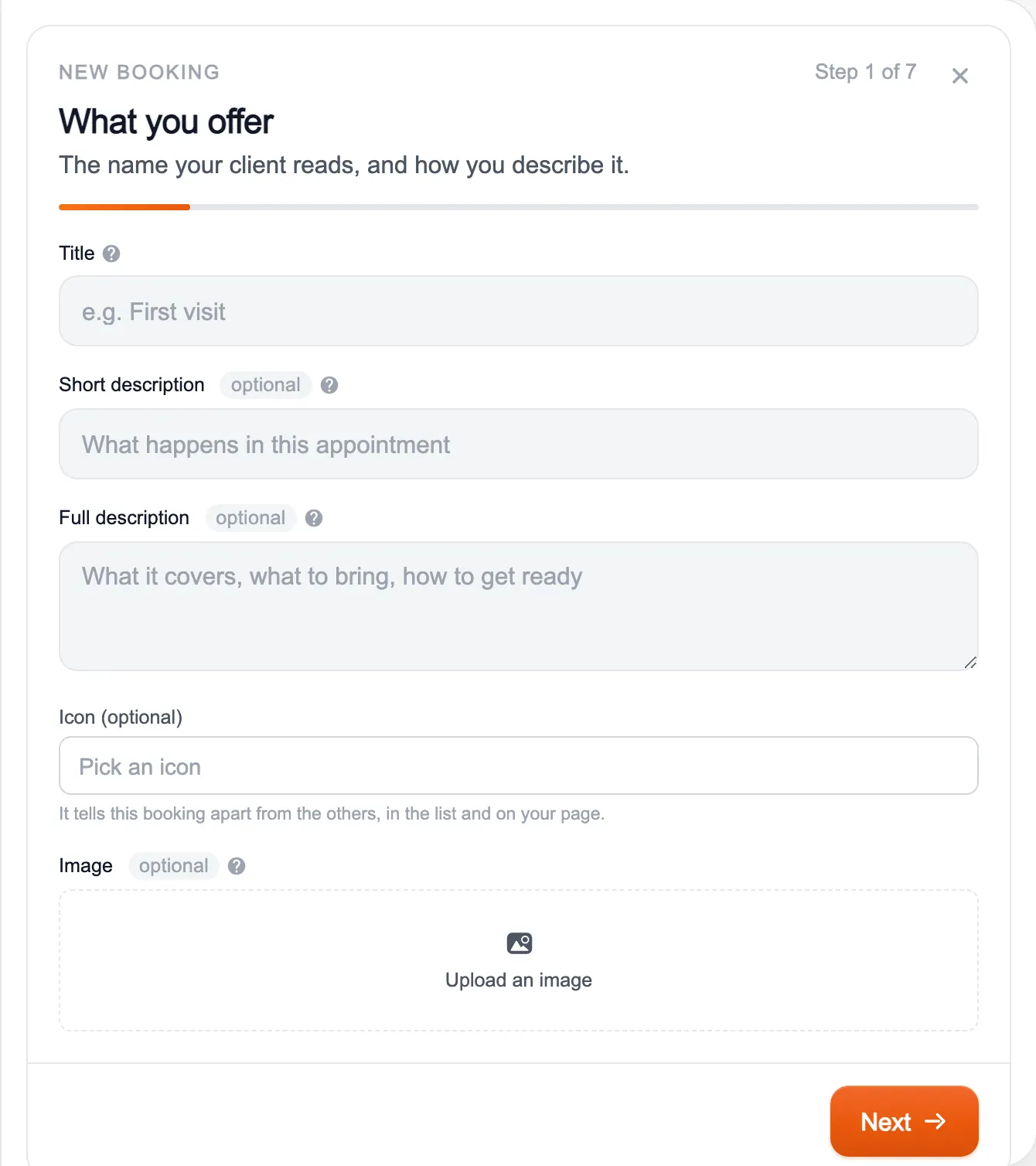
A new booking starts from a guided setup: what you offer, when you are available, whether it is free or paid, where it happens, what you ask the client and how it looks. Until you reach the end it does not appear on your page.
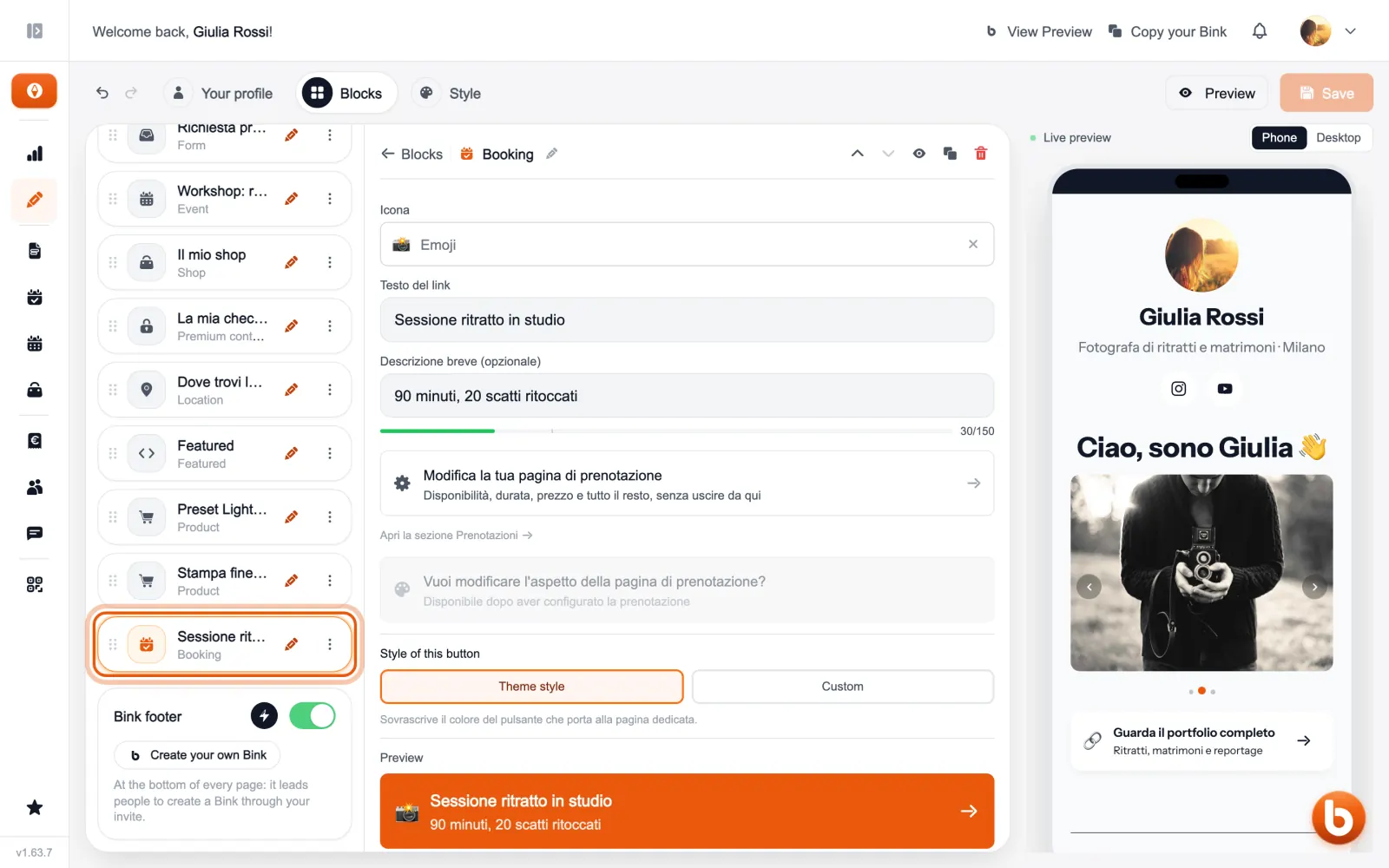
A booking you have already created is adjusted from here: «Modifica la tua pagina di prenotazione» (edit your booking page) opens availability, duration, price and everything else without leaving the editor.
Every booking has its own page with the calendar: whoever opens it picks a day and time and, if there is a price, pays right away. Appointments arrive in the Bookings section.
Still stuck?
Terms and definitions live in the glossary; for anything else there’s support.