All guidesBlocks
Form block
Embed a form to collect requests, applications or sign-ups with custom fields.
In the editor's «Blocks» tab, press «Add Block» and choose «Form».
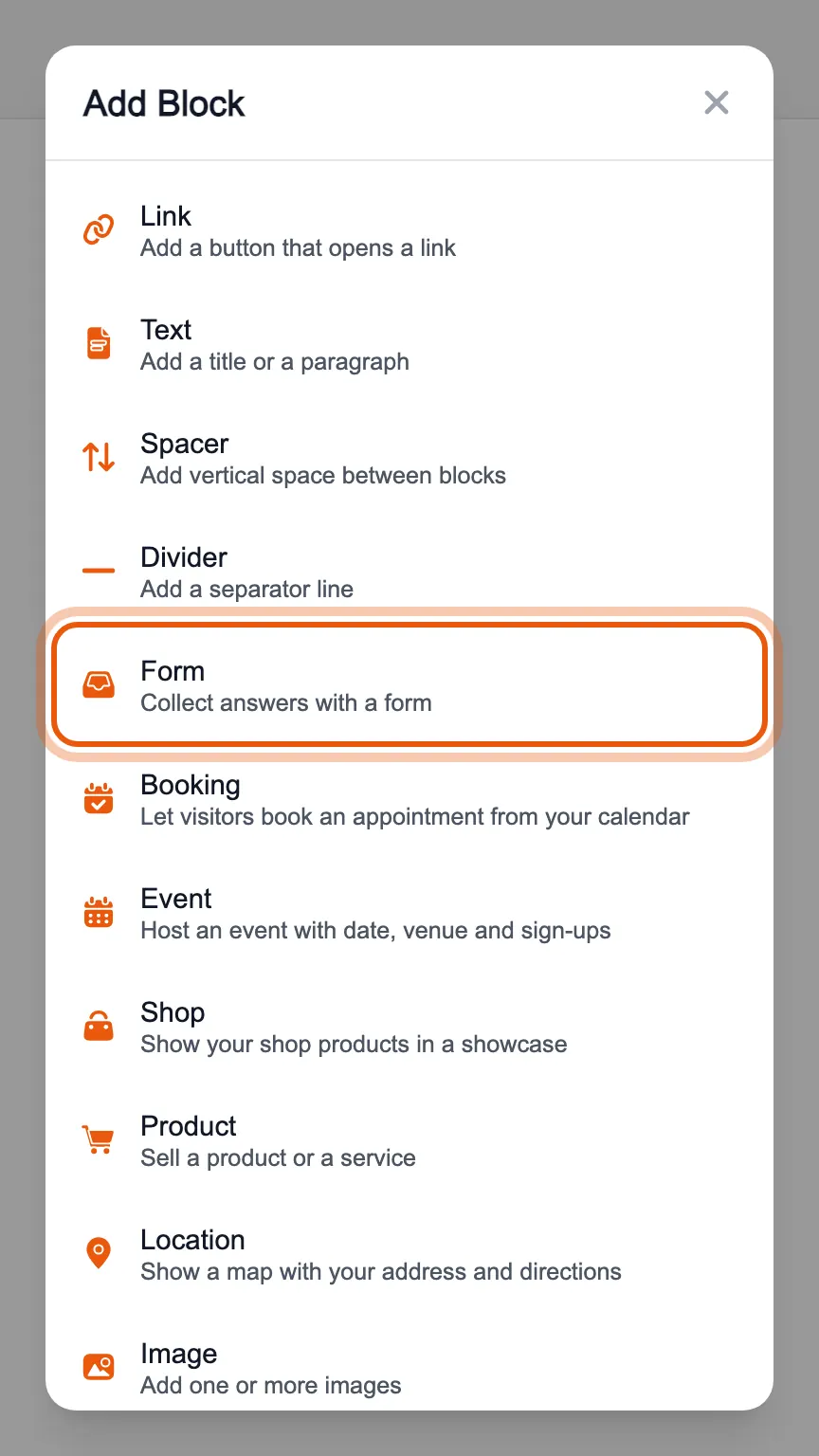
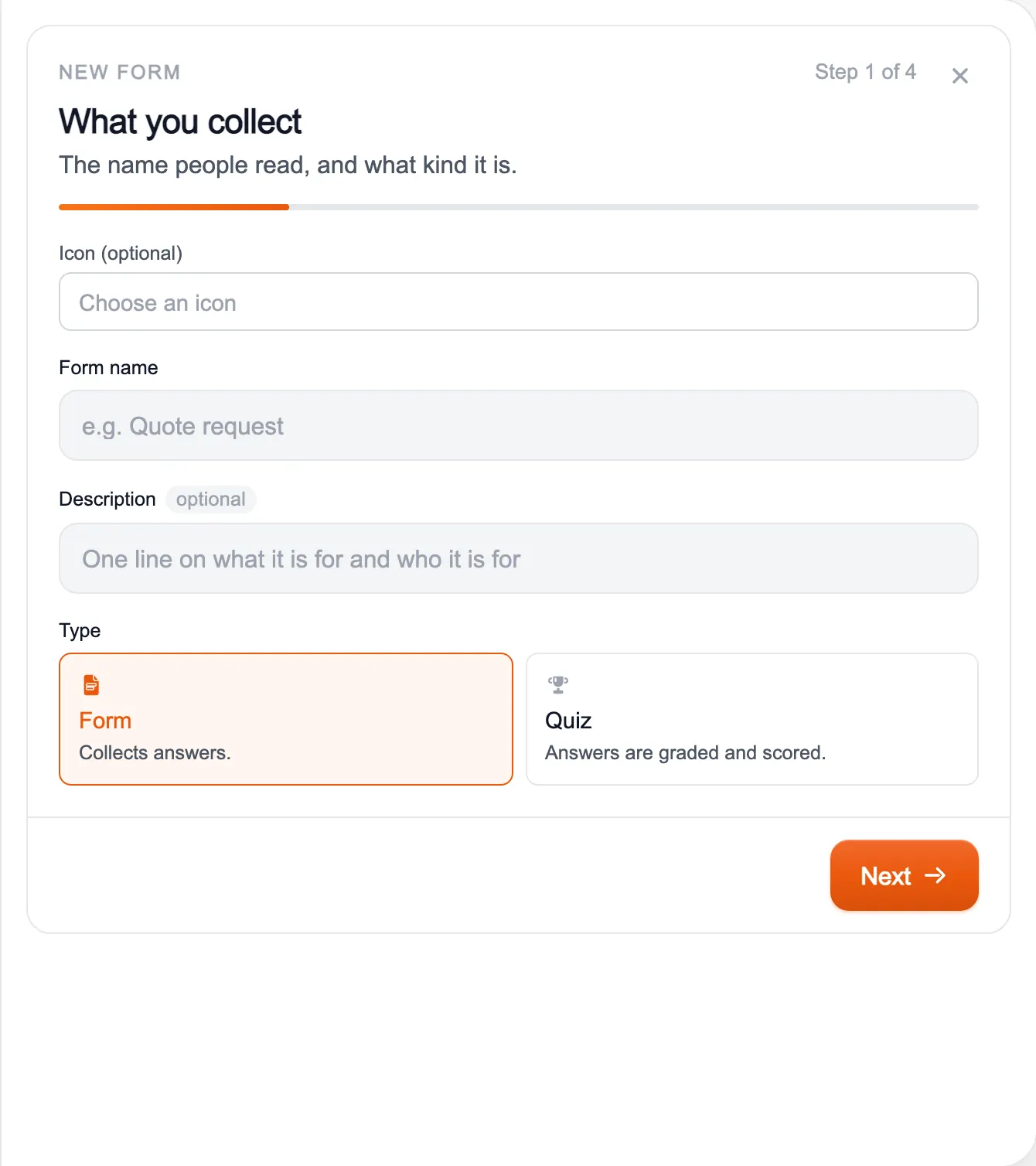
A new form starts from a guided setup: the name and type (a form that collects answers, or a quiz that grades them), the questions, how it looks, and a summary before publishing.
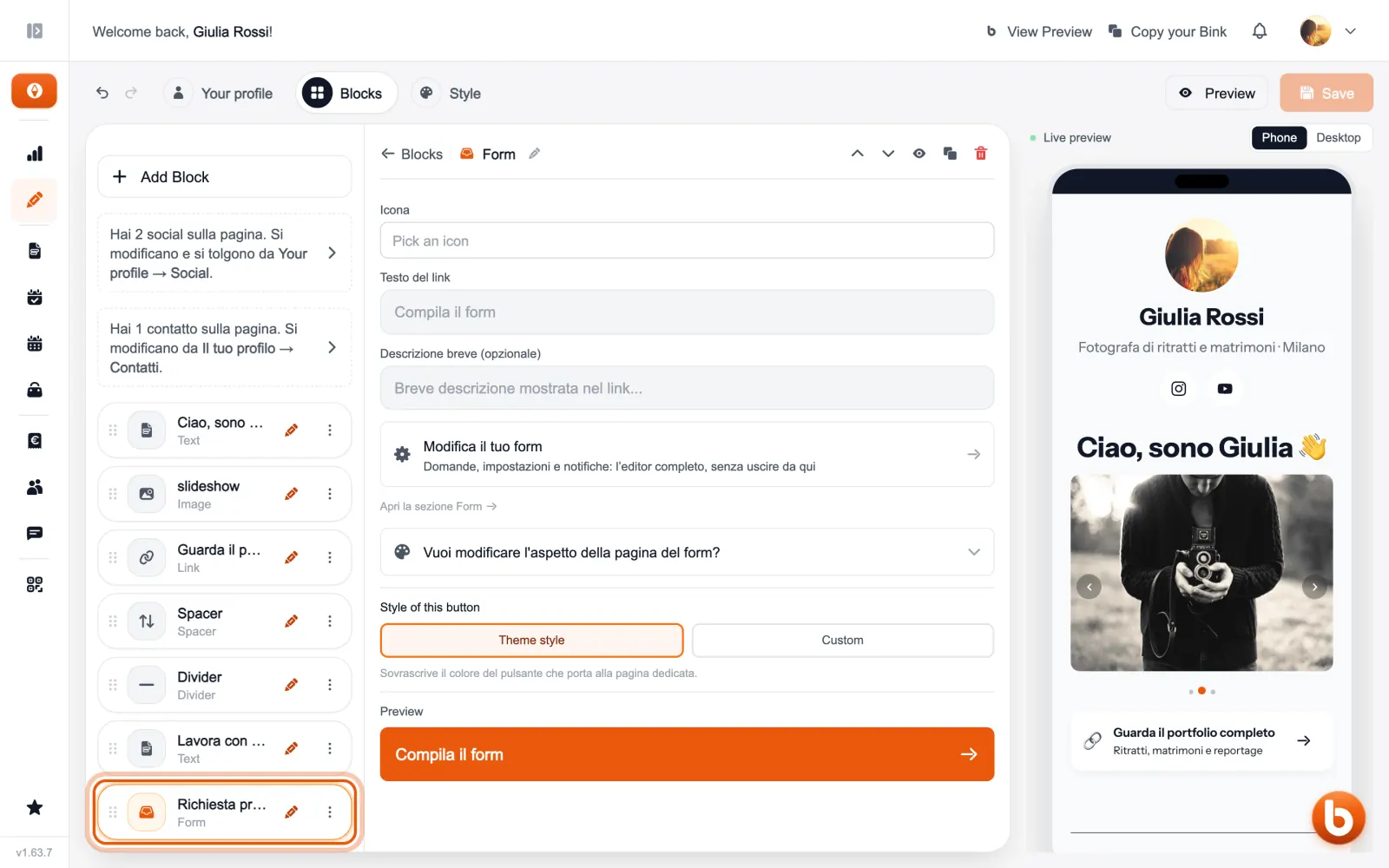
A form you have already created is edited from here: «Modifica il tuo form» (edit your form) opens questions, settings and notifications without leaving the editor. The link text is the label of the button on your page.
Answers arrive in the Forms section, where you read and export them.
Still stuck?
Terms and definitions live in the glossary; for anything else there’s support.