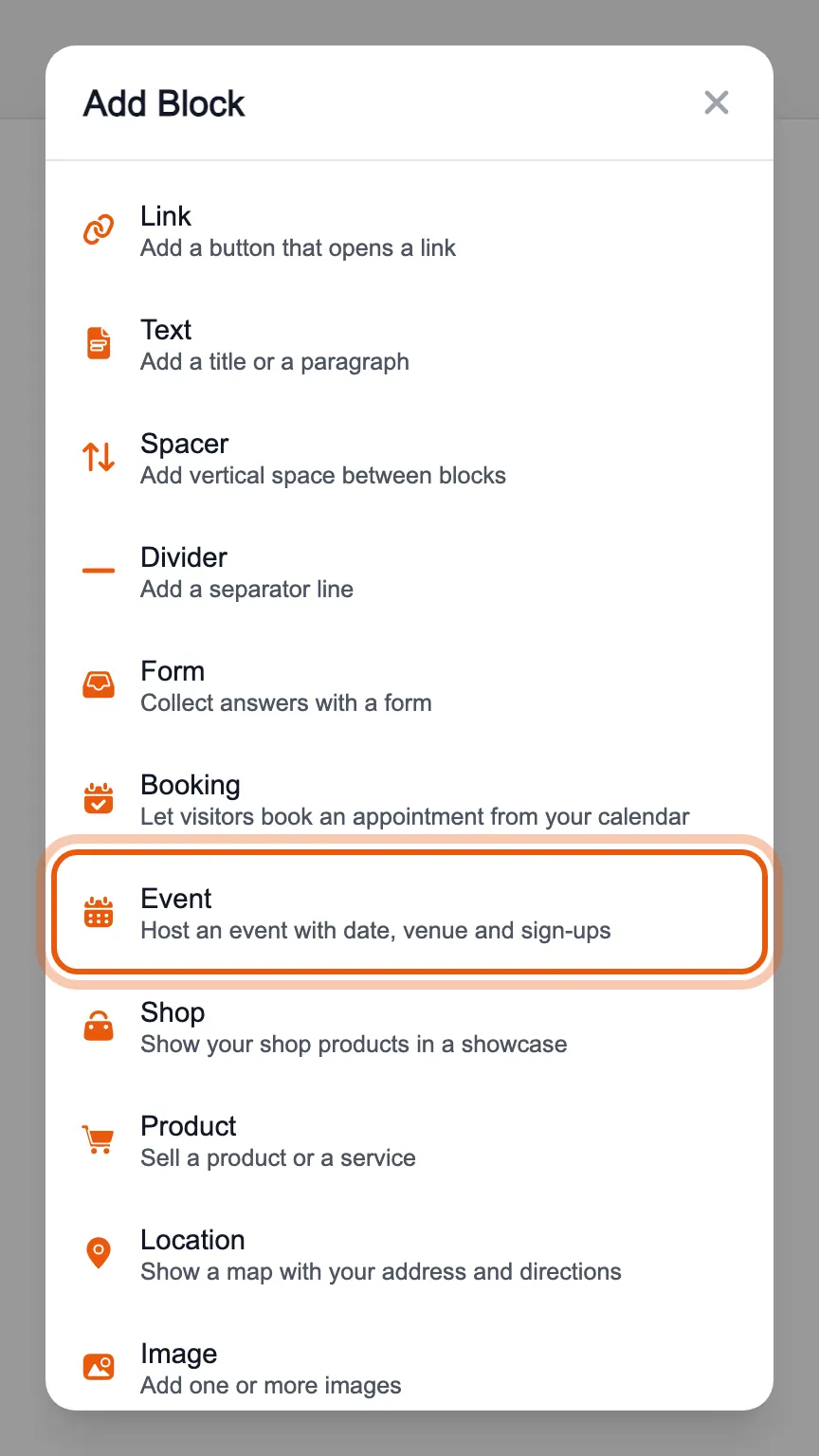
In the editor's «Blocks» tab, press «Add Block» and choose «Event».
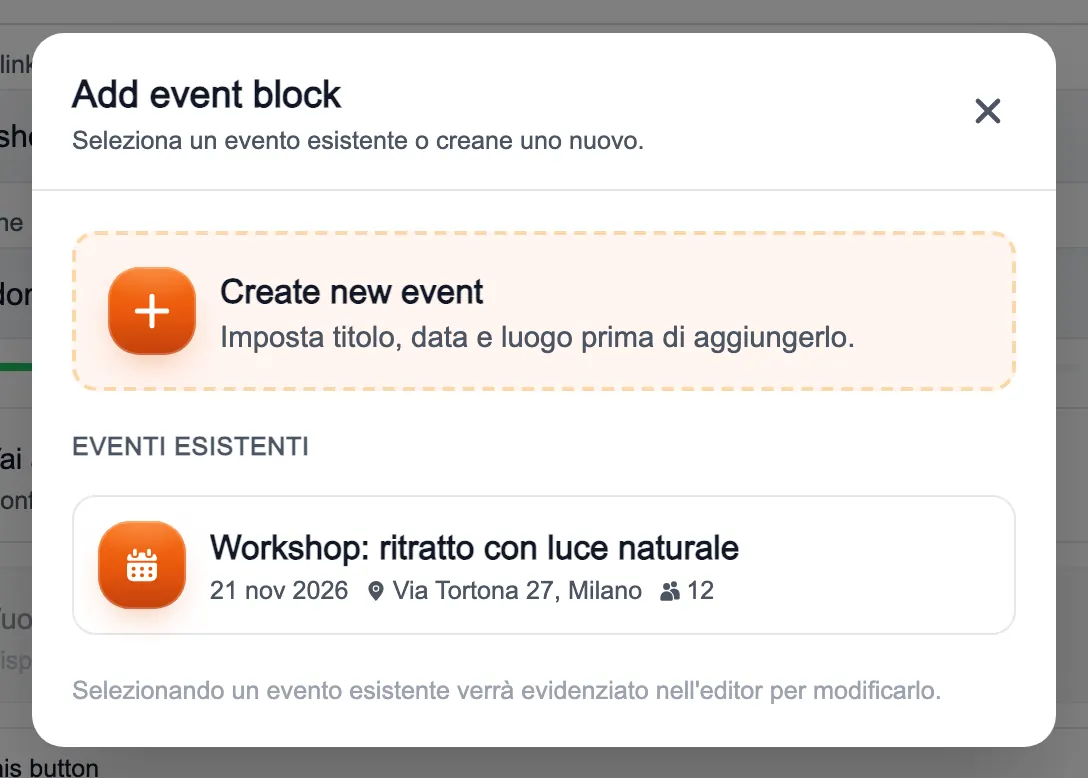
From the menu you can create a new event, with title, date and venue, or put an event that already exists back on your page.
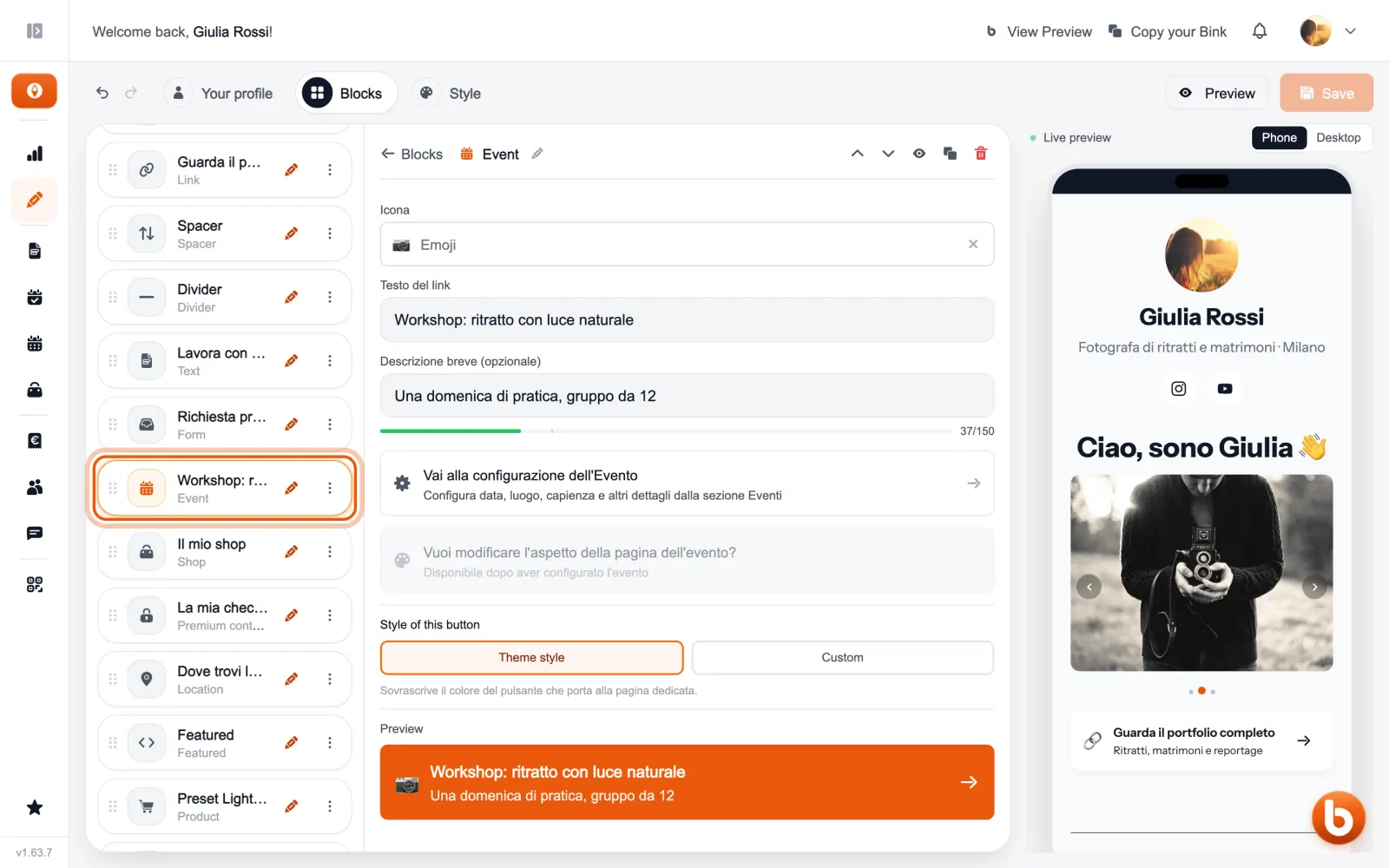
The block is the button that leads to the event page: here you choose its icon, text and description. Date, venue, capacity and tickets are set in the Events section.
A past event leaves your page by itself, and comes back if you move its date forward.
Still stuck?
Terms and definitions live in the glossary; for anything else there’s support.