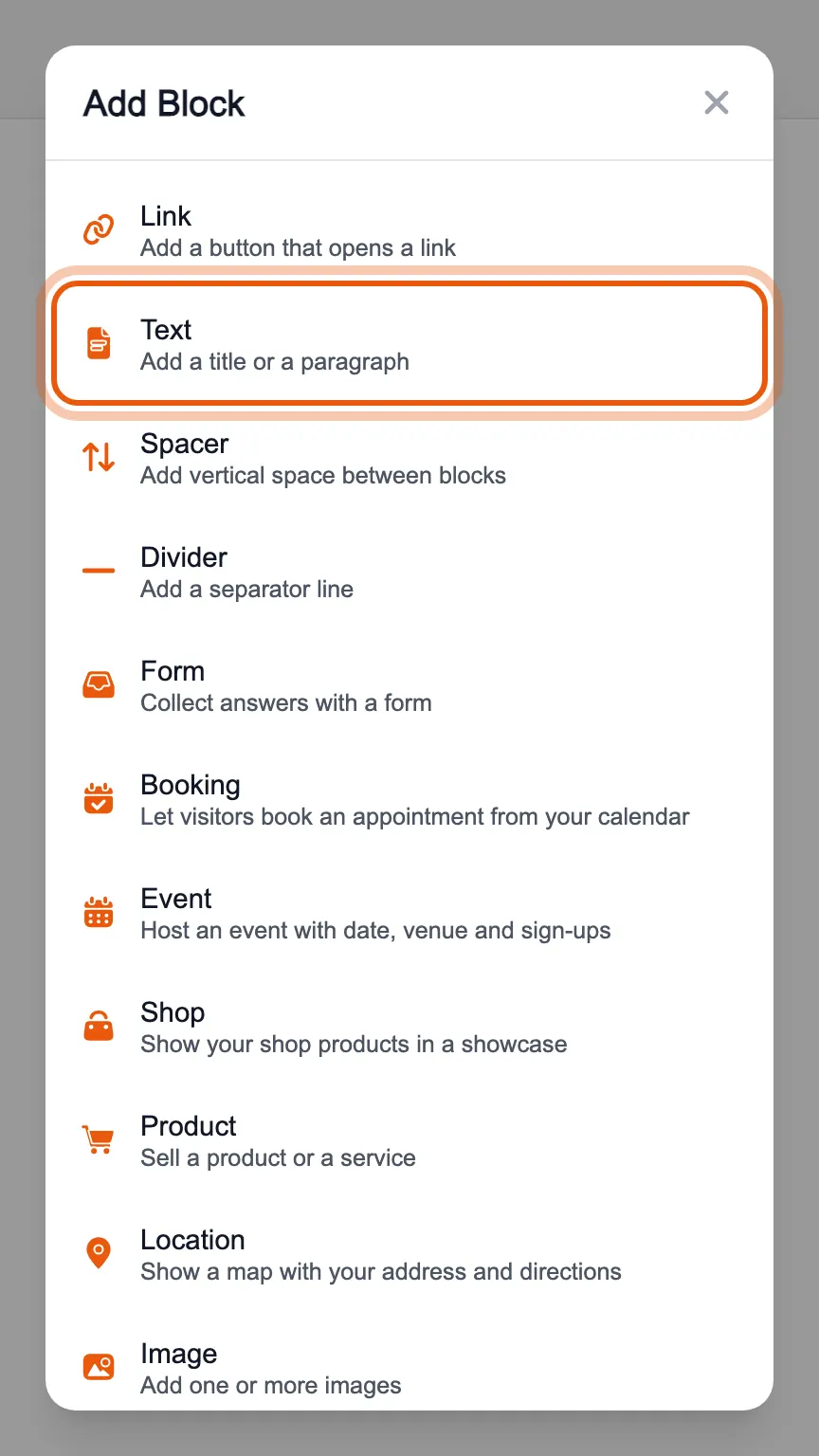
In the editor's «Blocks» tab, press «Add Block» and choose «Text».
Under «Type» choose «Title» for a large line or «Text» for a paragraph. A title also has a level: H1 is the largest, H3 the smallest.
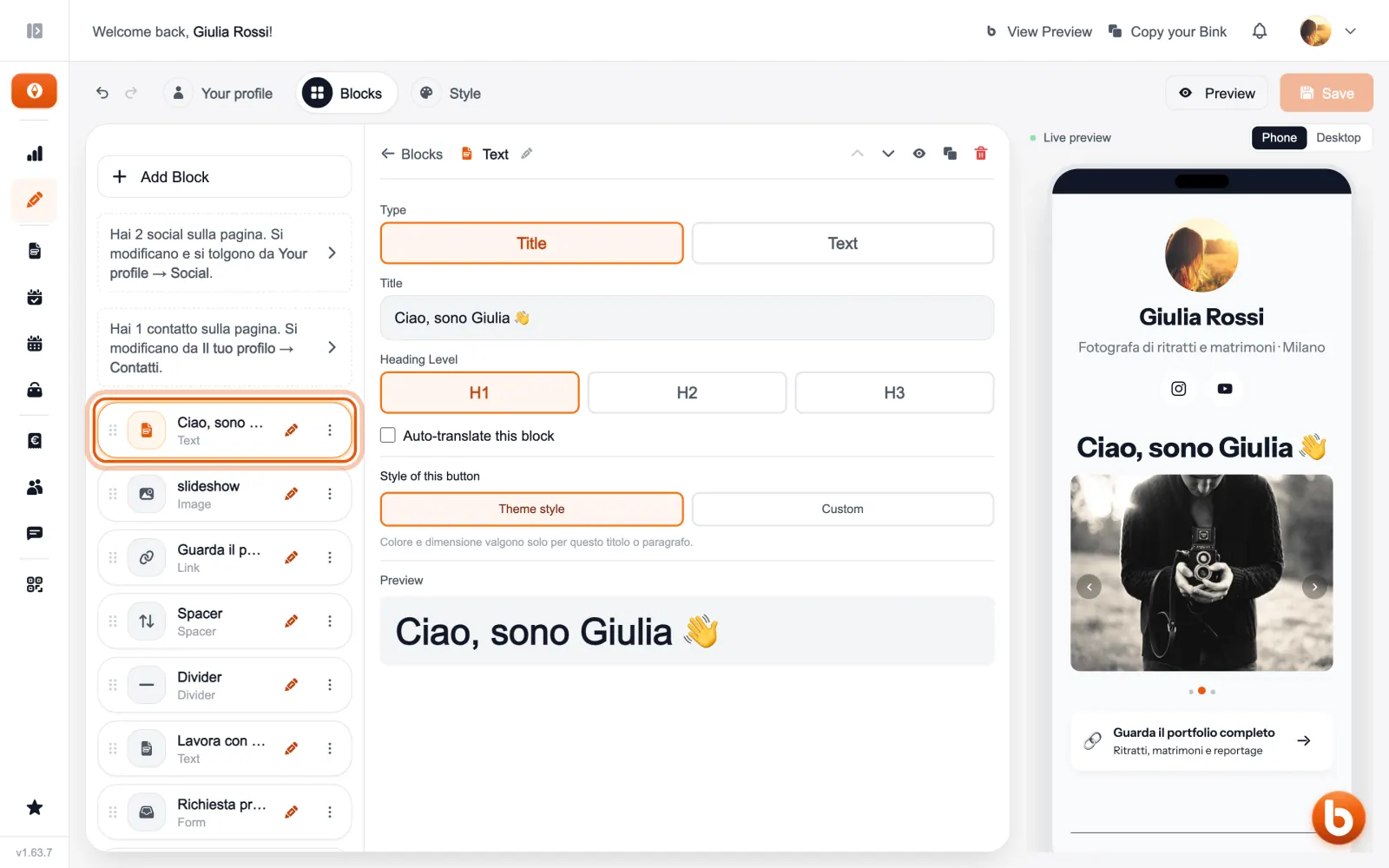
With «Custom», at the bottom of the panel, you choose the colour and size of this text only; with «Theme style» it follows the rest of the page.
The preview on the right changes as you type. When you are done press «Save»: until you save, visitors see the previous version.
Still stuck?
Terms and definitions live in the glossary; for anything else there’s support.