All guidesControls
Fonts
Choose the typography for headings and body text to give your Bink character.
In «Style», «Fonts» sets the typeface for headings and for body text: in the list each name is written in its own typeface. Below you choose the colour of the text and of the description.
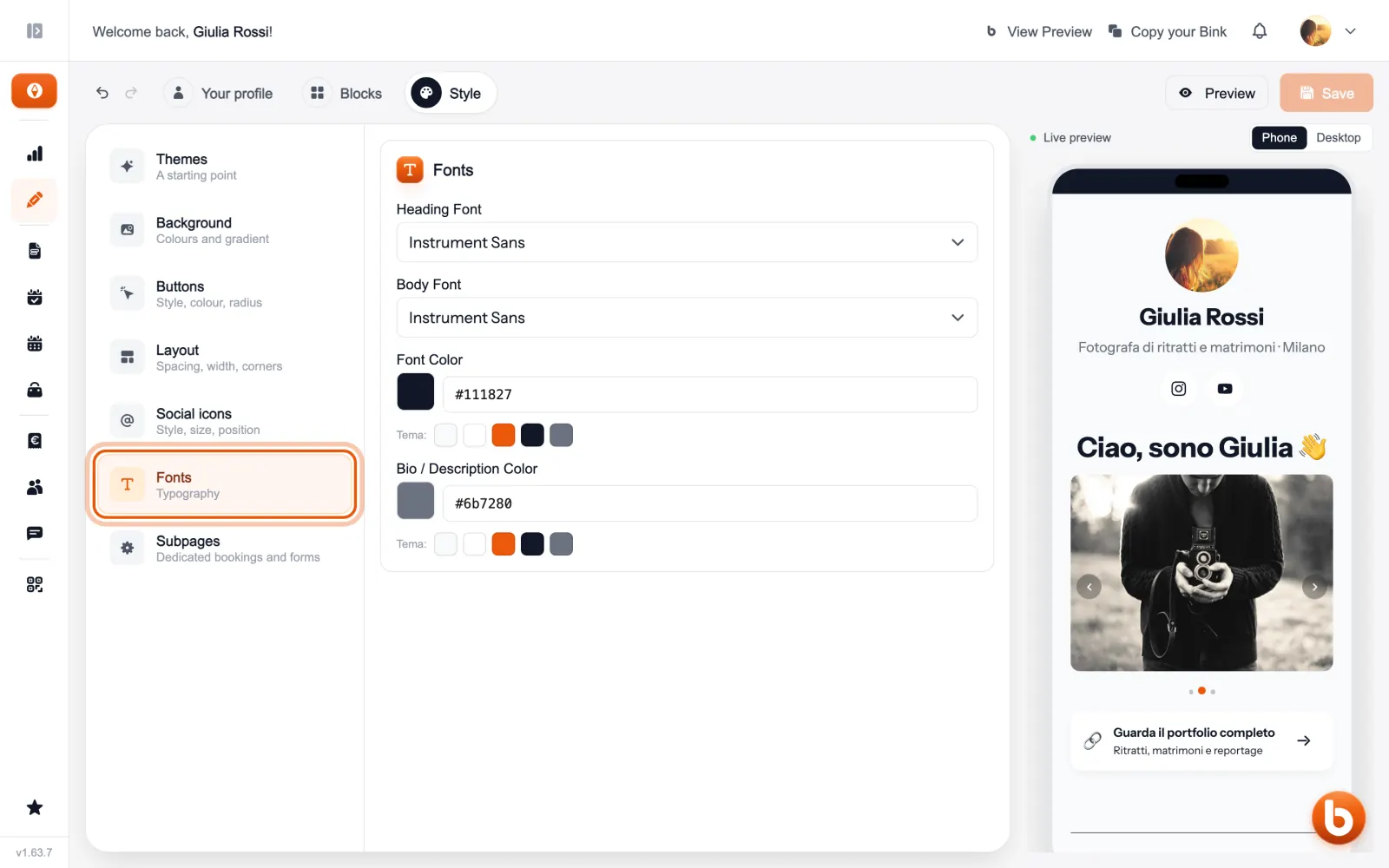
If a colour is hard to read on the background, Bink tells you and suggests one that reads well.
The preview on the right changes as you type. When you are done press «Save»: until you save, visitors see the previous version.
Still stuck?
Terms and definitions live in the glossary; for anything else there’s support.