In «Style», «Buttons» sets the shape (square, rounded or pill), the style (solid, outline, gradient, soft shadow, hard shadow or glass) and the colour of your buttons.
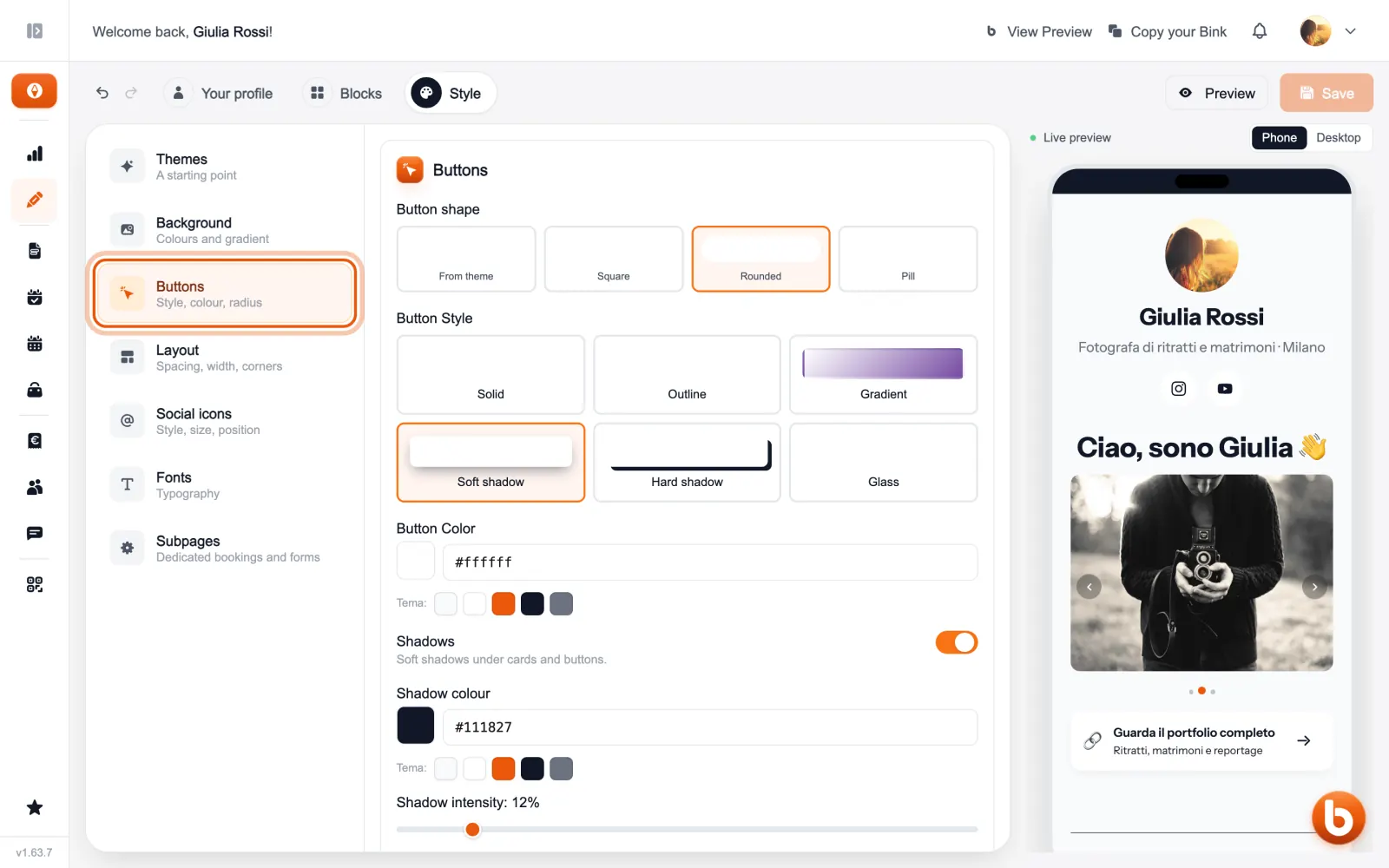
With «Shadows» you switch the shadows under buttons and cards on or off, and set their colour and strength. A single button can have its own style: choose it from its block, with «Custom».
The preview on the right changes as you type. When you are done press «Save»: until you save, visitors see the previous version.
Still stuck?
Terms and definitions live in the glossary; for anything else there’s support.