All guidesControls
Social
Manage your social profiles: they appear as icons at the top (or bottom) of the page.
Social profiles are managed from «Your profile», item «Social»: tap a profile to change its address. With «In alto» and «In basso» you decide where the icons go.
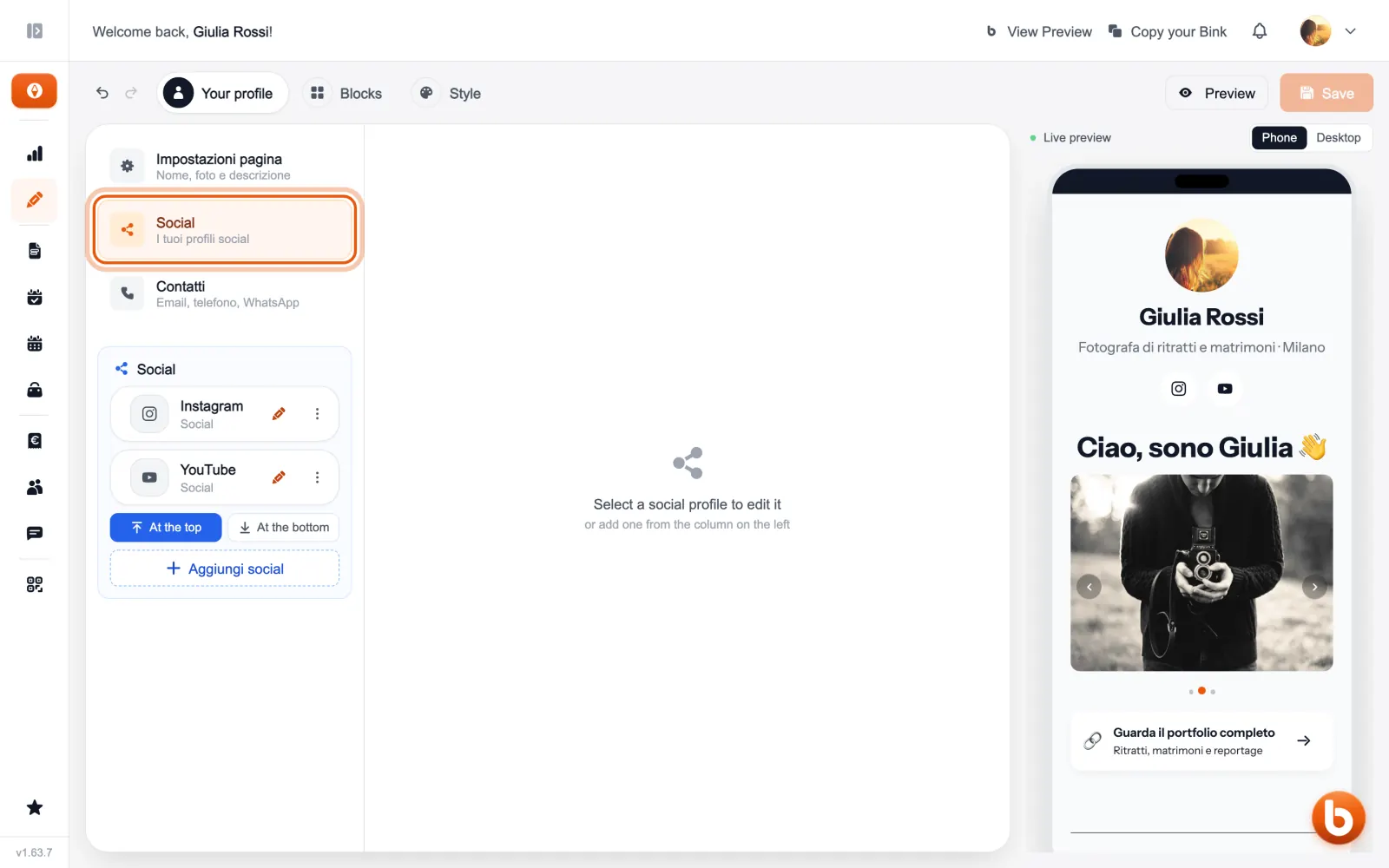
«Aggiungi social» adds a new one: choose the platform and paste the address of your profile.
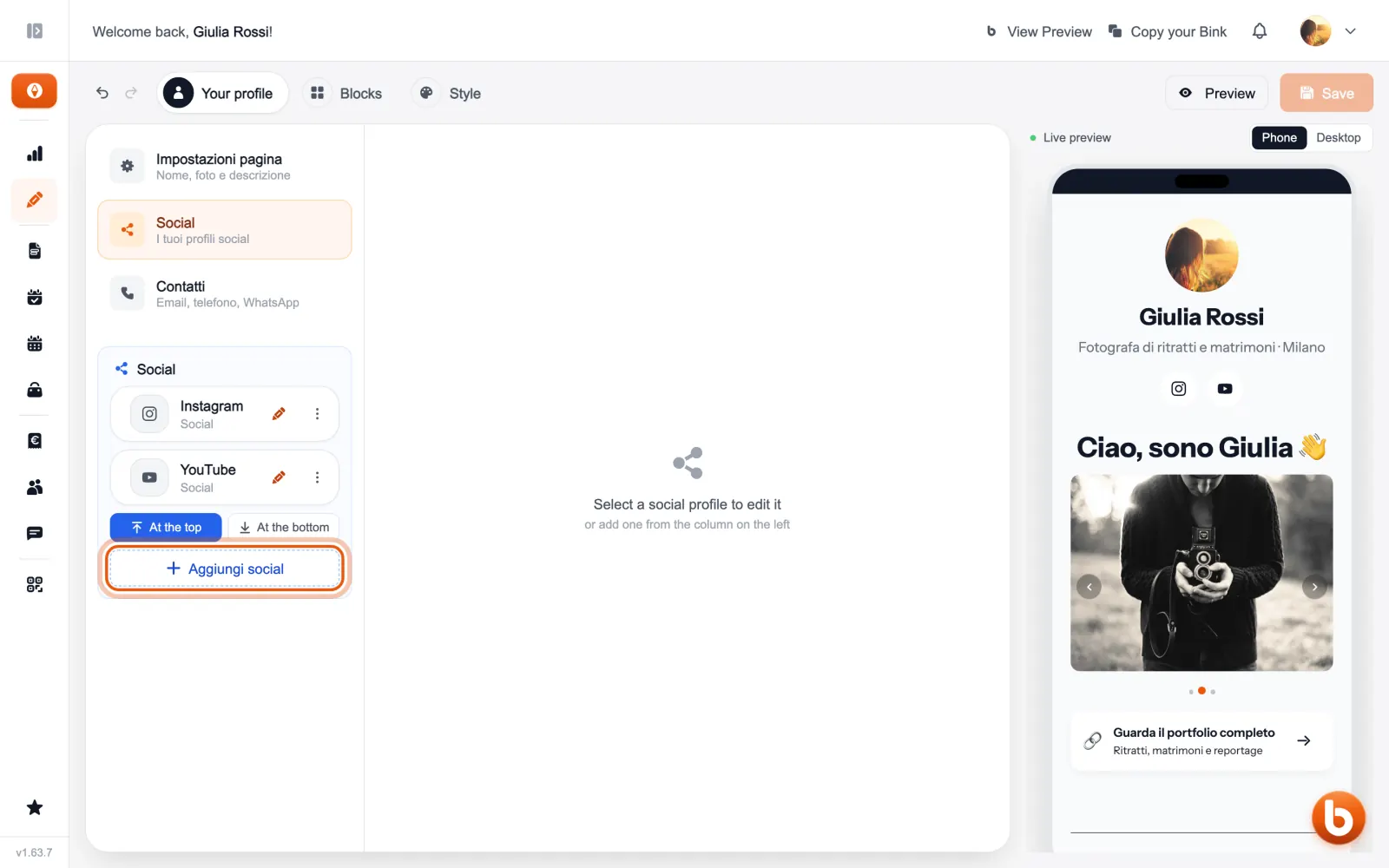
The preview on the right changes as you type. When you are done press «Save»: until you save, visitors see the previous version.
Still stuck?
Terms and definitions live in the glossary; for anything else there’s support.