In «Your profile», «Impostazioni pagina» holds the page title (the name shown at the top), the photo and the description.
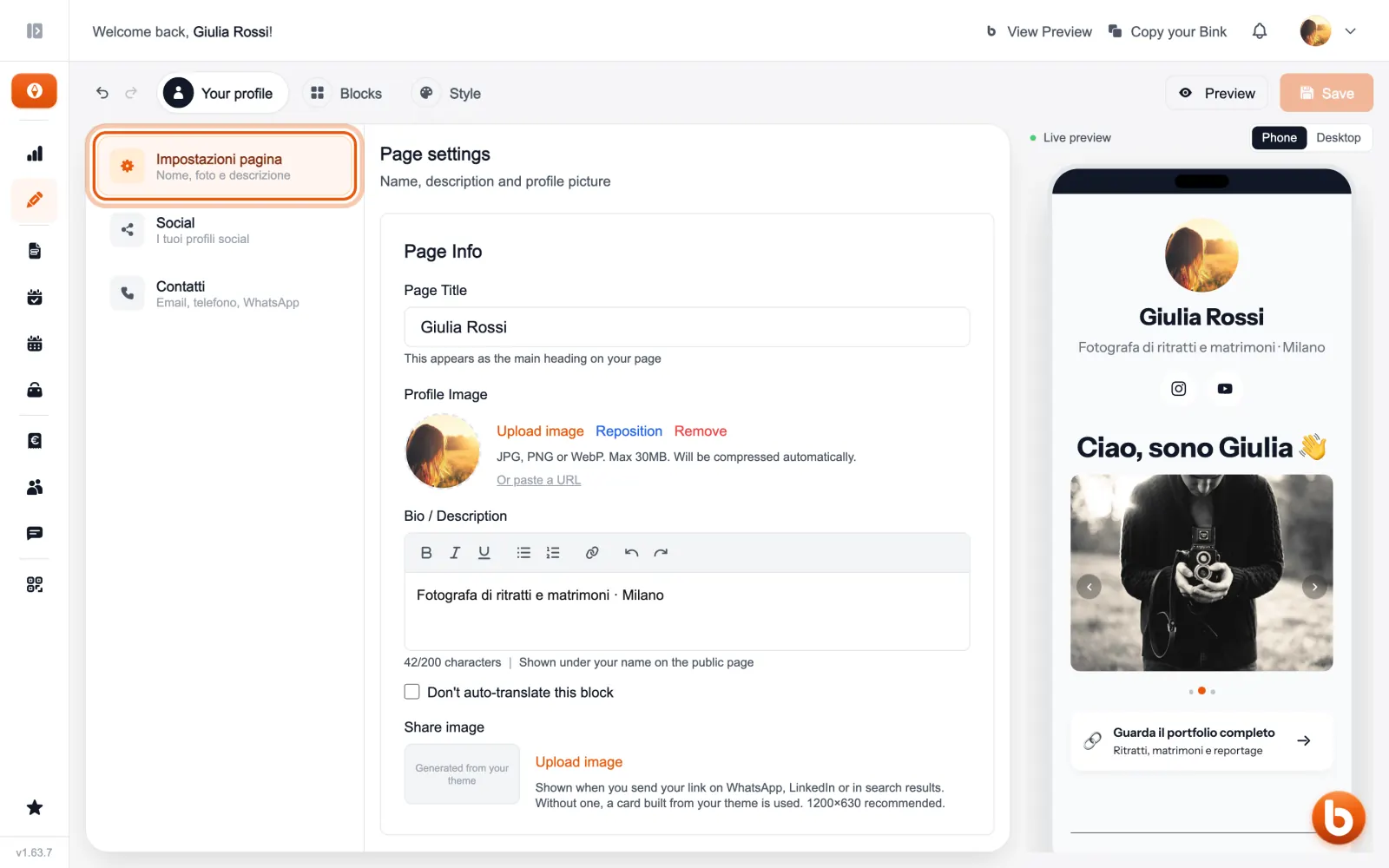
With «Riposiziona» you choose which part of the photo shows. The «Immagine di condivisione» is the picture people see when you send your link on WhatsApp or LinkedIn: if you do not upload one, Bink makes one from your theme.
The preview on the right changes as you type. When you are done press «Save»: until you save, visitors see the previous version.
Still stuck?
Terms and definitions live in the glossary; for anything else there’s support.