All guidesControls
Add block
Opens the menu of available blocks: pick a type and it's added to the bottom of the page.
«Add Block» sits at the top of the list in the «Blocks» tab.
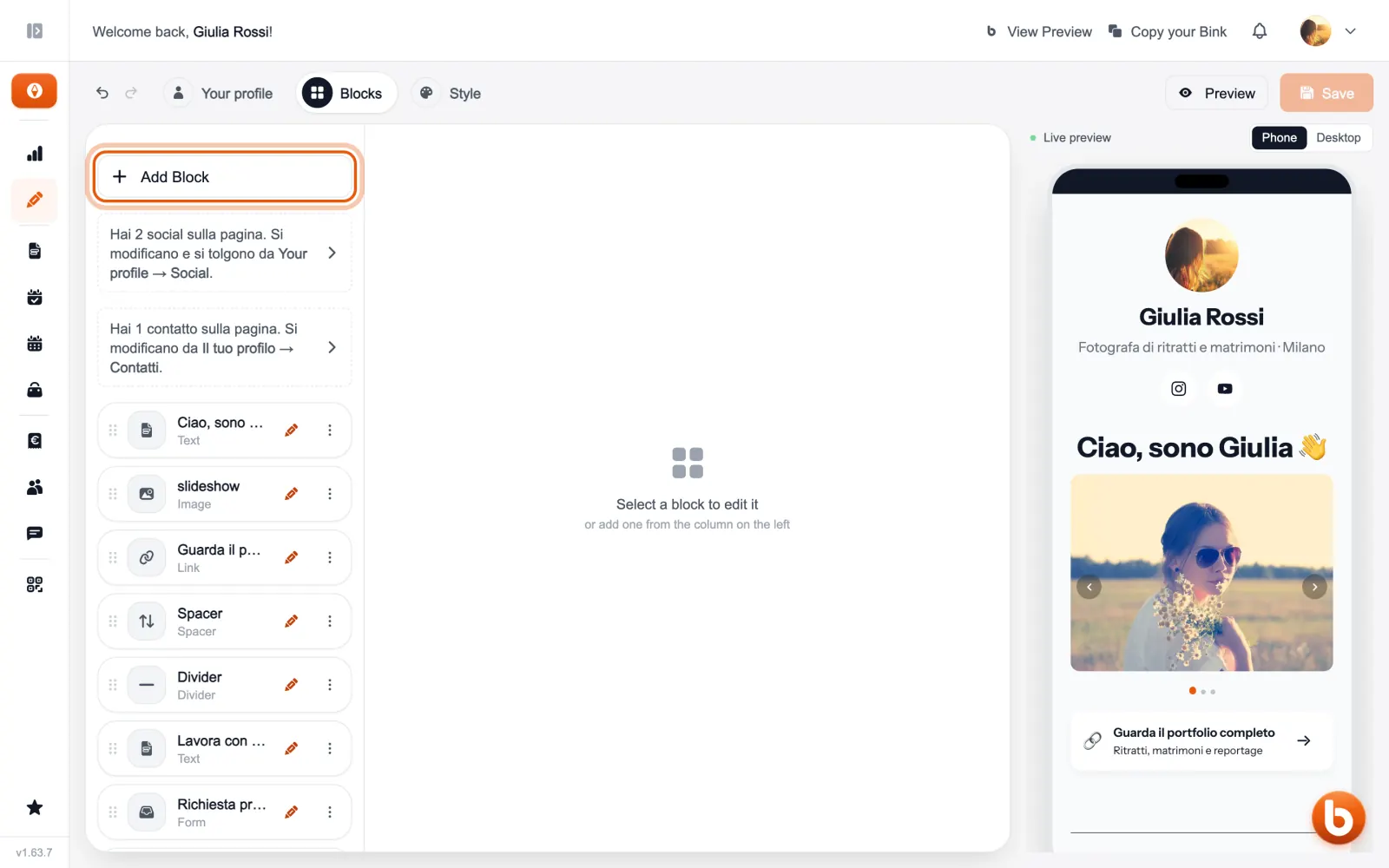
The blocks menu opens: choose a type and the block is added at the bottom of the page, already open to fill in. Booking, Form and Event start from a guided setup instead.
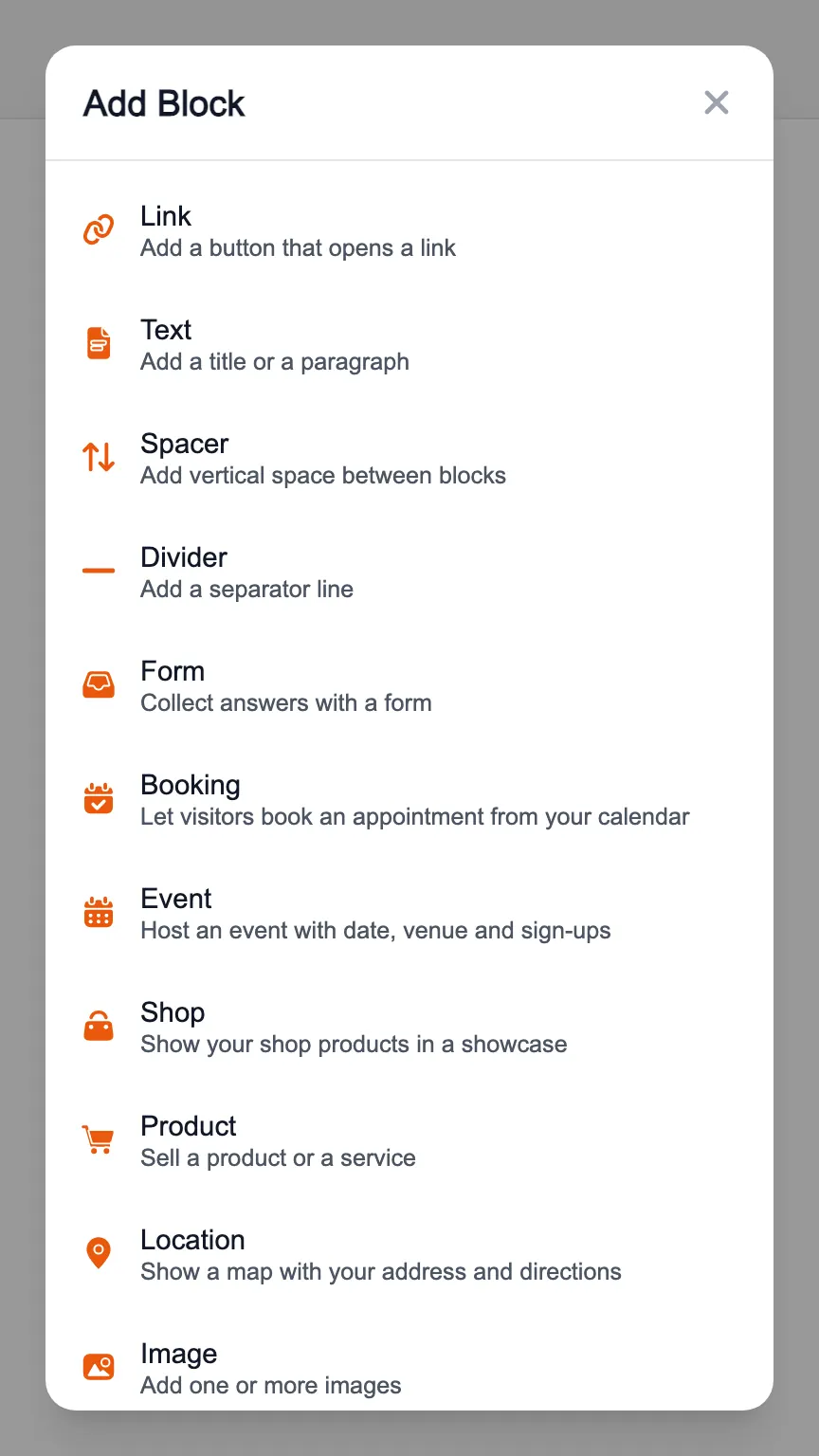
Social profiles and contacts are not in the menu: you add them from the «Your profile» tab.
Still stuck?
Terms and definitions live in the glossary; for anything else there’s support.