All guidesControls
Style tab
Where you customise the look: themes, background, buttons and fonts of your Bink.
The «Style» tab decides how the page looks: theme, background, buttons, layout, social icons and fonts. Each item on the left opens its own panel, and the preview on the right changes right away.
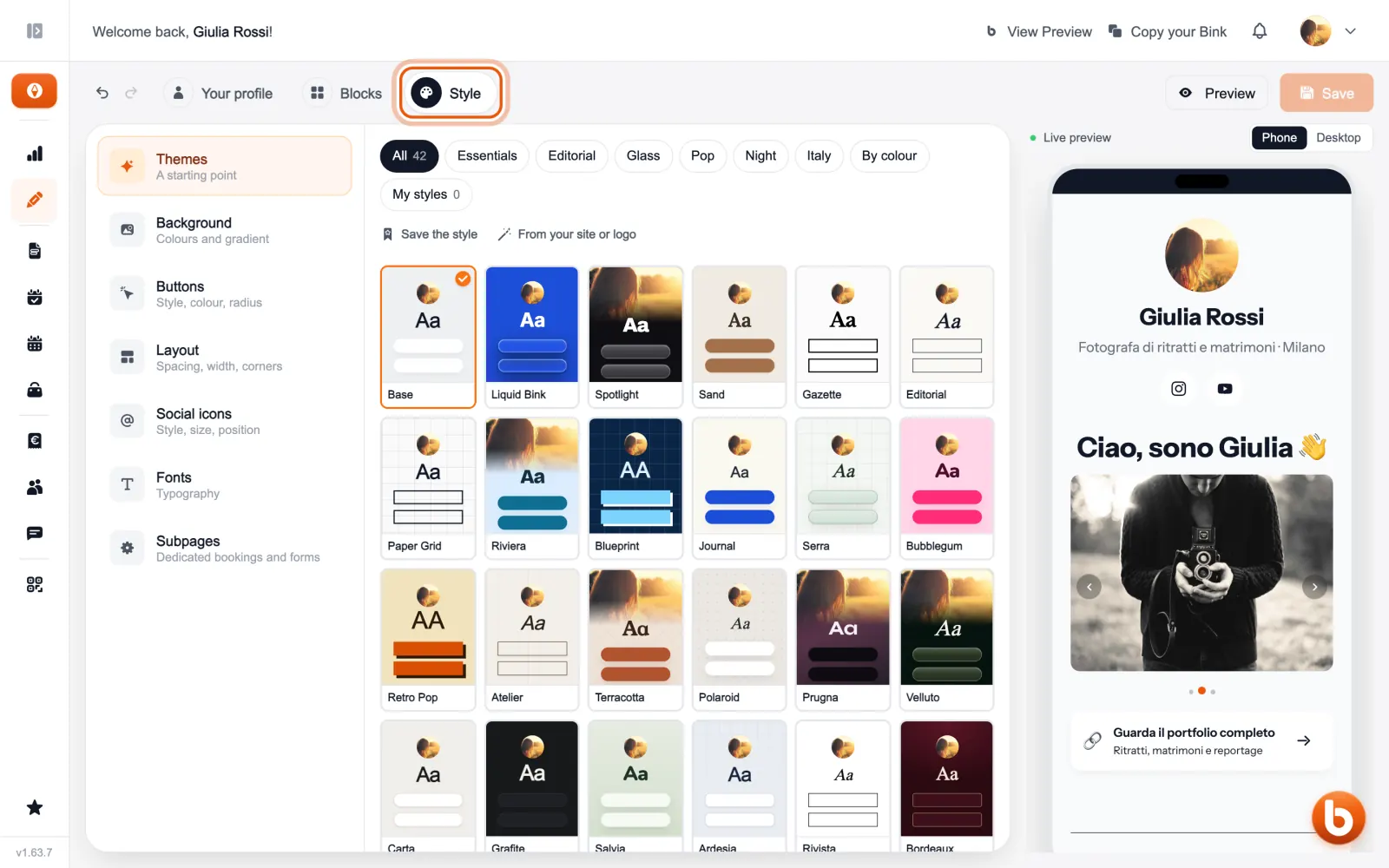
The preview on the right changes as you type. When you are done press «Save»: until you save, visitors see the previous version.
Still stuck?
Terms and definitions live in the glossary; for anything else there’s support.