All guidesControls
Blocks tab
Where you add, reorder and edit blocks: everything that appears on your Bink.
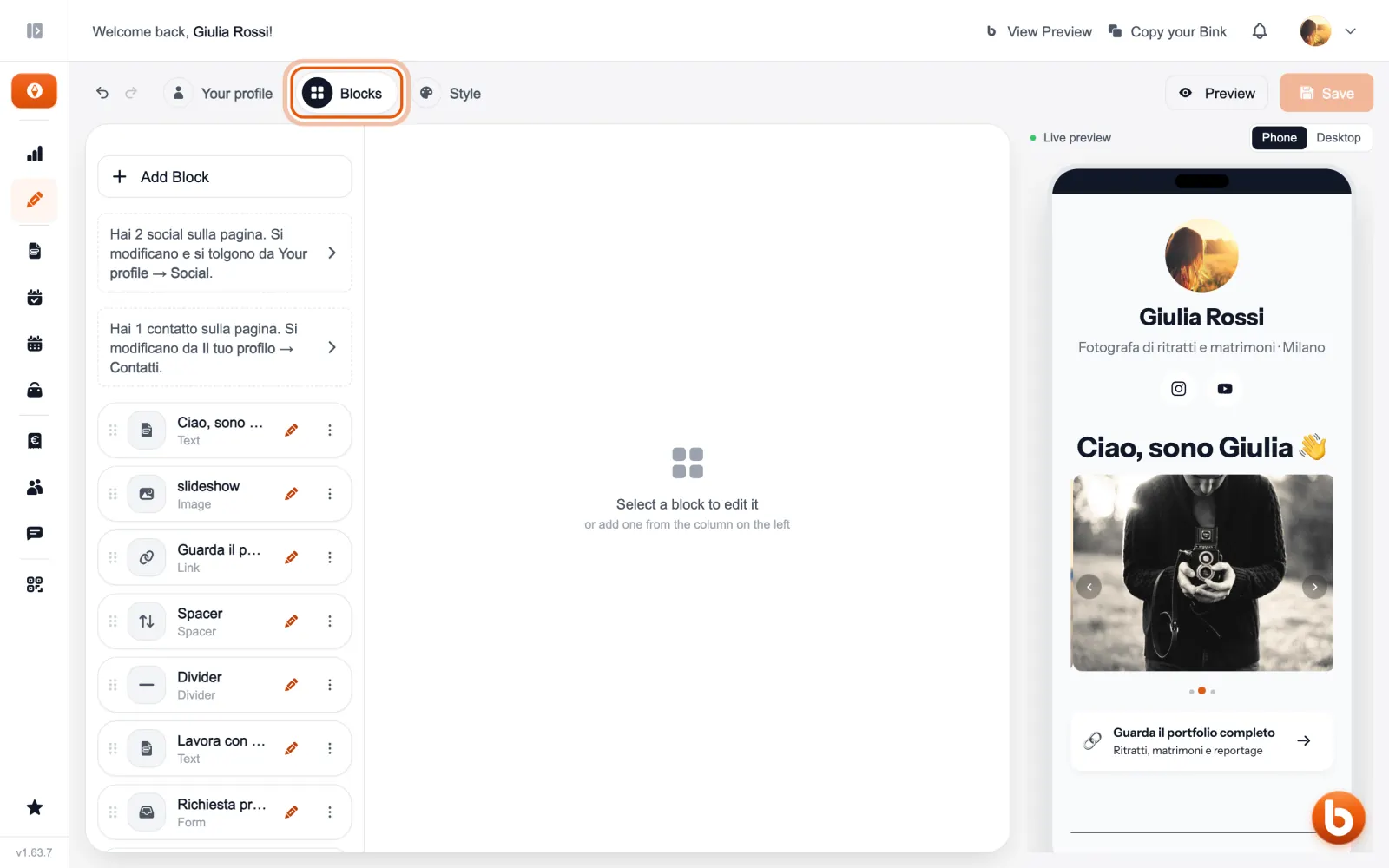
The «Blocks» tab is the list of everything on your page, in the order it appears. Drag a row by the dots on the left to move it; the pencil opens it in the middle.
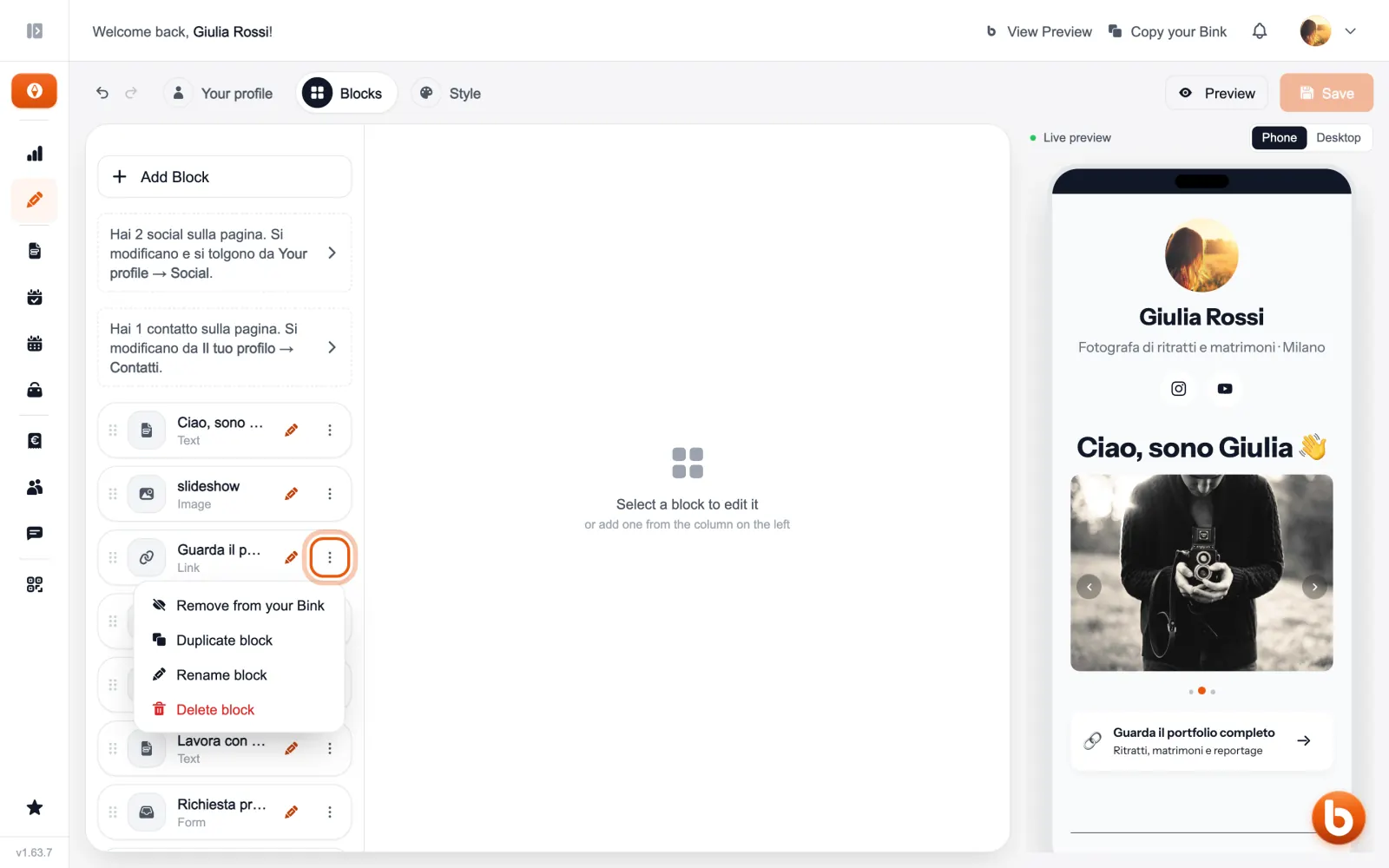
A row’s «⋮» menu removes it from your Bink without deleting it, duplicates it, renames it or deletes it.
A block removed from your Bink stays in the list, marked «Not on your Bink». If it has a page of its own (a booking, a form, an event, a product) that page stays live for anyone who already has the link.
Still stuck?
Terms and definitions live in the glossary; for anything else there’s support.