The dashboard
A full tour of the screen everything starts from: the numbers up top, the shortcuts, and where each thing lives.
The dashboard is the first screen after you sign in. At the top, for the last 30 days: visits to your page, clicks on your blocks, the share of visitors who click and the growth on the month before. «Dettaglio» (details) opens the full statistics.
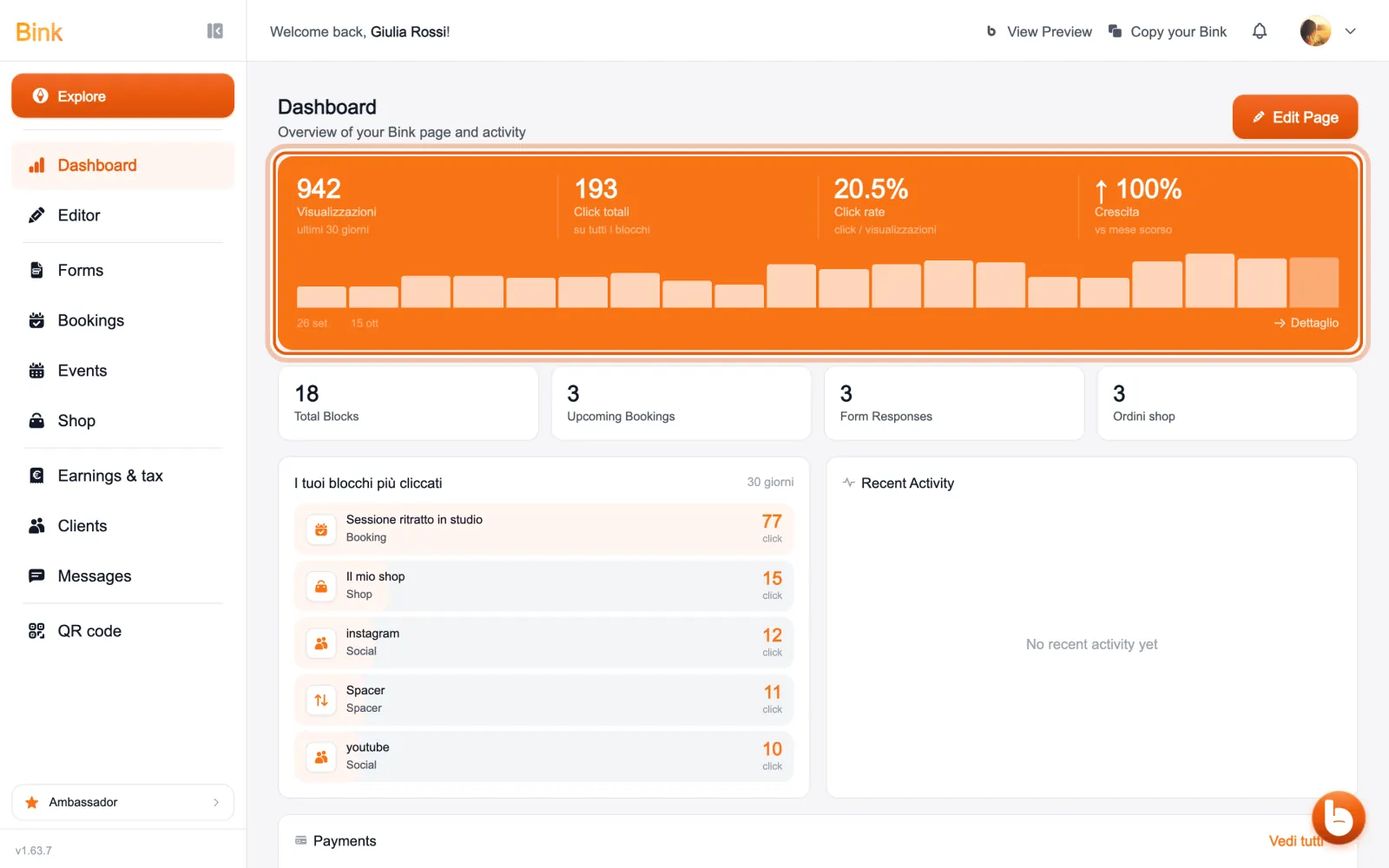
Below you find how many blocks you have, upcoming bookings, form answers, Shop orders and your most clicked blocks.
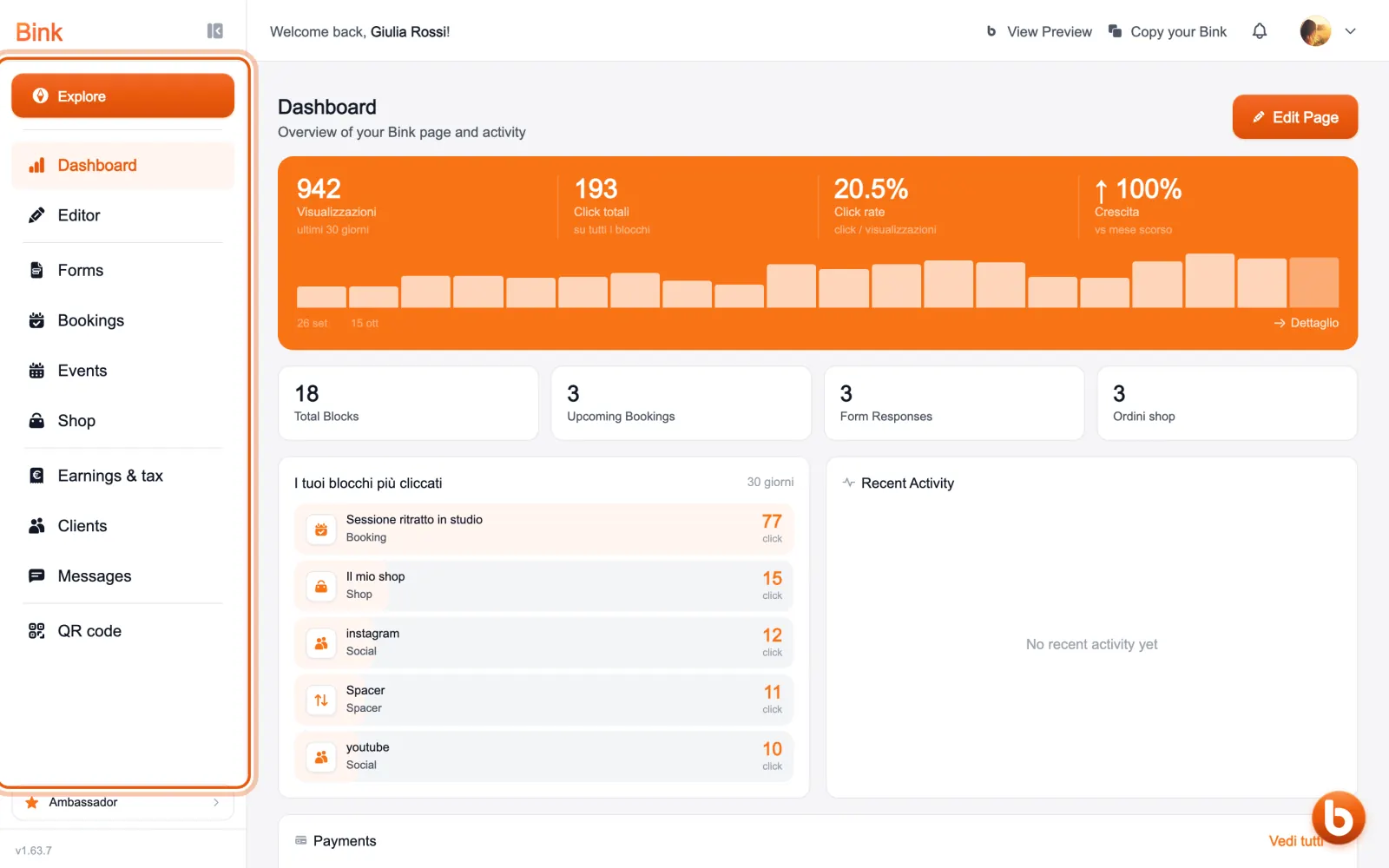
On the left is the sections bar: the Editor for your page, then Forms, Bookings, Events and Shop, Earnings & tax, Clients and Messages. «Explore», at the top, leads to the Bink showcase.
At the top right «View Preview» opens your public page and «Copy your Bink» copies the address to send. The bell collects your notifications; your photo opens settings and account.
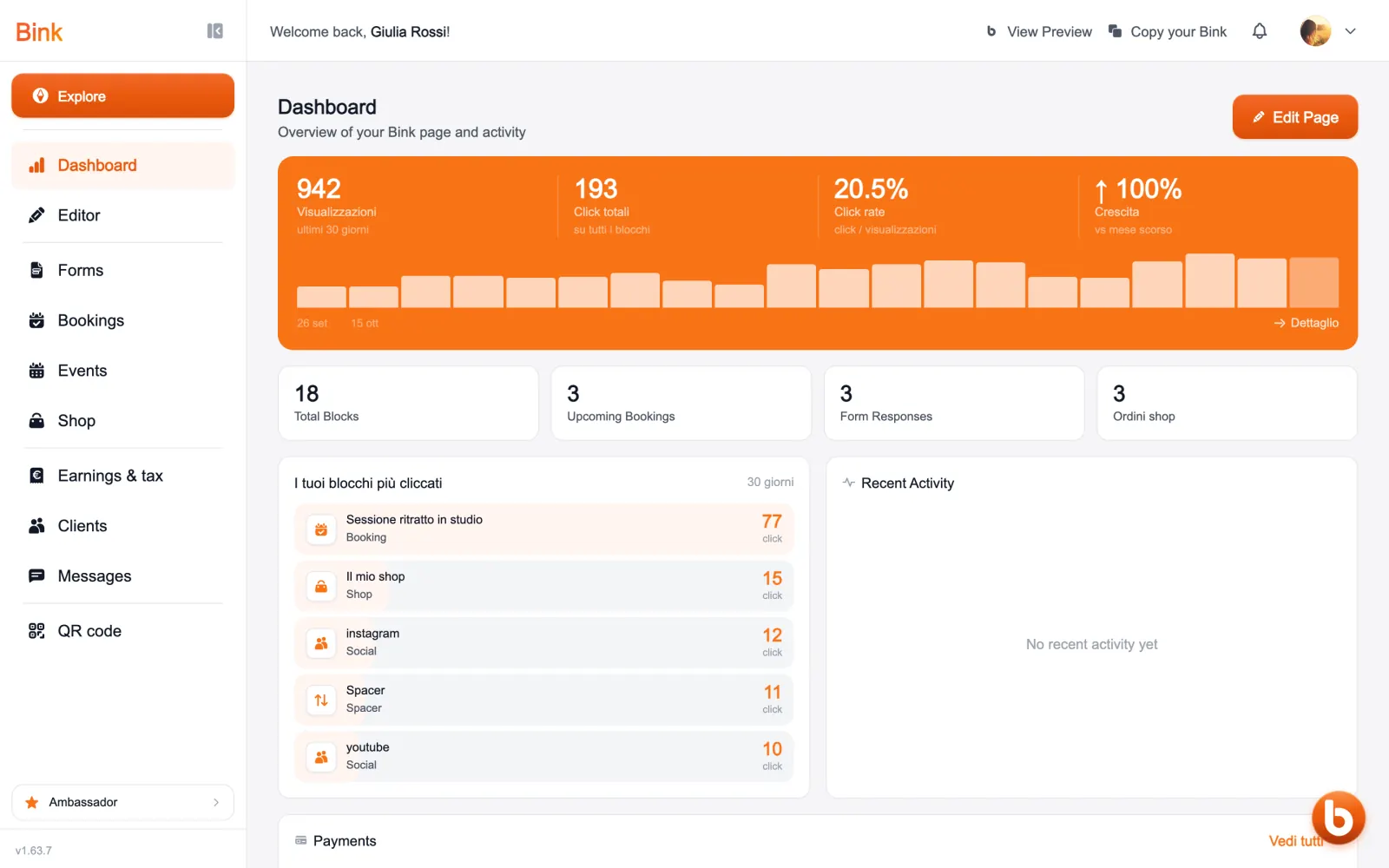
The orange circle at the bottom right opens Bink AI, the assistant that works on your data.
Still stuck?
Terms and definitions live in the glossary; for anything else there’s support.