Your Bink
From an empty page to a published one: profile, blocks, style and preview, in the order that actually works.
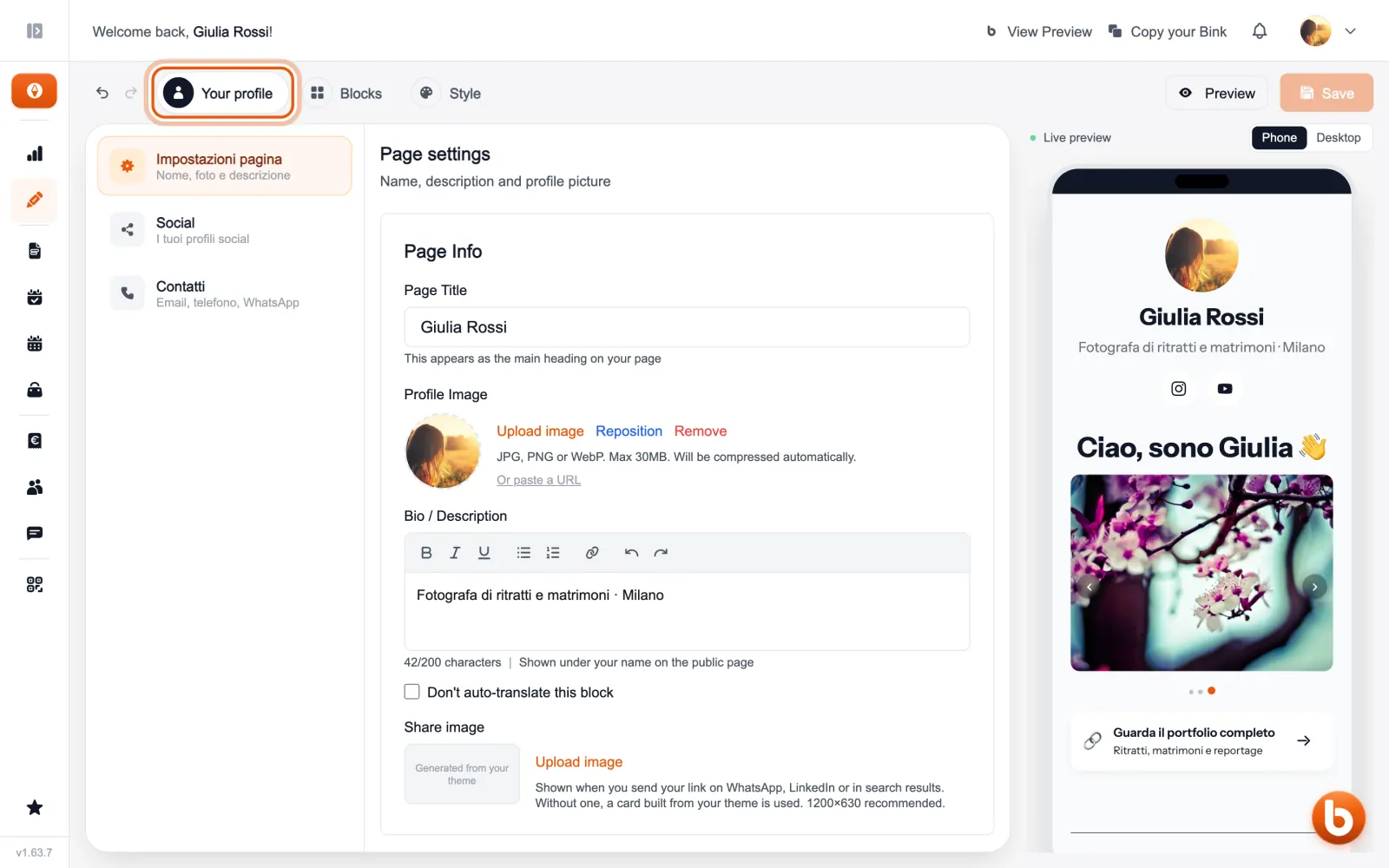
You build your Bink in the Editor, across three tabs. «Your profile» is the top of the page: name, photo, description, social profiles and contacts.
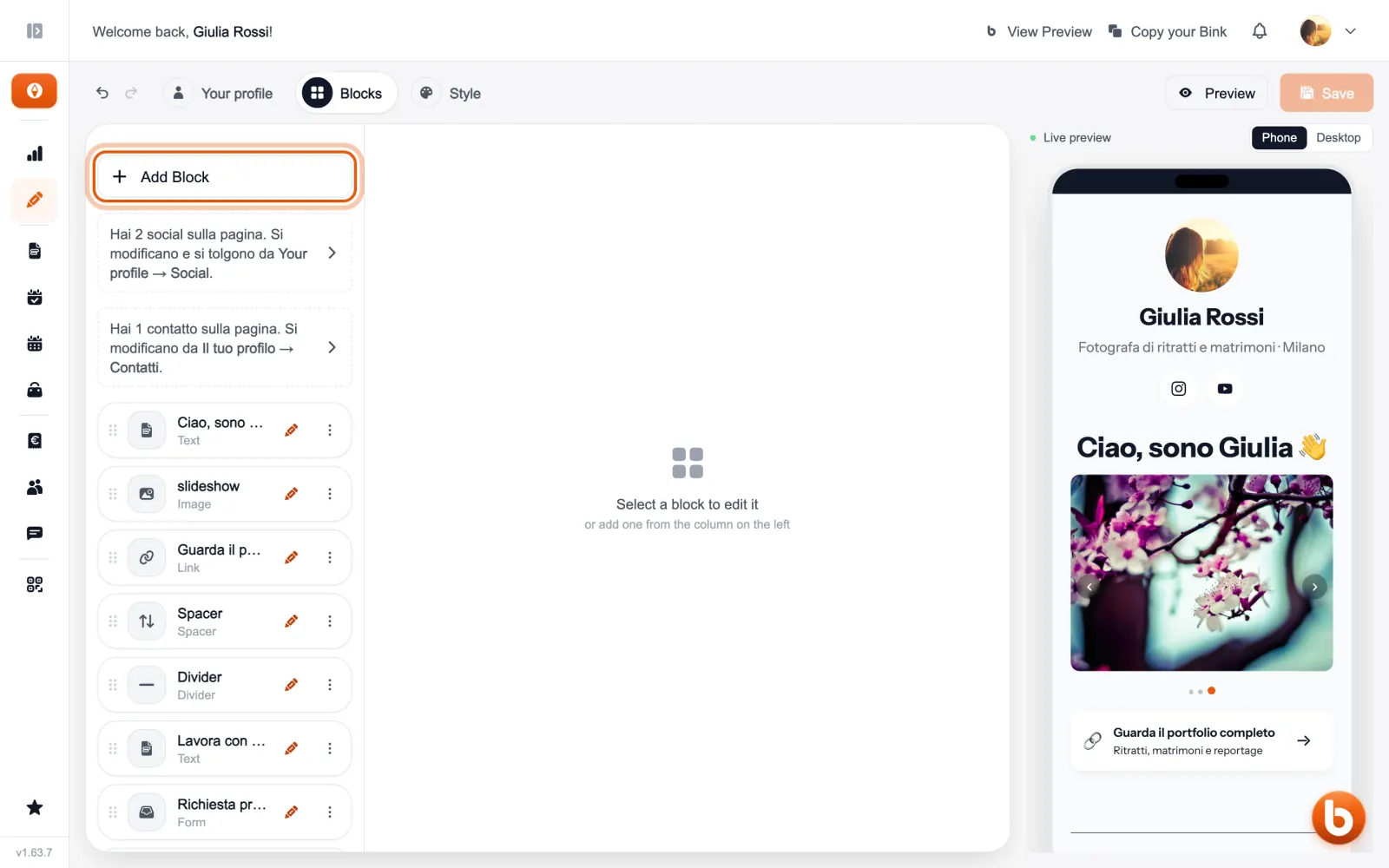
«Blocks» is everything below: links, texts, images, bookings, products, forms and events. «Add Block» adds a new one, and dragging the rows changes their order.
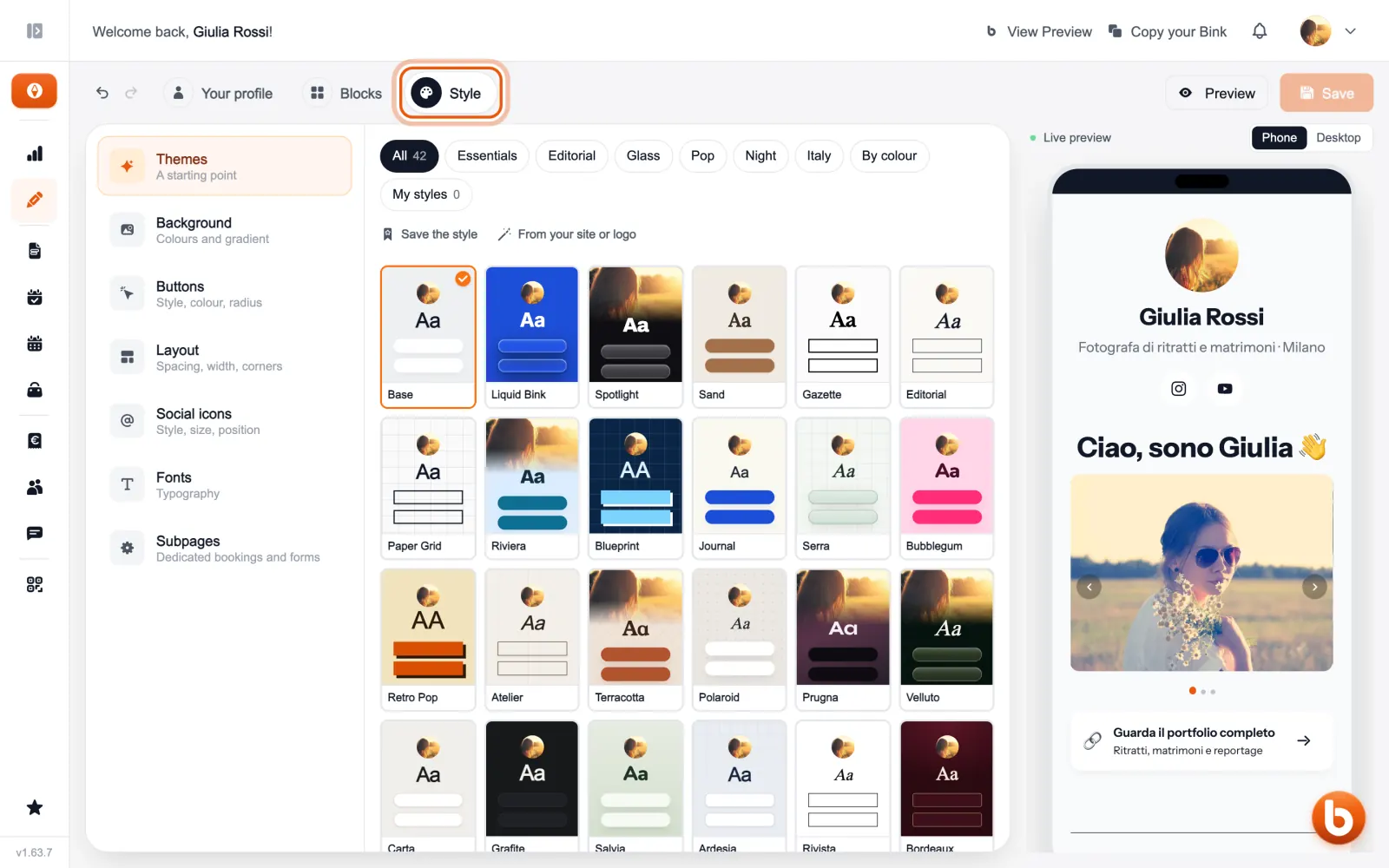
«Style» decides how it looks: start from a theme, then change background, buttons, layout and fonts.
On the right the live preview shows the page as you work, at phone or desktop size. When you like it press «Save»: from then on, anyone opening your address sees it too.
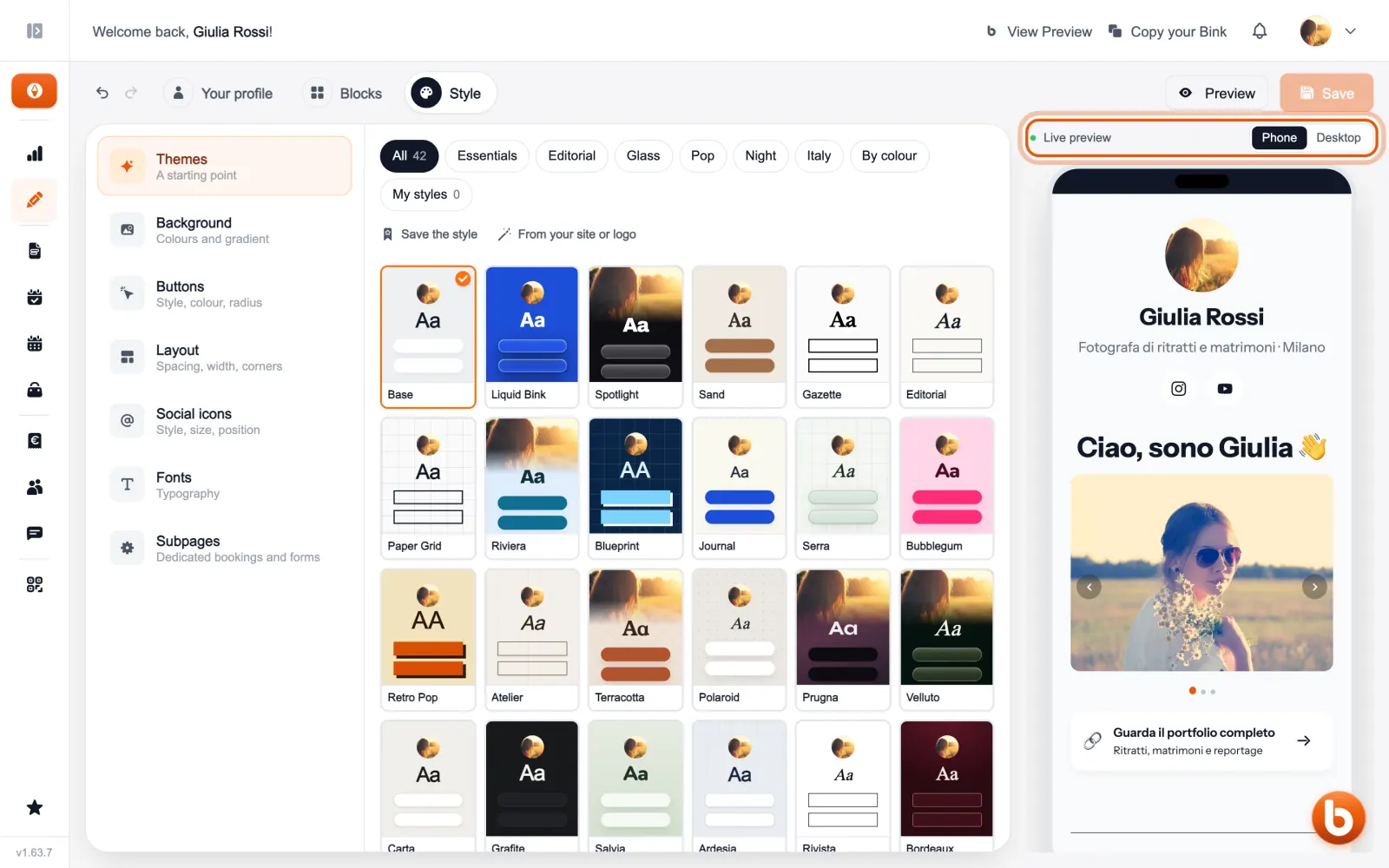
Your page is public as soon as you have a username, at bink4.me/ followed by your name. «View Preview», at the top, opens it the way visitors see it.
Still stuck?
Terms and definitions live in the glossary; for anything else there’s support.