Bink AI
The assistant that can see your data: what it can do for you, how credits are counted, and what the code computes instead.
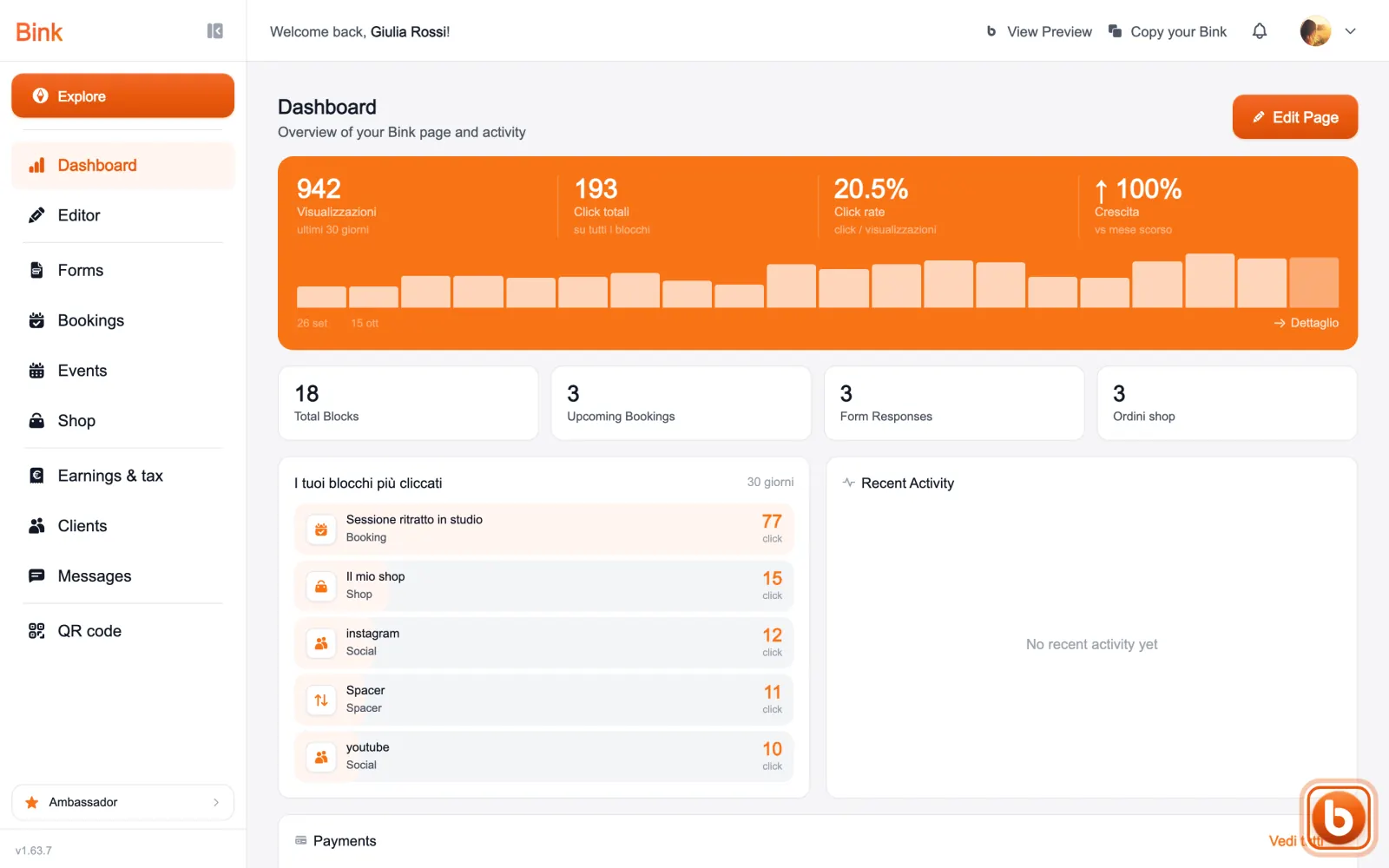
Bink AI opens from the orange circle at the bottom right, in any section.
It opens with the things it can do for you, grouped by topic: how much to set aside for taxes and contributions, what is due, how the month went, request a payment, prepare an invoice and more. Tap an action and it starts.
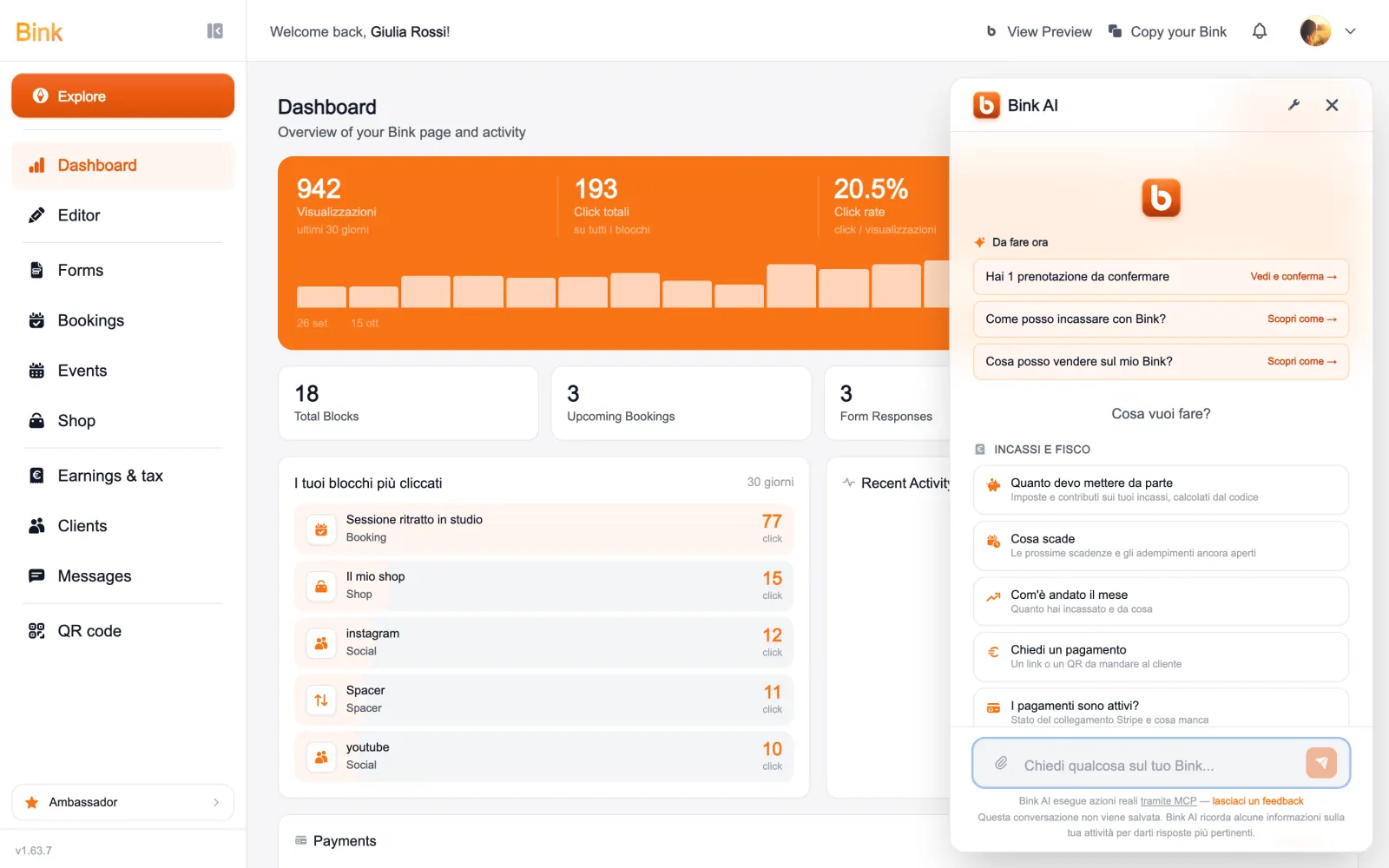
You can also write to it in your own words, at the bottom. The assistant does not make up tax figures: Bink calculates them, and it explains them to you.
The requests included in your plan renew by themselves; beyond those, Bink credits are used. How many each plan includes is on the pricing page.
Still stuck?
Terms and definitions live in the glossary; for anything else there’s support.