Settings and account
Profile, plan, tax details, sign-in and security: the settings worth sorting out right away.
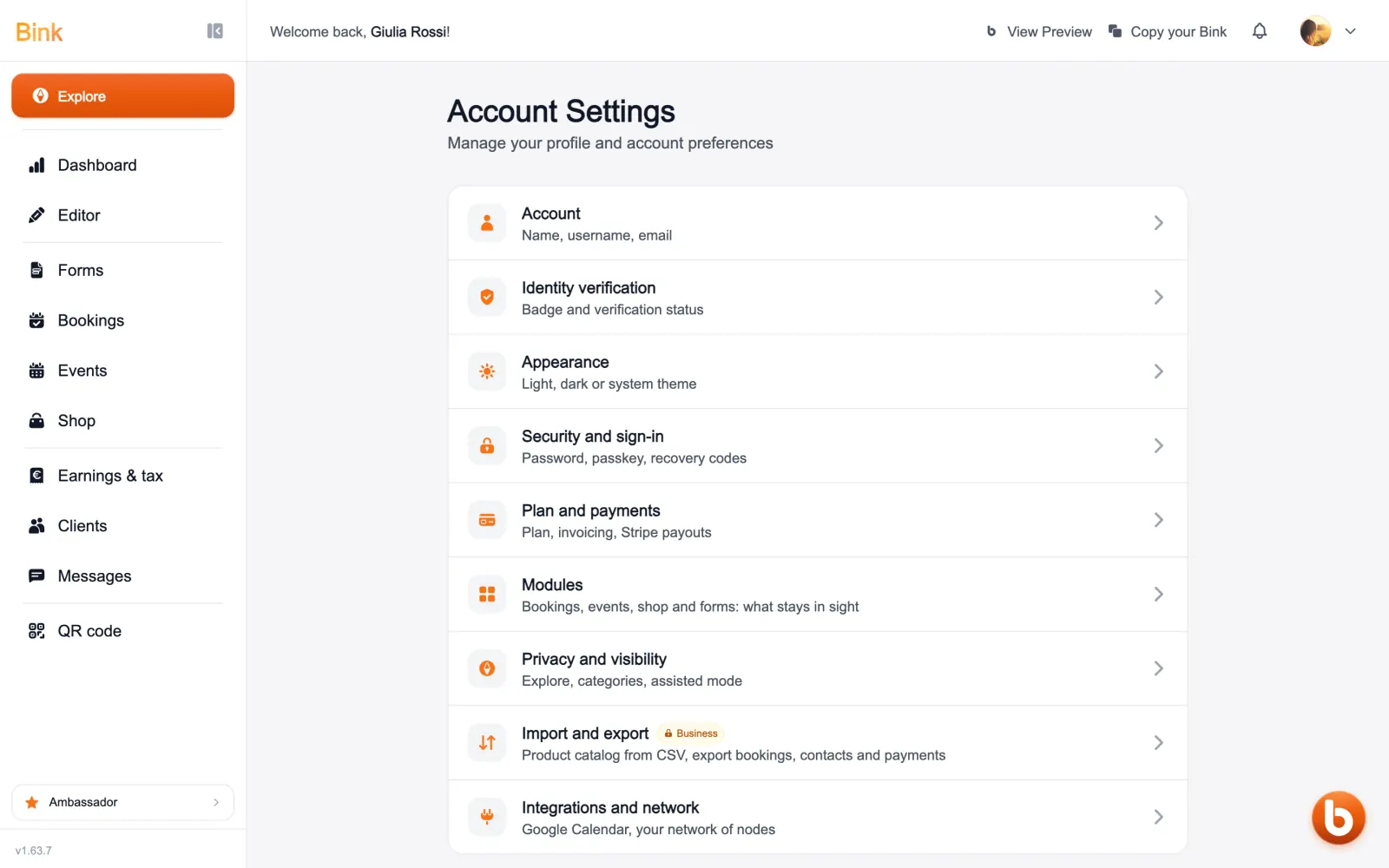
Settings open from your photo at the top right: account, identity check, appearance, security, plan and payments, modules, privacy, import and export, integrations.
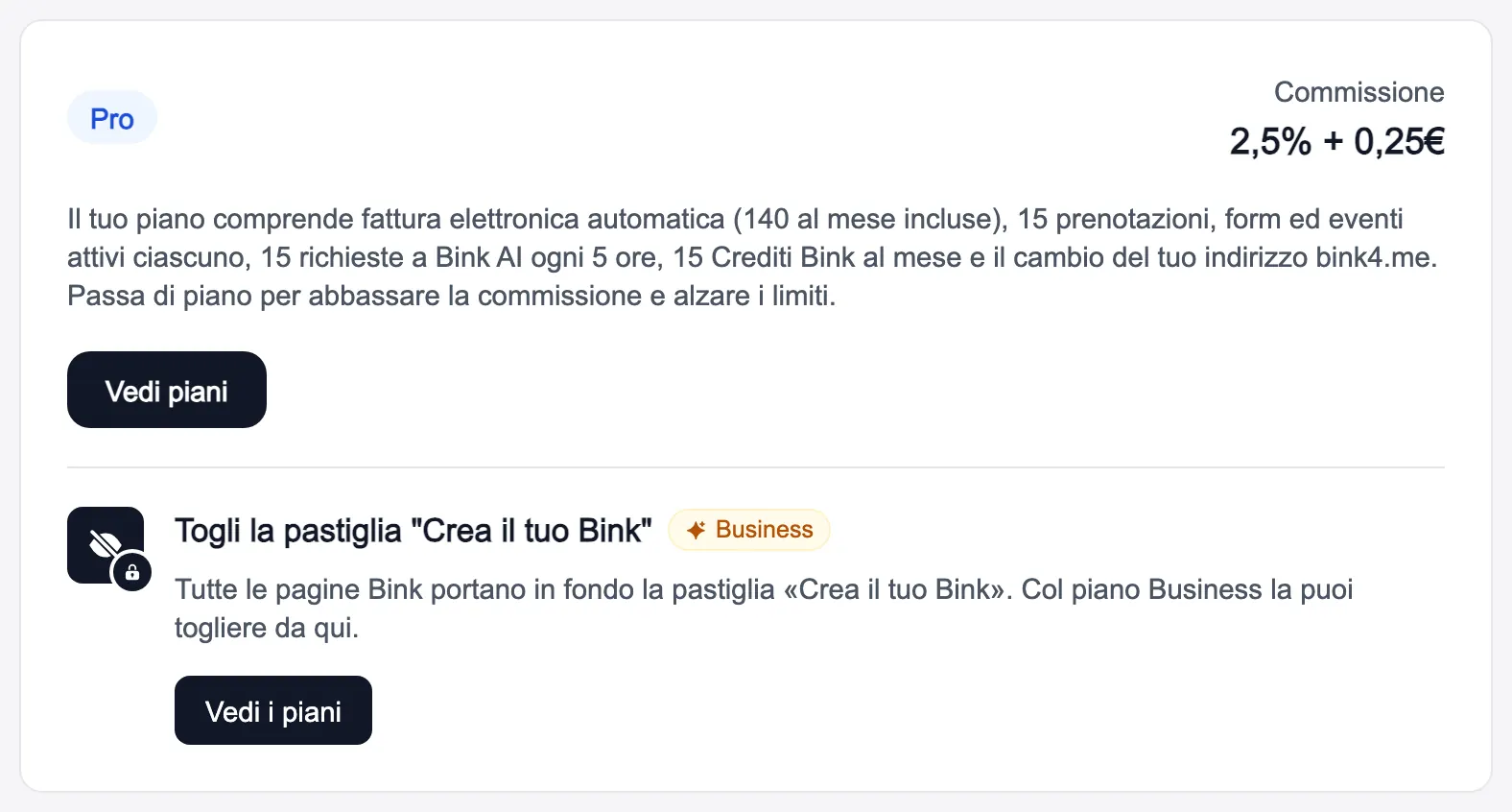
In «Plan and payments» you see your plan with its fee, and «Vedi piani» lets you change it. Further down are the tax details for e-invoicing and the connection to Stripe, where your payments come from.
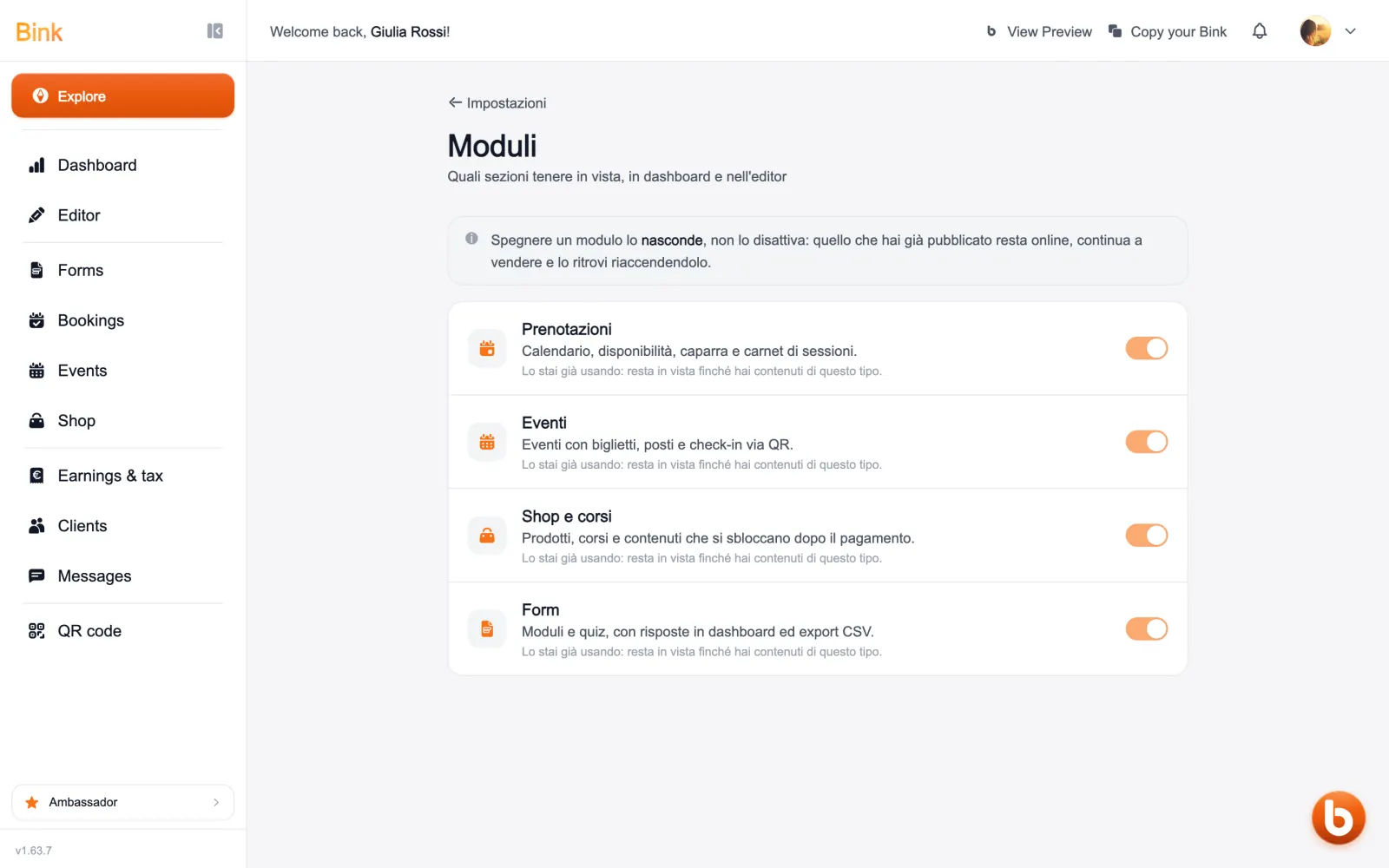
In «Modules» you choose which sections to keep in view: bookings, events, shop and forms. Switching a module off only hides it: what is already on your page stays and keeps working.
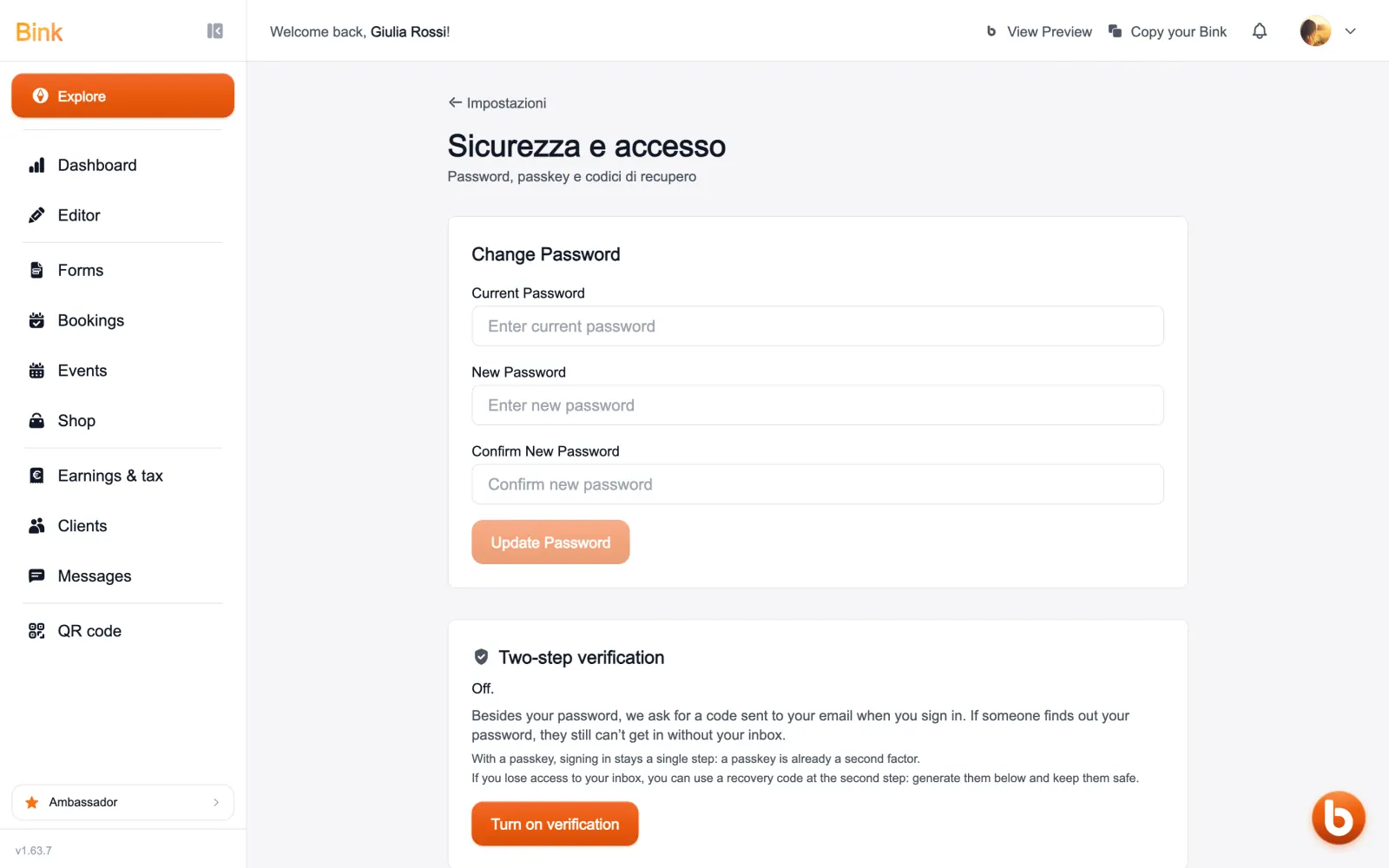
In «Security and sign-in» you change your password, add a passkey, create recovery codes and turn on two-step verification, with a code sent to your email.
The first thing to set up is the Stripe connection, in plan and payments: without it, you cannot get paid.
Still stuck?
Terms and definitions live in the glossary; for anything else there’s support.