Getting found: Explore
The shop window inside Bink: people, services, products and events, in a feed and on a map. What it takes to show up there.
«Explore», at the top of the bar, is the Bink showcase: whoever opens it looks for people, services, products and events, by category or by name.
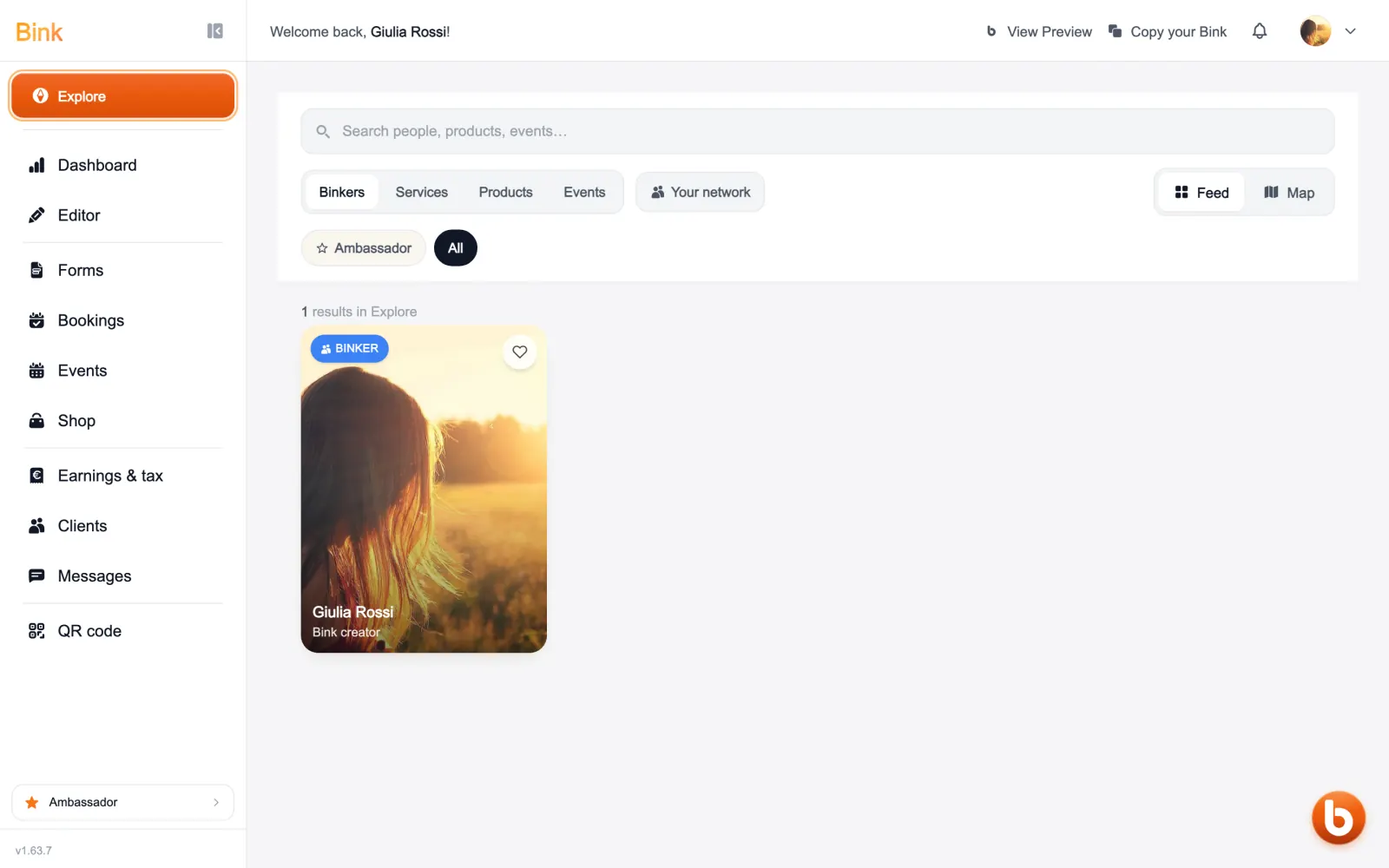
The pills at the top change what you see: people, services, products or events. With the map you see who works near you.
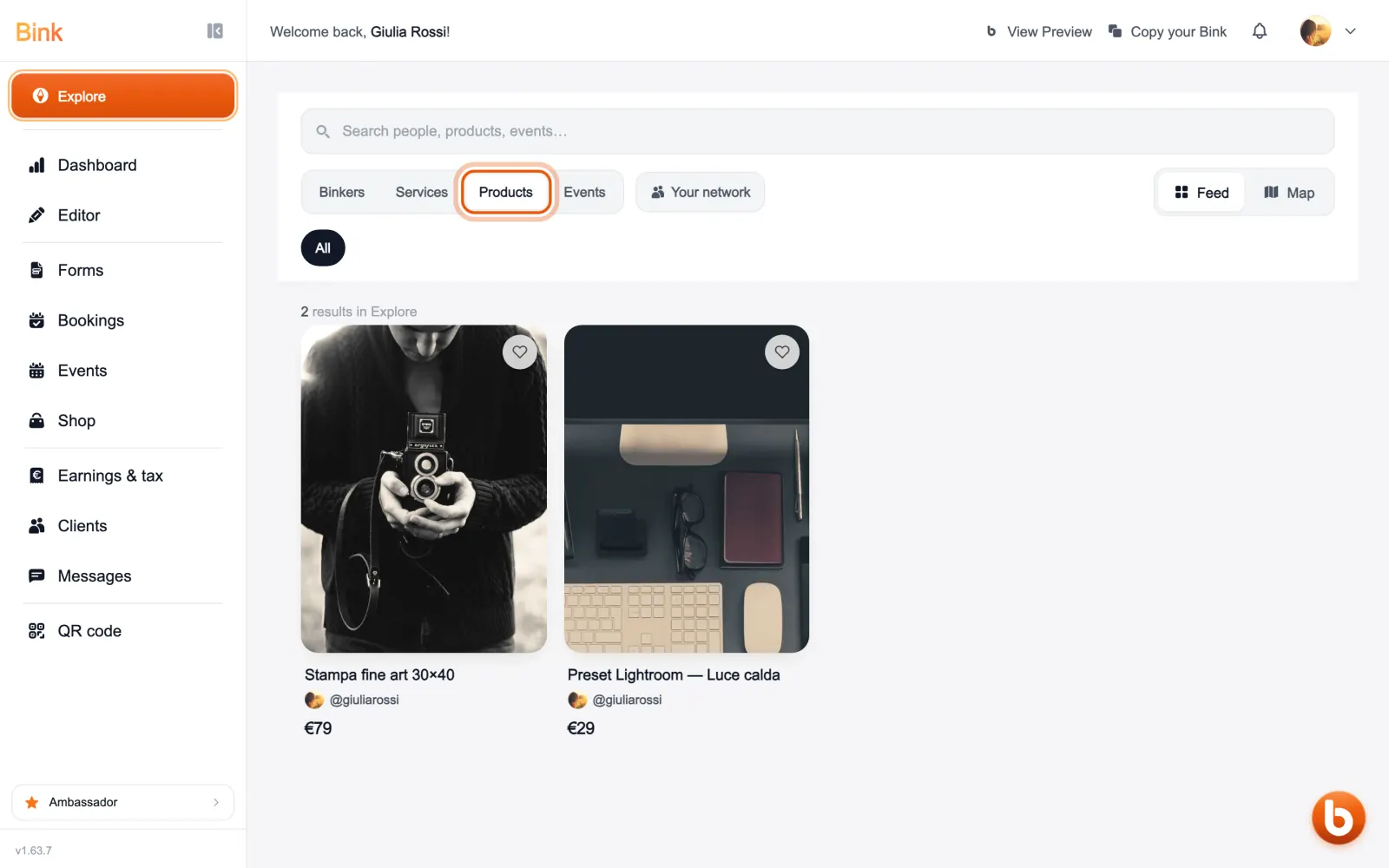
To appear you need a published page and a photo. Verified accounts sit at the top and are the only ones on the map: you verify from your settings.
The heart on a person adds them to your favourites and lets them know: if you add each other you can message and book a meeting. On products and events the heart saves them for later.
If you prefer not to appear, you can leave Explore from your settings, under privacy and visibility.
Still stuck?
Terms and definitions live in the glossary; for anything else there’s support.