All guidesSections
Customers
The list fills itself with whoever pays you: tax details, payment history, and who you could invoice today and who you could not.
«Clients» is your client list, and it fills itself with whoever pays you. For each one you see how much they spent and whether the tax details needed to invoice them are complete or missing.
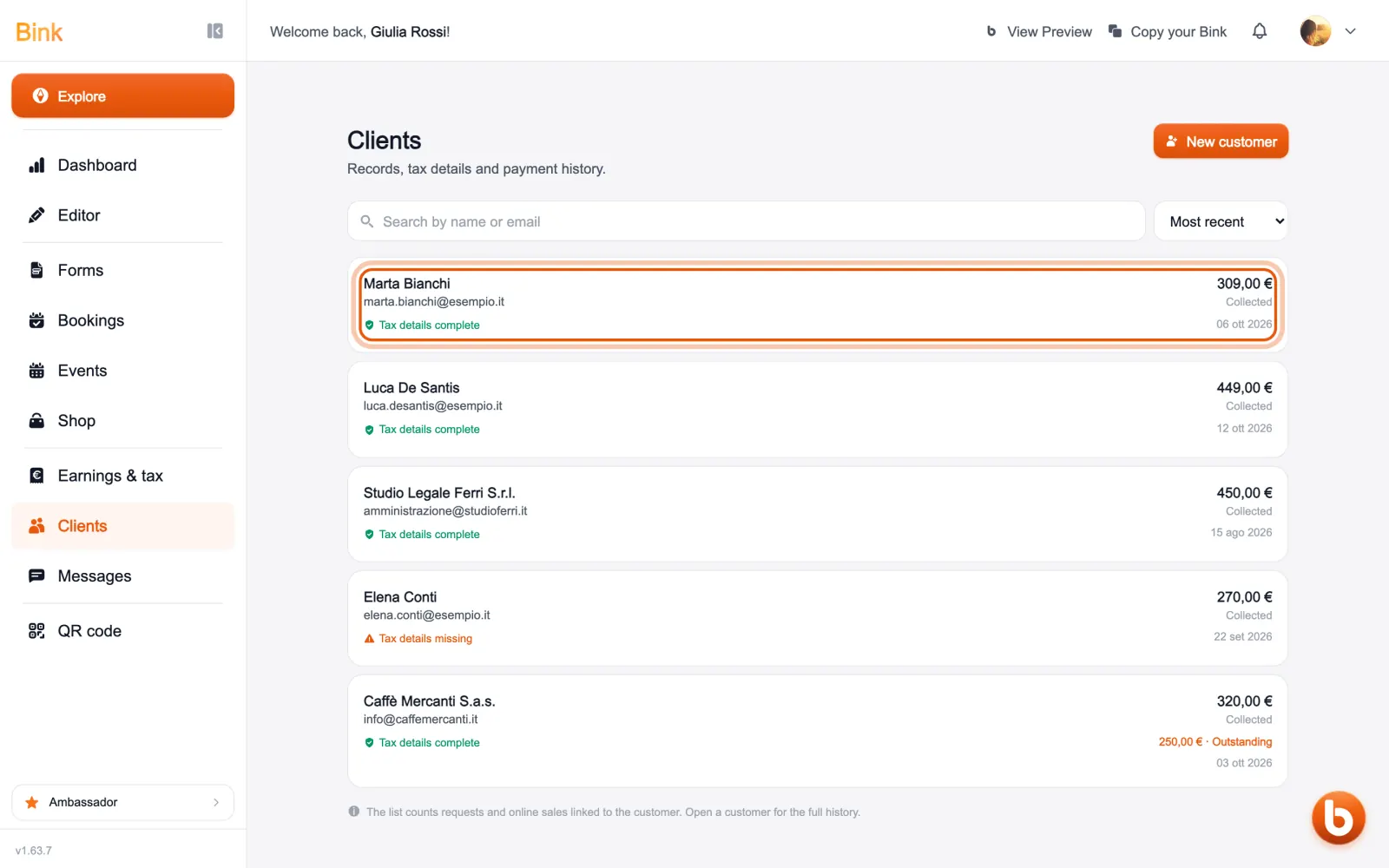
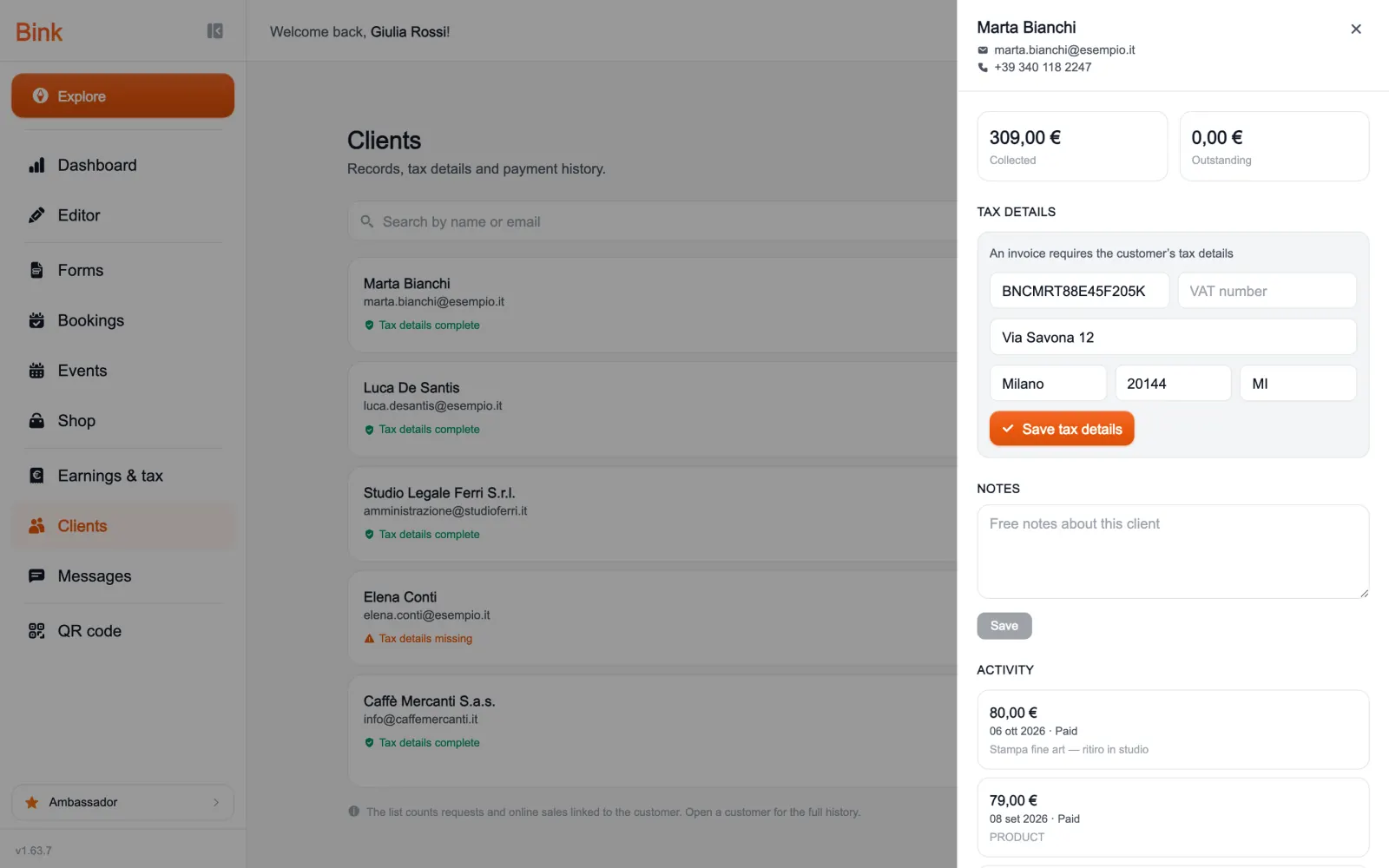
Tap a client to open their card: how much they paid and how much is still due, their tax details (tax code or VAT number and address), your notes and every transaction.
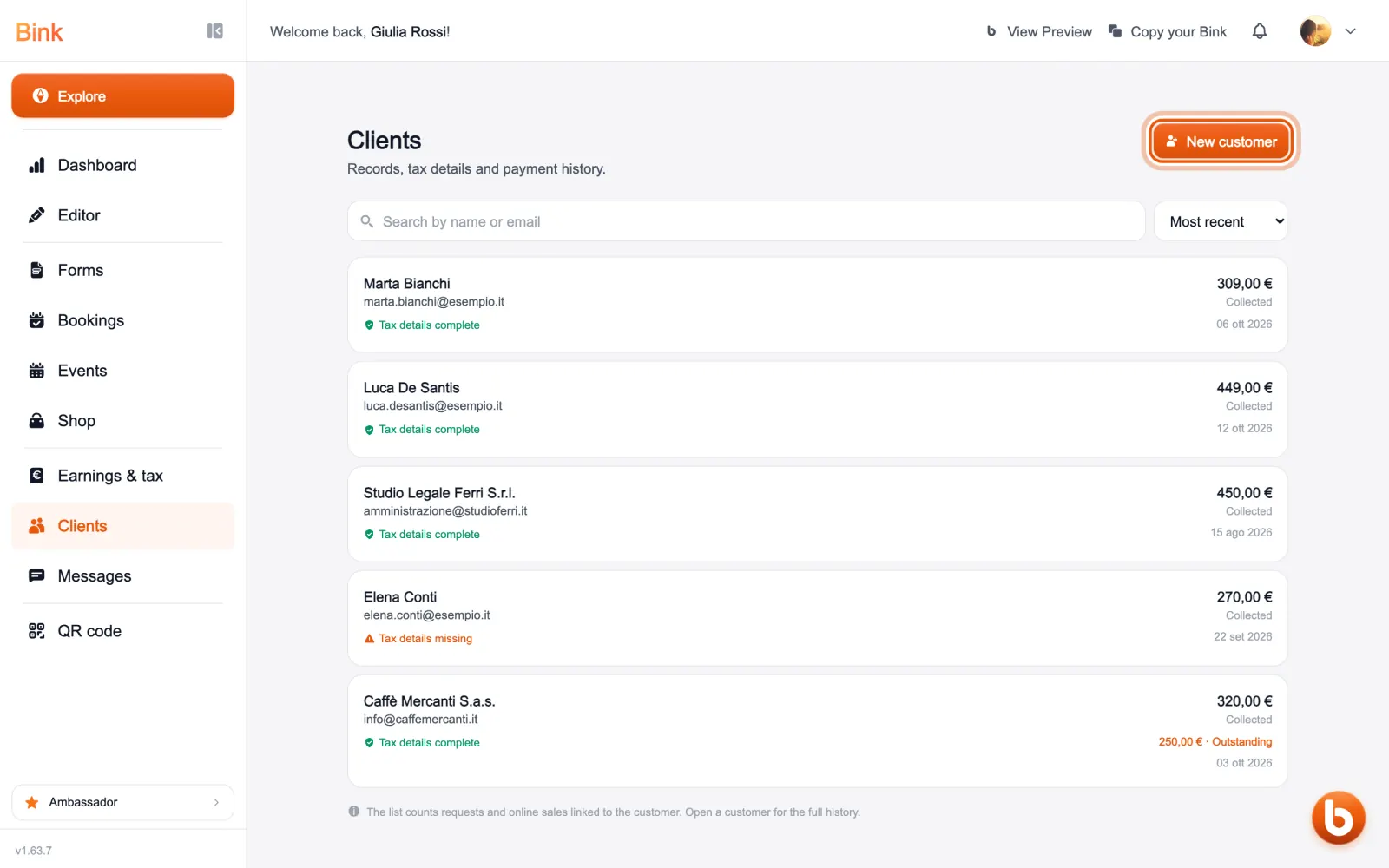
With «New customer» you add one by hand, for example someone who pays you in cash.
A detail you typed by hand is never overwritten by that client’s later purchases.
Still stuck?
Terms and definitions live in the glossary; for anything else there’s support.