Bookings
Availability, duration, deposit and where the appointment happens, plus the link people use to book themselves in.
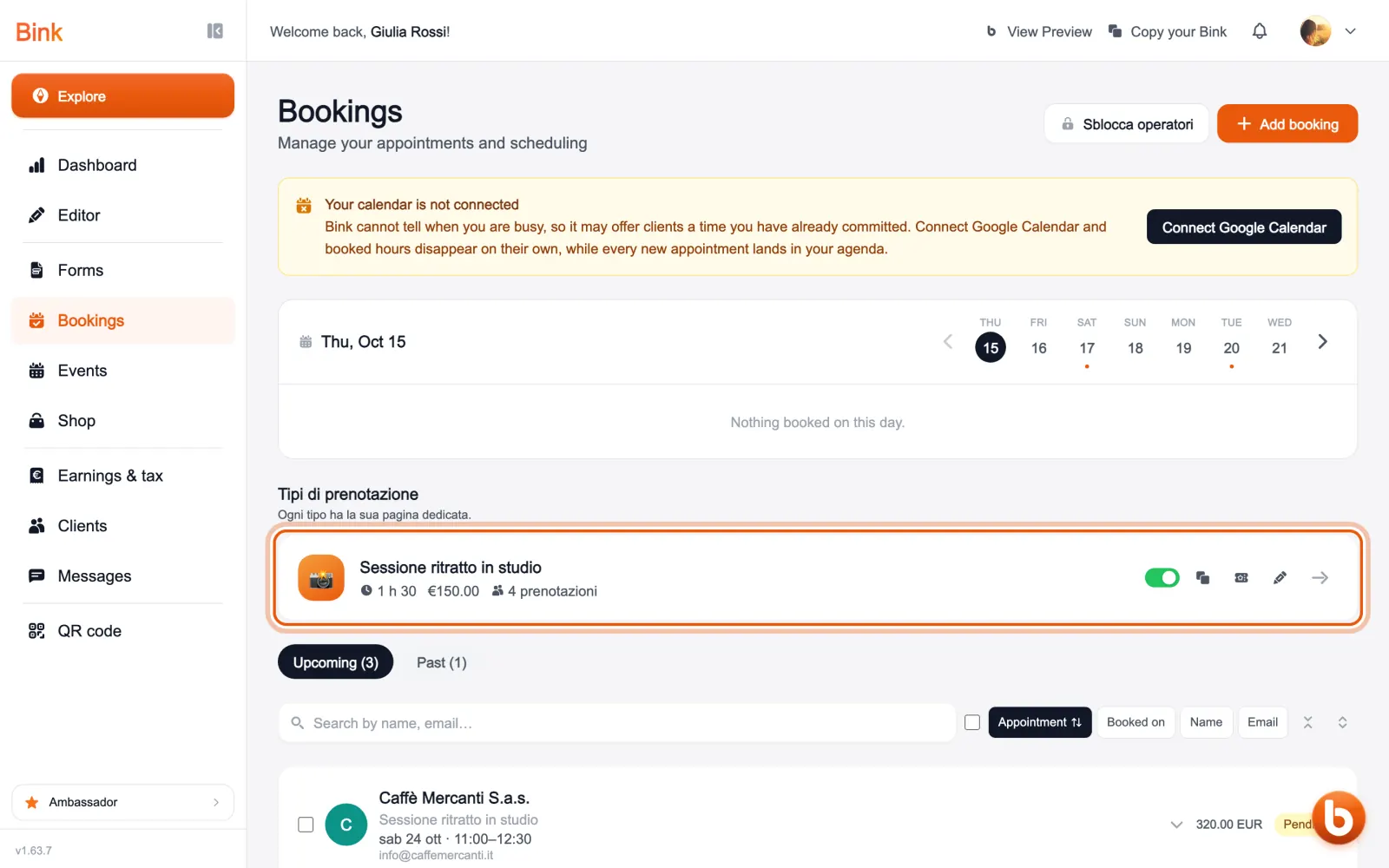
In «Bookings», under the booking types, is every service people can book, with duration, price and how many bookings it has received. The switch puts it on your Bink or takes it off; the icons next to it copy the link, sell a pack of sessions and open the settings.
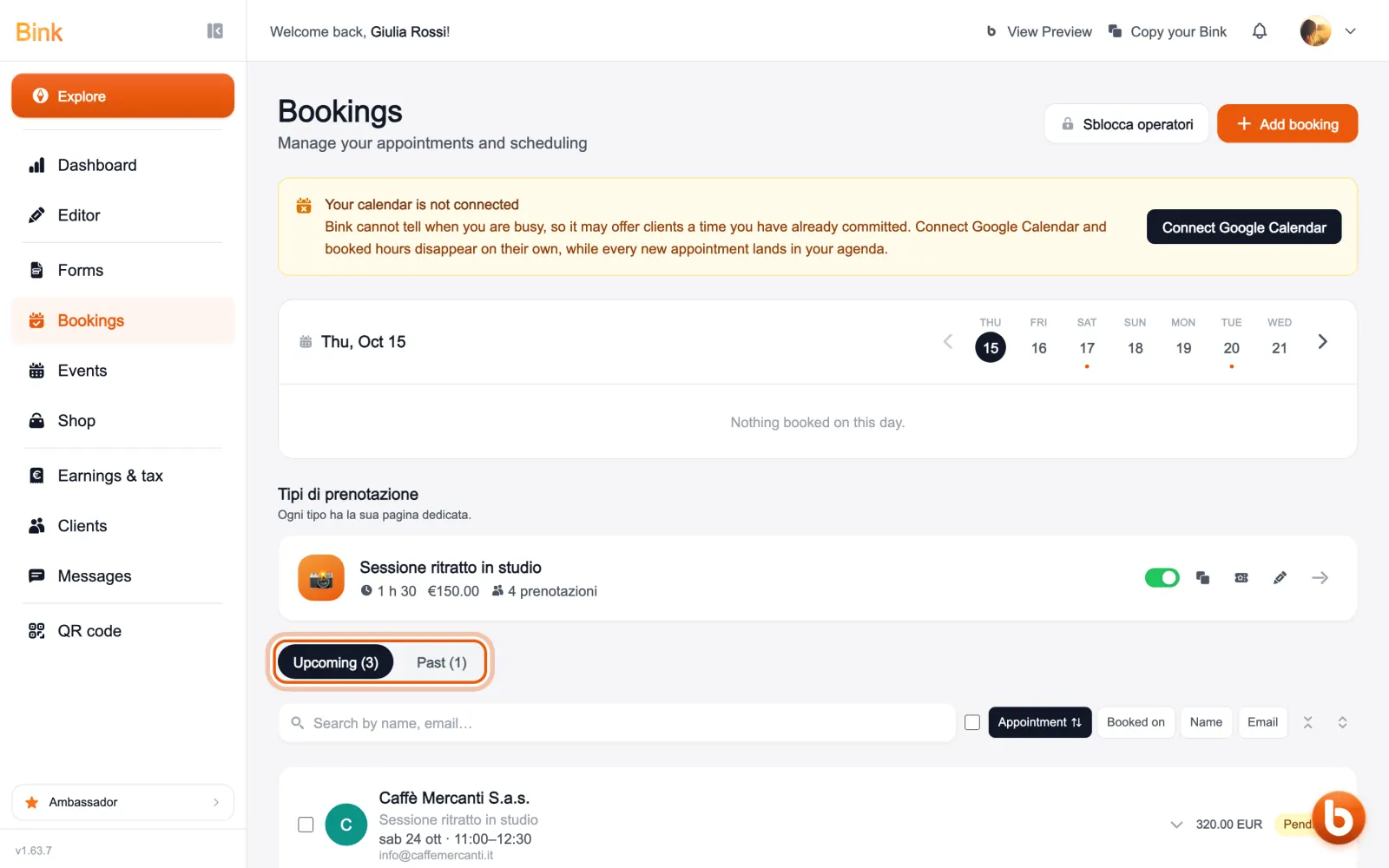
At the top is the week: tap a day to see its appointments. Below, the upcoming and past lists show every booking, with who booked, when and the amount.
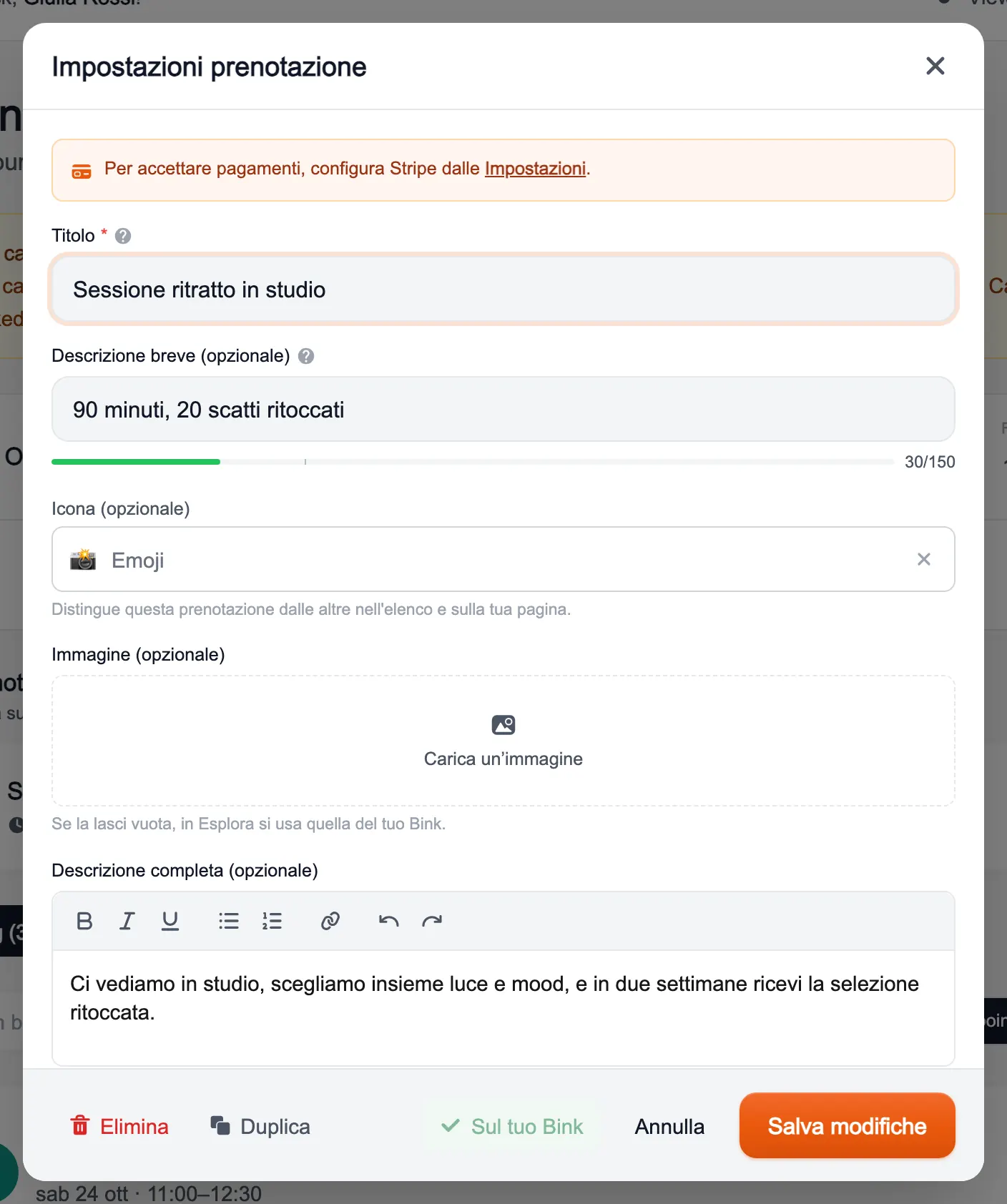
The pencil opens a booking’s settings: title, description, image and, further down, availability, duration, price, deposit, location and the questions for whoever books. Next to the trickier fields there is a «?» explaining what they do.
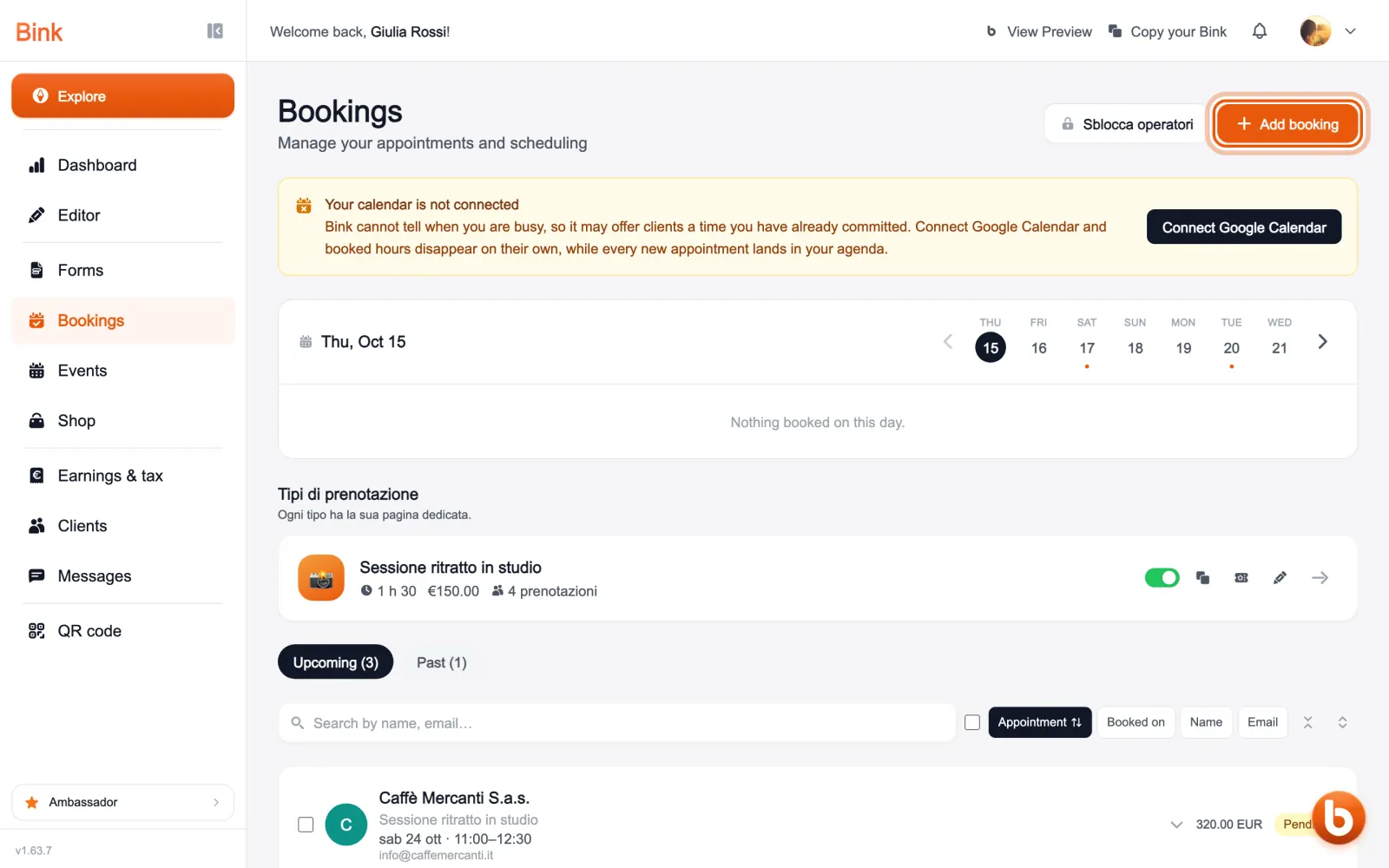
The add booking button creates a new one with the guided setup, one step at a time.
If you connect Google Calendar, the times you are already busy disappear from your clients’ calendar by themselves, and every new appointment lands in your agenda.
Still stuck?
Terms and definitions live in the glossary; for anything else there’s support.