Forms
Collect requests with the fields you want, read the answers, export them, and turn a form into a quiz.
In «Forms» are your forms, with their address, how many questions they have and how many answers they received. The switch decides whether a form still accepts answers.
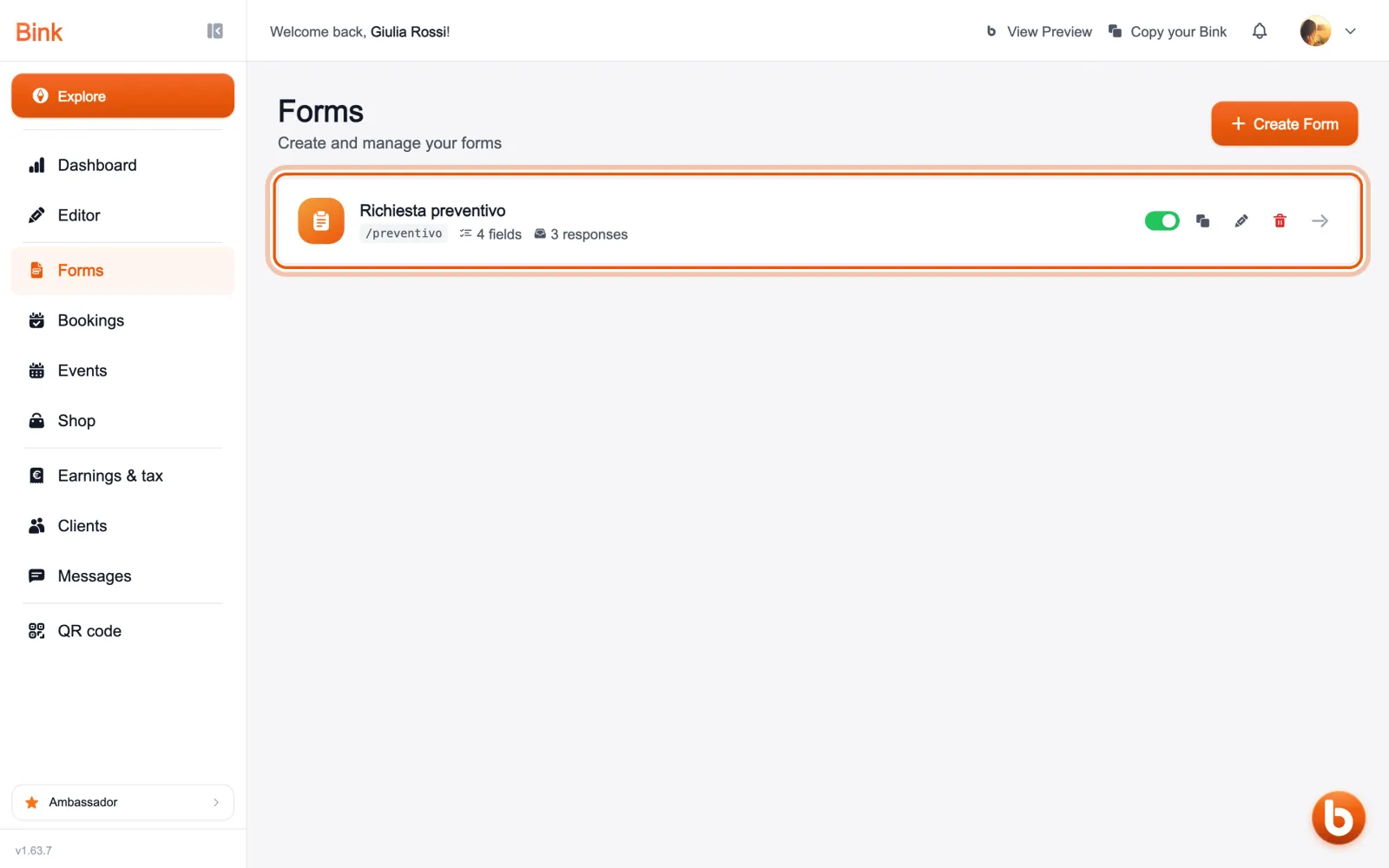
Open a form to read the answers that came in, one per row, and export them to a file for your spreadsheet.
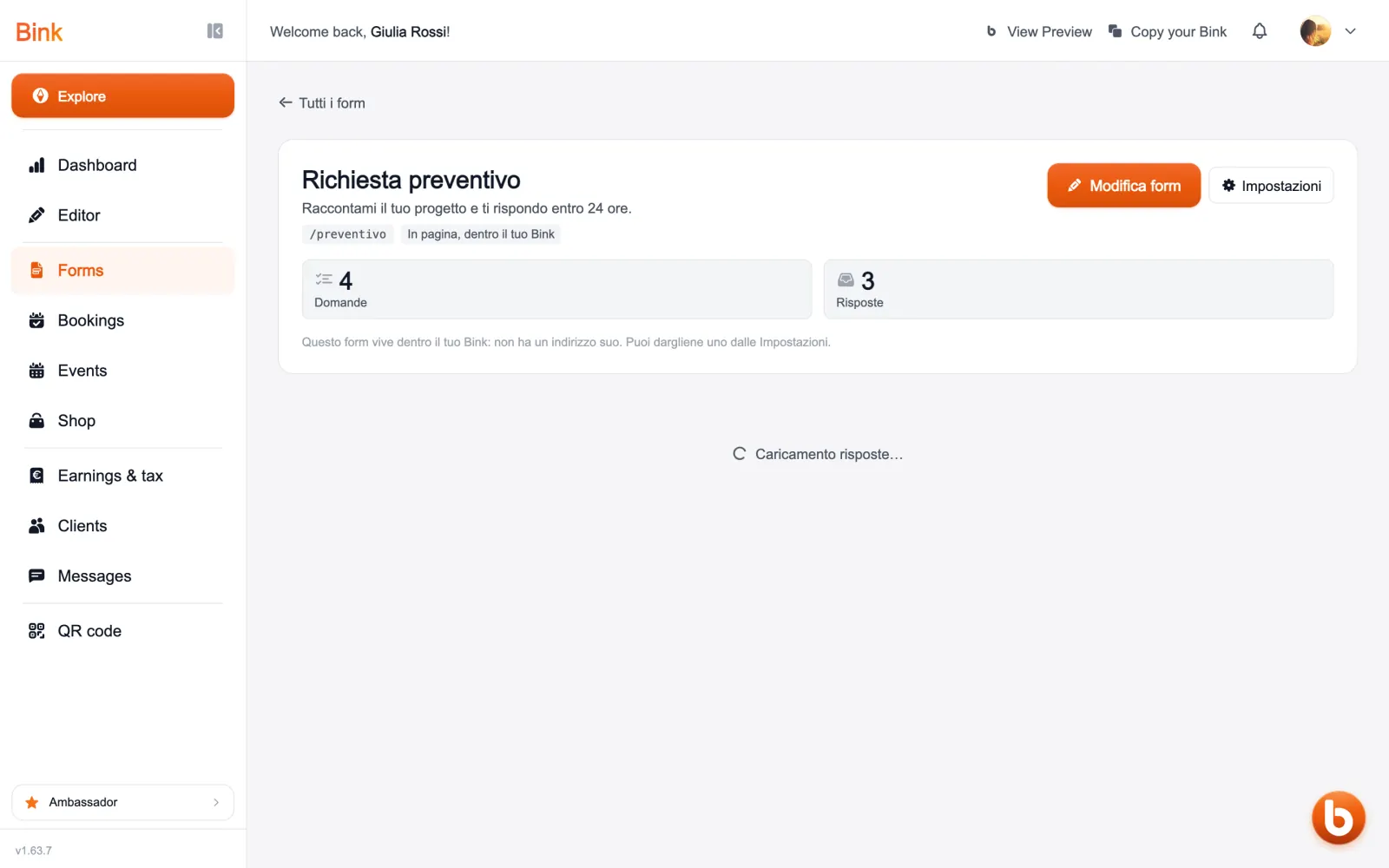
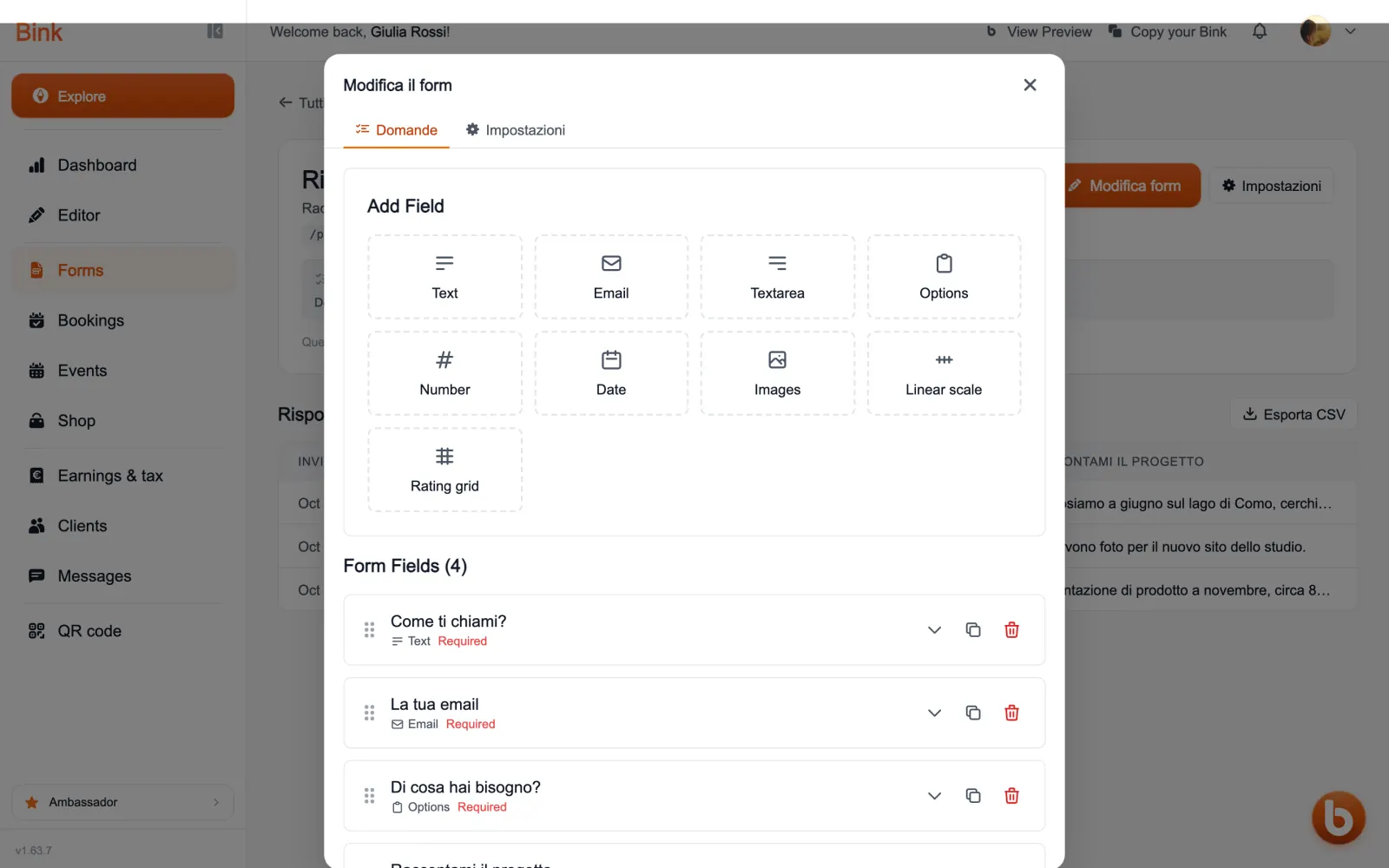
«Modifica form» (edit form) opens the questions and the settings: the type of each field, their order, the thank-you page and the notifications when an answer arrives.
A form can become a quiz: each question has its right answer and its points, and Bink grades it. The right answers never leave the page before submitting.
Still stuck?
Terms and definitions live in the glossary; for anything else there’s support.