Events
Date, place, capacity and tickets, all the way to QR check-in at the door on the day.
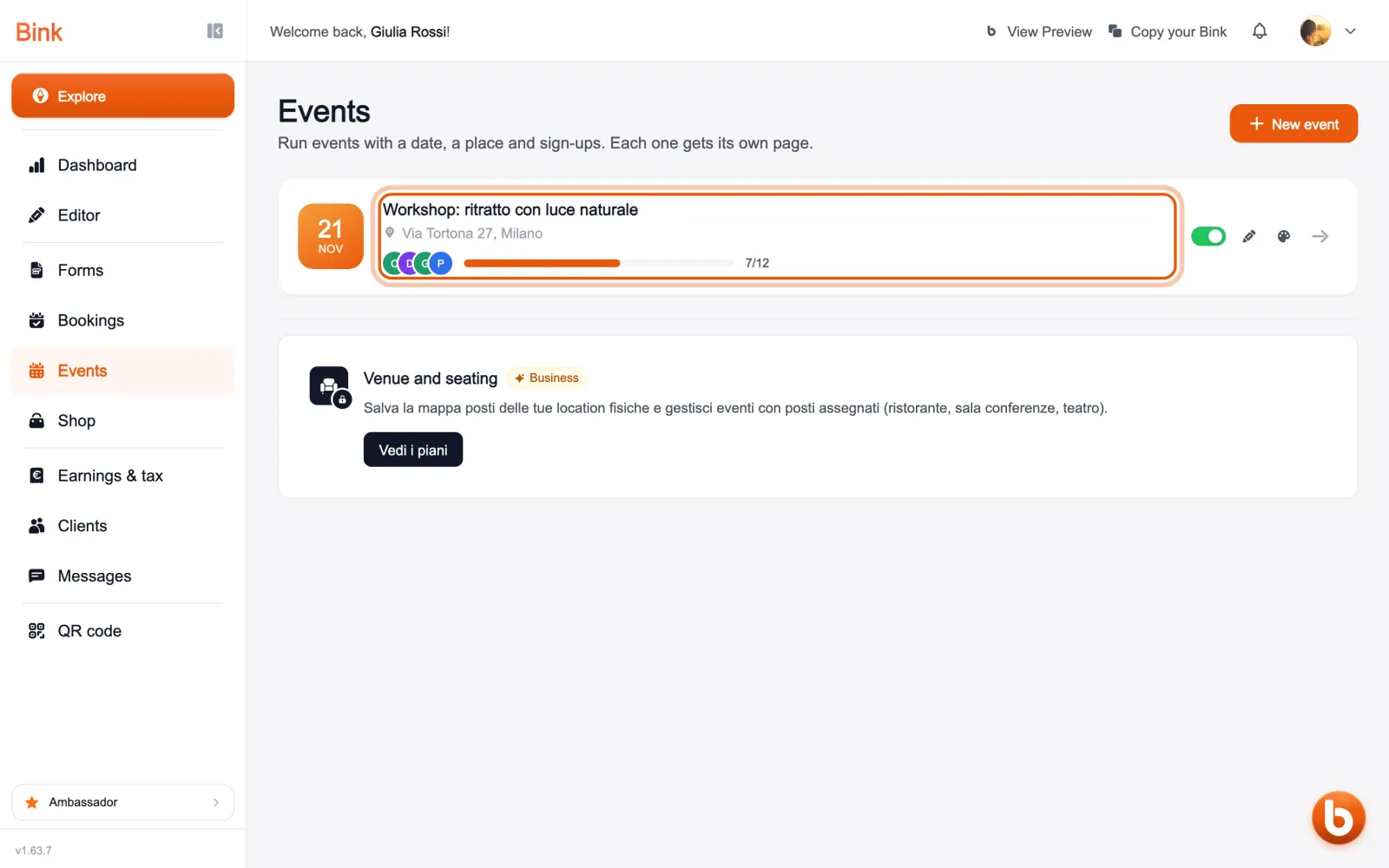
In «Events» you find your events with date, venue and how many seats are taken. «New event» creates one: title, date, venue, capacity and price, or free entry.
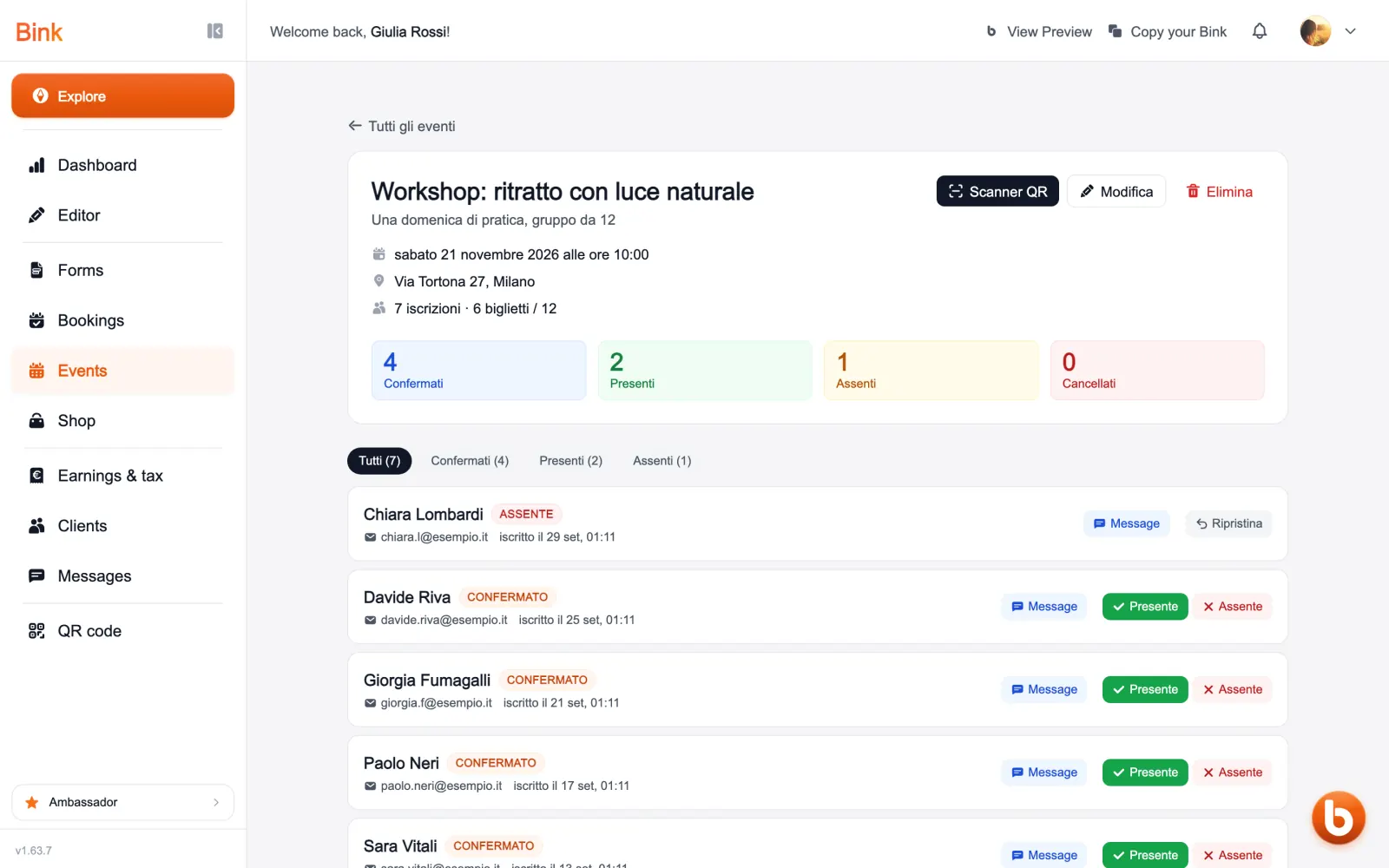
Open an event to see who signed up: confirmed, present, absent and cancelled, each with their details. From here you mark attendance by hand and message an attendee.
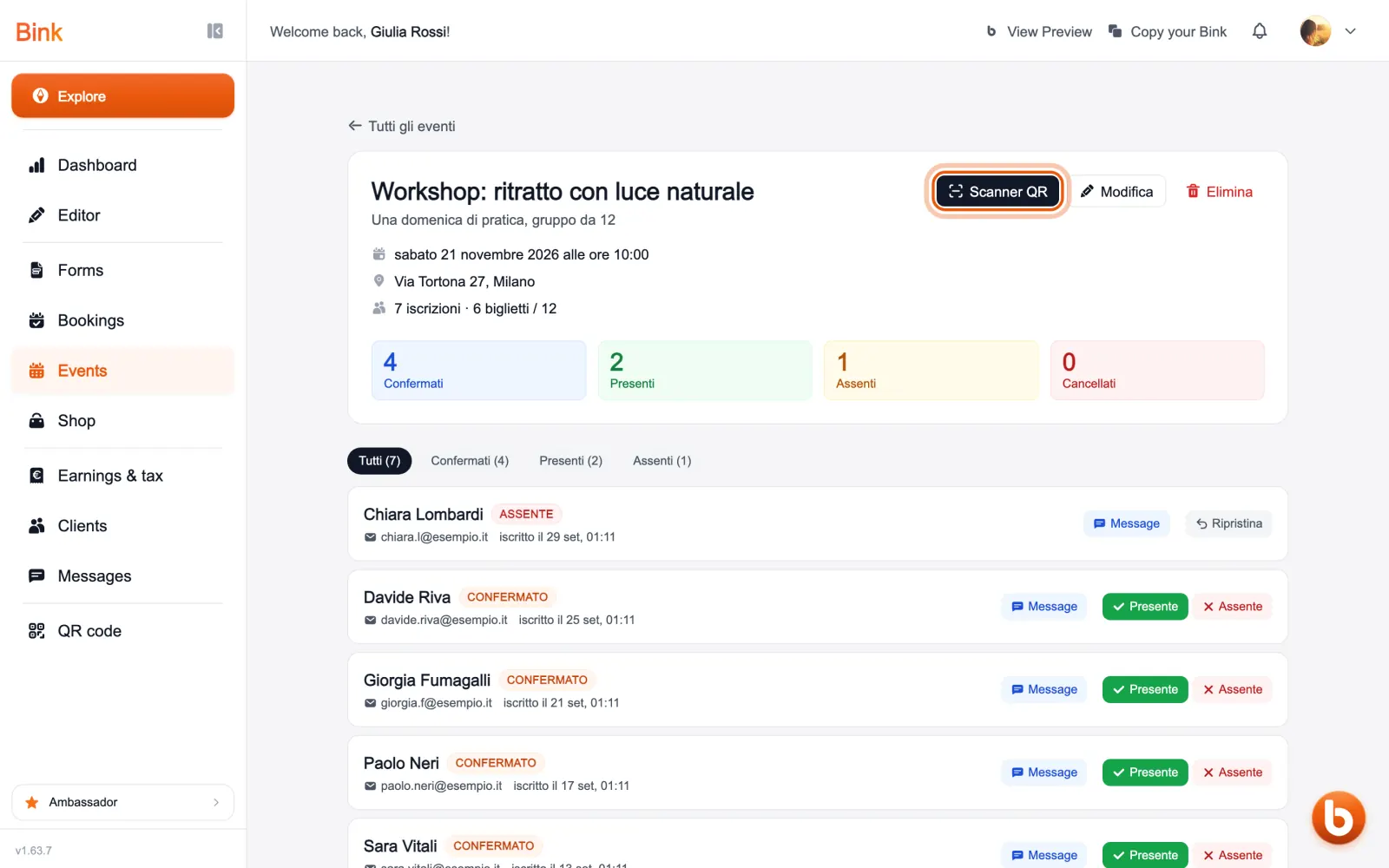
On the day of the event «Scanner QR» opens the camera: scan the ticket of whoever arrives and the attendance is marked by itself.
Every event has its own page to share. Once the date has passed it leaves your Bink by itself, and stays in the section with all its attendees.
Still stuck?
Terms and definitions live in the glossary; for anything else there’s support.