Pay me now
Getting paid without waiting for a bank transfer: amount, description, customer, then a link or a QR code to send over.
«Pay me now» sits at the top of the Earnings & tax section: it gets you paid by a client right away, without waiting for a bank transfer.
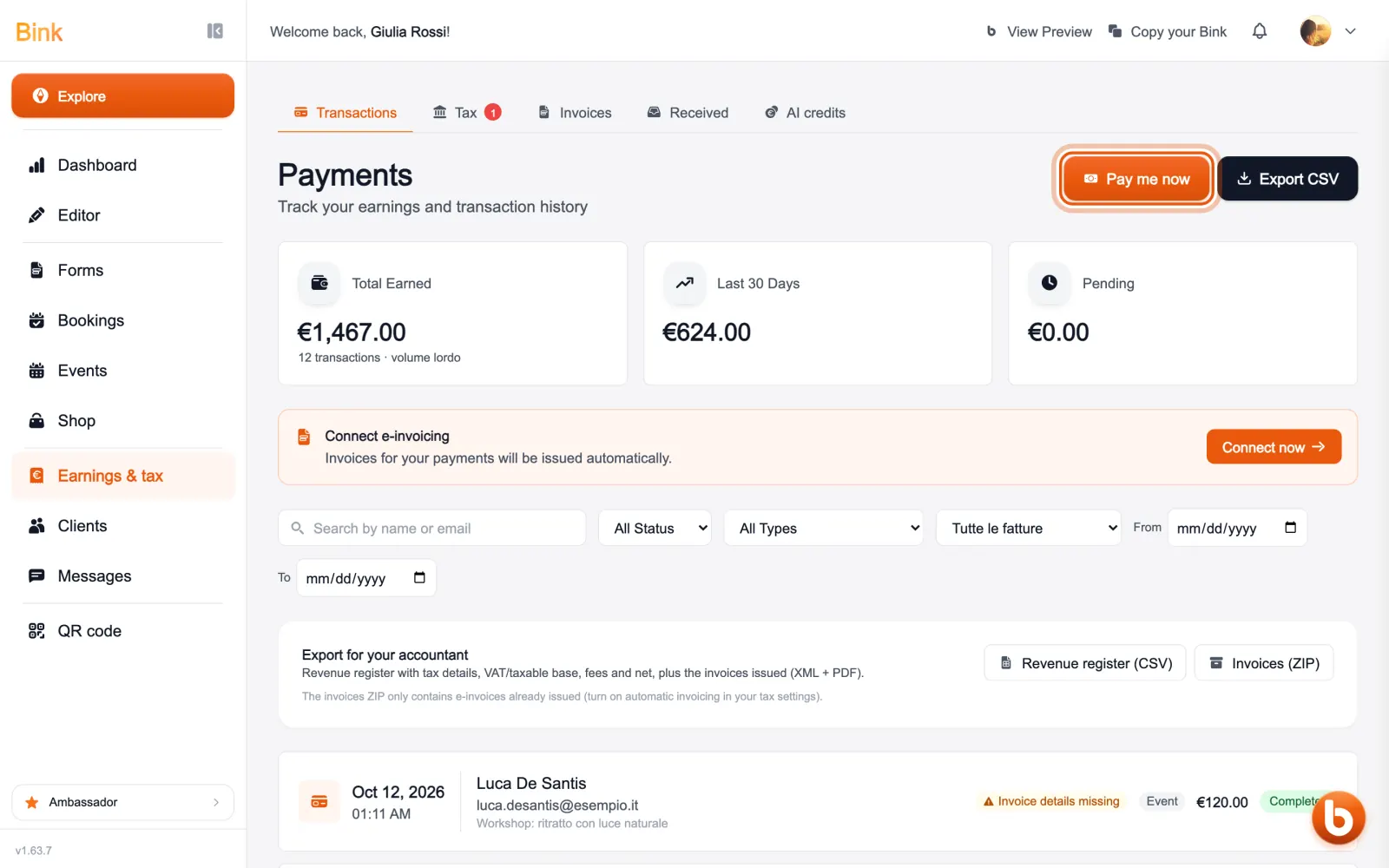
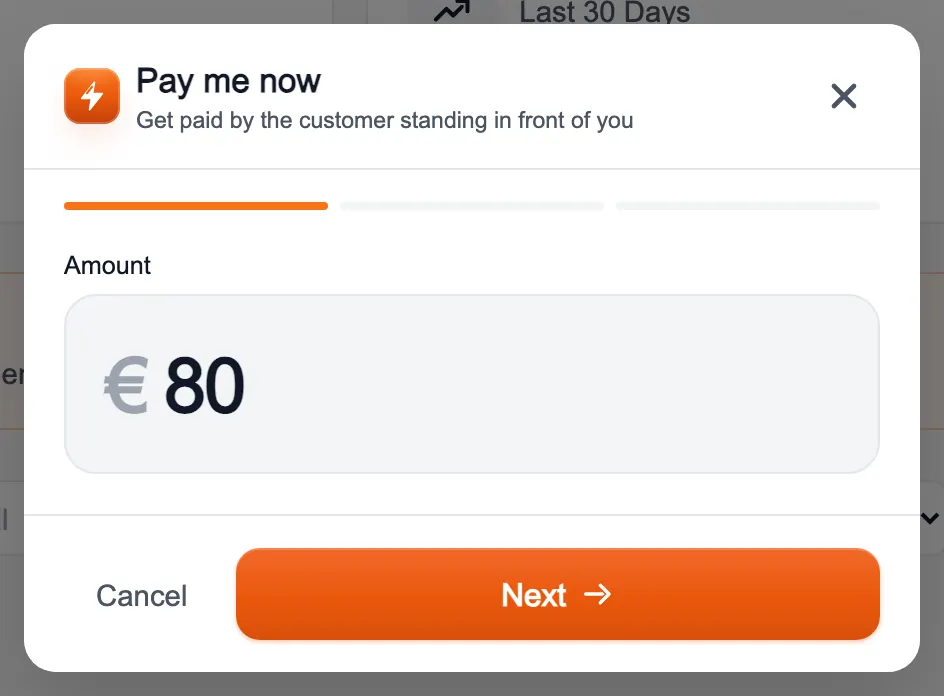
Enter the amount and press «Next».
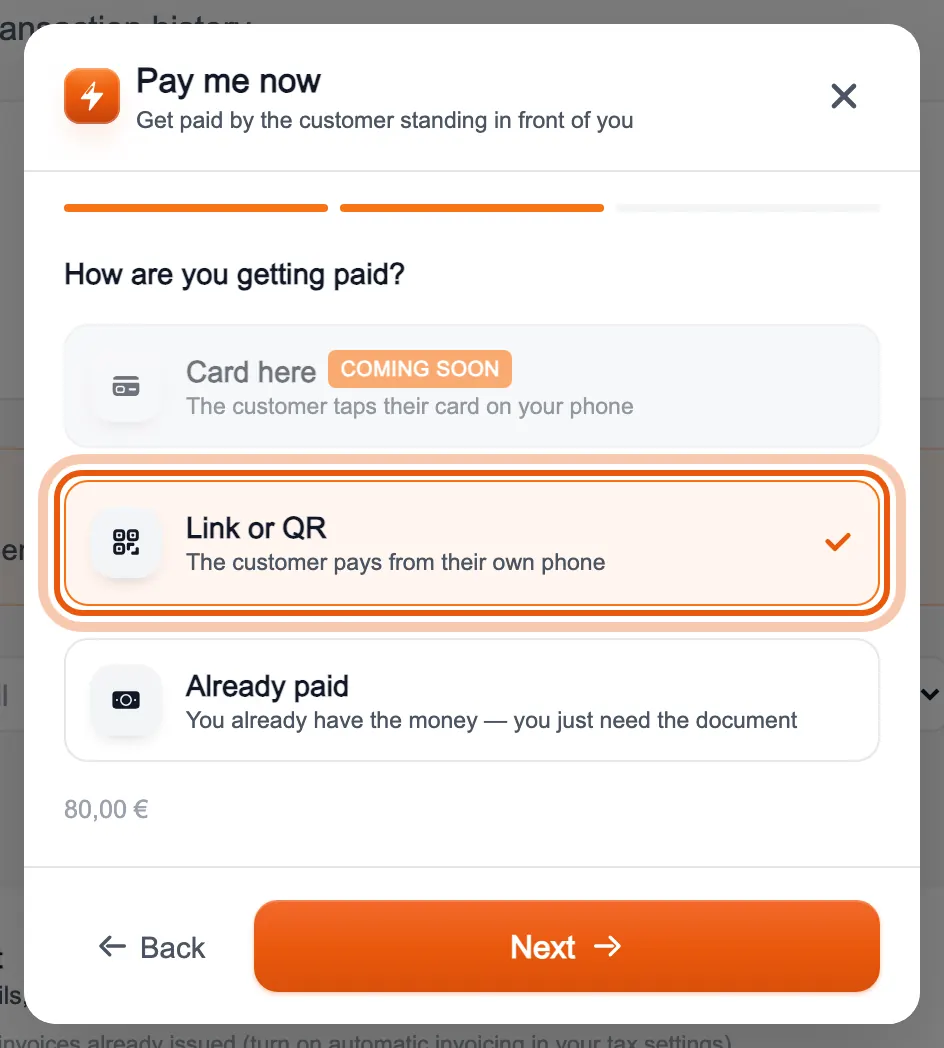
Choose how you collect: «Link or QR» if the client pays from their phone, «Already paid» if you already have the money in cash or by bank transfer and only need to record it. «Card here», with the card held to your phone, is used from the Bink app.
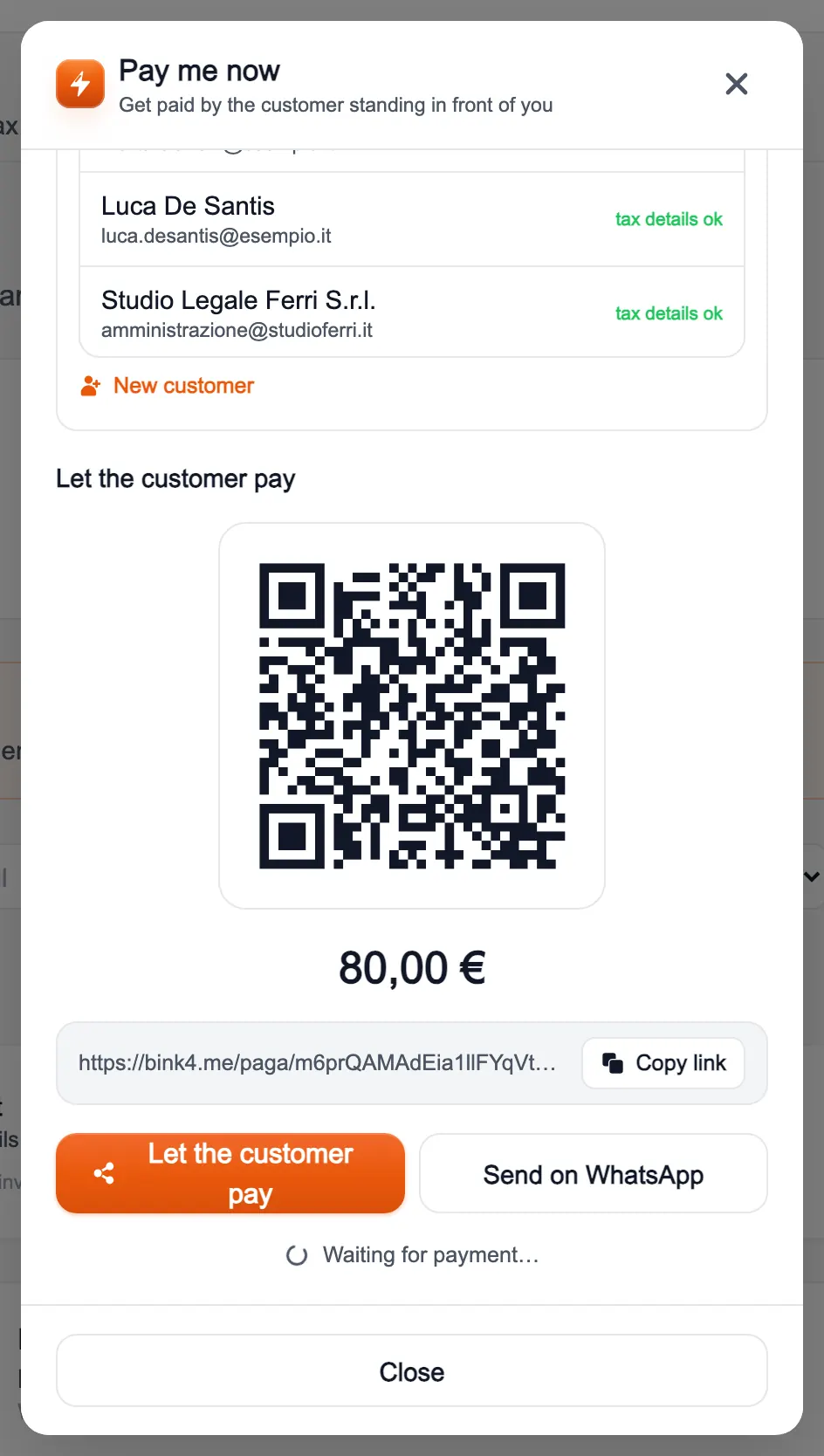
Press «Next» and the payment request is ready. If you issue invoices you see which document the payment will create; below you can add a description and link the client from your list, so the document is made out to them.
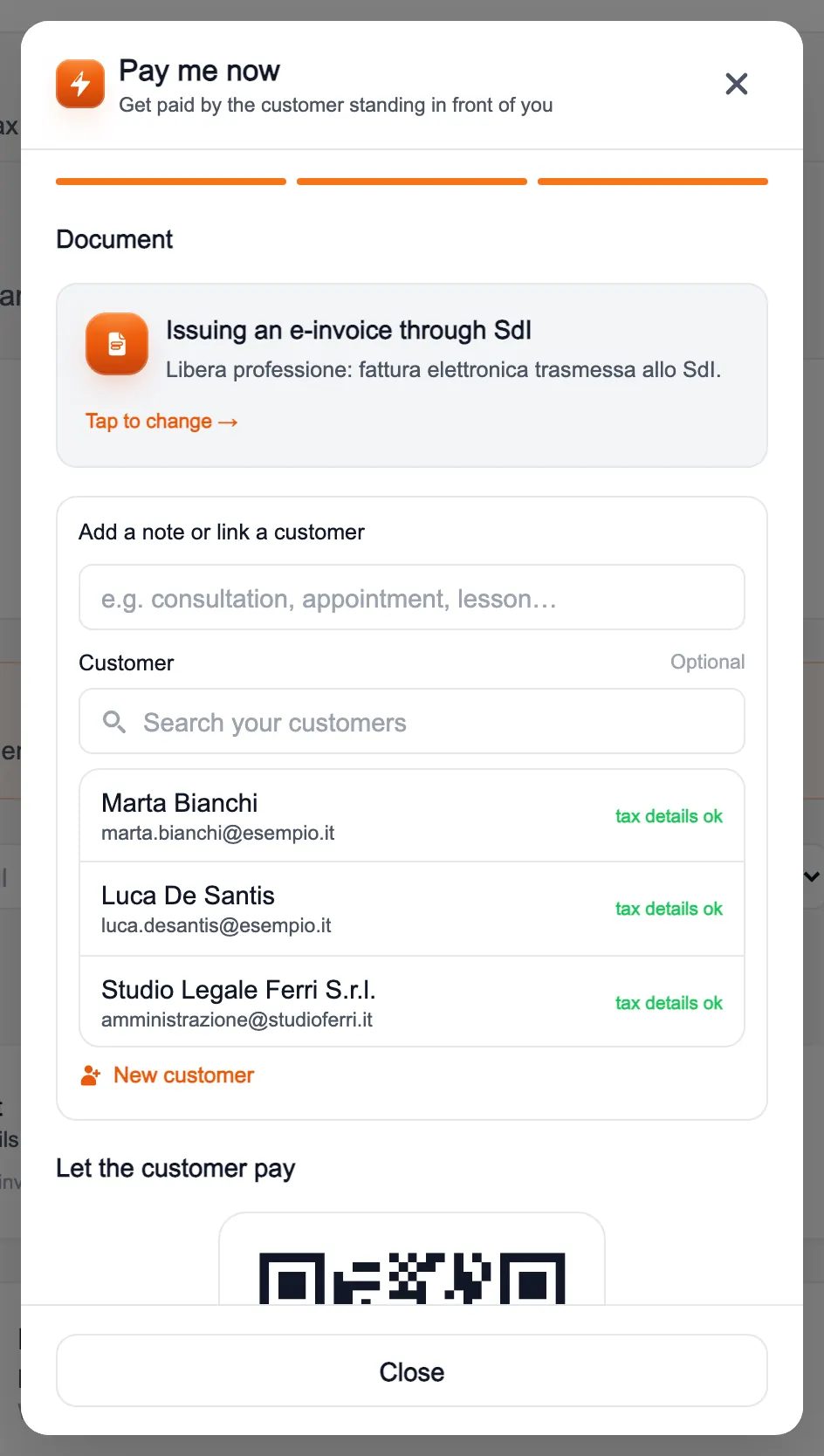
At the bottom, under «Let the customer pay», there is the QR code to scan and the buttons to copy the link or send it on WhatsApp. When the client pays, the payment shows up among your transactions by itself.
Still stuck?
Terms and definitions live in the glossary; for anything else there’s support.